What is MobileDevice Management (MDM)?
Scale Device Management with the Right MDM Solution
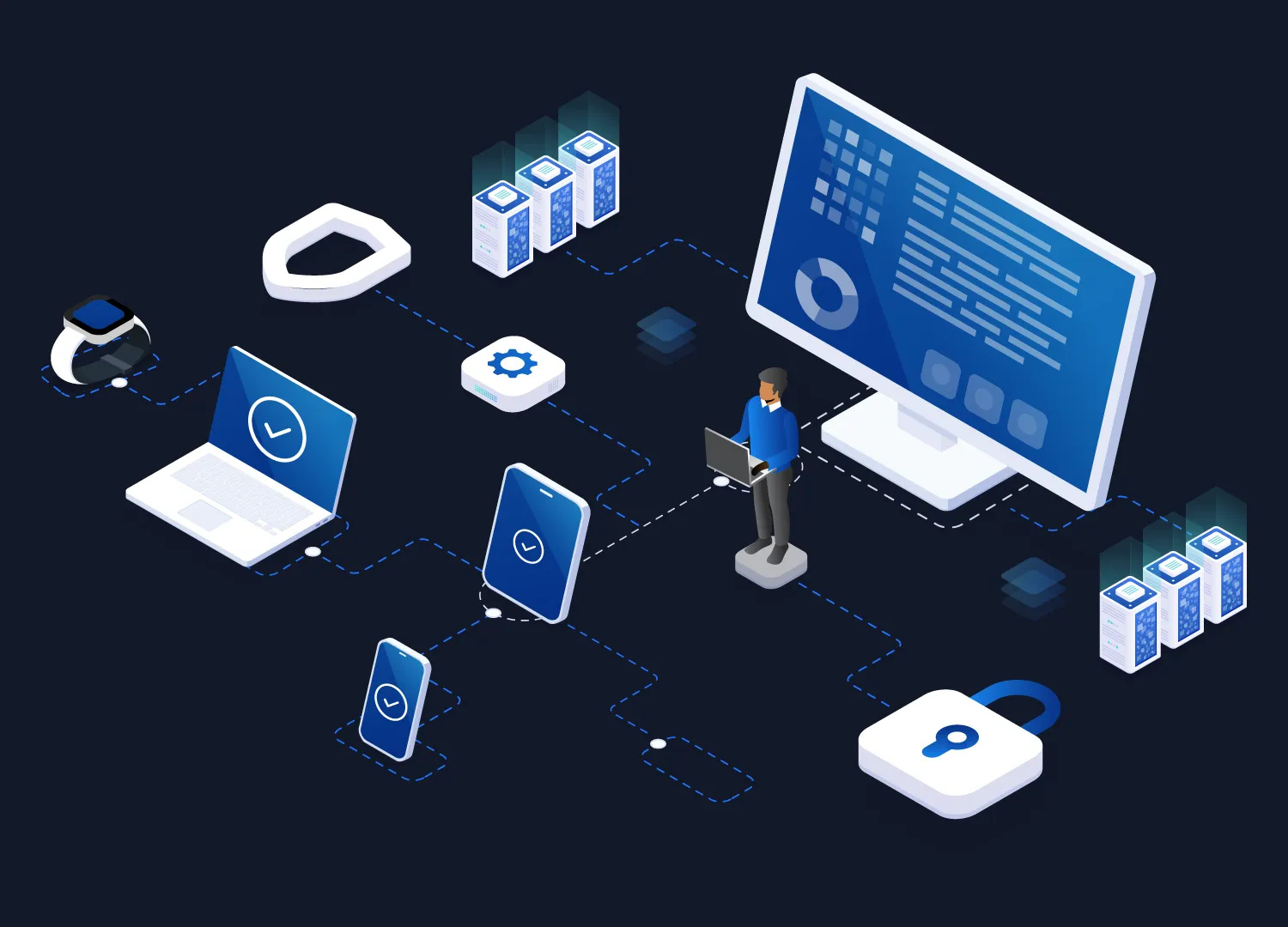
From startups to global enterprises, managing devices securely and efficiently is critical. A robust MDM solution helps you simplify operations, enforce policies, and protect business data across all endpoints.
What is MDM?
Mobile Device Management (MDM) is a software solution that allows organizations to secure, monitor, and manage mobile and endpoint devices—including smartphones, tablets, laptops, and IoT devices—from a centralized platform.
It enables IT teams to enforce security policies, control device usage, and protect sensitive business data across distributed work environments.
Mobile Device Management has become essential as businesses increasingly rely on mobile devices and remote teams. Without a centralized management system, organizations face challenges in maintaining security, ensuring compliance, and managing large numbers of devices efficiently.
Why is Mobile Device Management (MDM) Important?
As organizations adopt mobile-first and remote work models, managing and securing devices has become increasingly complex. Employees now access business data from multiple devices and locations, making traditional IT control methods ineffective.
Mobile Device Management helps organizations maintain security, visibility, and control across all endpoints—without disrupting productivity. It enables IT teams to enforce policies, monitor device activity, and respond quickly to potential threats.
Without an effective MDM strategy, businesses risk data breaches, compliance violations, and operational inefficiencies.
Key Reasons Why MDM Matters
Protects Sensitive Business Data
Ensures corporate information remains secure through encryption, access controls, and remote wipe capabilities.

Enables Remote Device Management
Allows IT teams to monitor, update, and troubleshoot devices from anywhere.
Supports BYOD Environments
Separates personal and business data to maintain privacy while ensuring security.

Ensures Compliance
Helps organizations meet regulatory requirements by enforcing security policies.

Improves IT Efficiency
Automates routine tasks and centralizes device management, reducing manual workload.
MDM Market Insights
The rapid shift toward mobile-first work environments and increasing cybersecurity risks are driving strong adoption of Mobile Device Management solutions worldwide.
Explosive Market Growth
The global Mobile Device Management market was valued at $7.67 billion in 2024 and is projected to reach $28.37 billion by 2030, growing at a CAGR of 24.5%.
BYOD is Becoming Standard
The rise of Bring Your Own Device (BYOD) policies is a major growth driver, as organizations increasingly need to manage personal devices used for work securely.

Security Risks Are Increasing
Over 90% of ransomware attacks originate from unmanaged devices, highlighting the urgent need for centralized device control and security enforcement.
Remote & Hybrid Work is Accelerating Adoption
The shift to remote work has significantly increased demand for MDM solutions, as organizations need to manage devices outside traditional network boundaries.
Cloud-Based MDM is Dominating
Cloud deployments now account for a major share of the market, as they enable scalable, remote, and real-time device management across distributed teams.
These trends highlight why Mobile Device Management is evolving from an IT tool into a core cybersecurity and operational strategy for modern enterprises.
Discover how enterprise mobile device management solutions help businesses stay secure and scalable.
Discover how enterprise mobile device management solutions help businesses stay secure and scalable.
How Mobile Device Management (MDM) Works
MDM platforms follow a structured lifecycle to ensure efficient device control:
Device Enrollment
Devices are securely enrolled into the system (manual, bulk, or zero-touch).
Policy Configuration
Admins define rules like password policies, app restrictions, and network access.
Device Monitoring
Track device health, usage, and compliance in real time.
Application & Content Management
Control app installations and secure business data access using mobile application management solutions.
Security Enforcement
Enable encryption, remote lock, and wipe capabilities to prevent data breaches.
Types of Device Management Solutions
Modern endpoint management includes multiple layers beyond just MDM:
Mobile Device Management (MDM)
Manages the full lifecycle of enterprise devices.
Explore enterprise mobile device management solutions.
Mobile Application Management (MAM)
Secures and manages business apps independently of the device.
Learn more about MAM solutions for enterprises.
Mobile Content Management (MCM)
Ensures secure sharing and storage of corporate data.
Discover secure mobile content management solutions.
Mobile Identity Management (MIM)
Handles authentication and access control.
Read about identity and access management for mobile devices.

Unified Endpoint Management (UEM)
Extends management to desktops, IoT, and wearables.
Explore unified endpoint management (UEM) solutions.
BYOD Management
Enables secure use of personal devices for work.
See how BYOD management solutions for enterprises work.
IoT & Kiosk Device Management
Supports kiosks, POS systems, and rugged devices.
Learn about IoT kiosk device management solutions.
MDM vs EMM vs UEM: What’s the Difference?
Feature
MDM
EMM
UEM
Focus
Device management
Device + apps + content
All endpoints
Scope
Mobile devices
Mobile ecosystem
Mobile + desktop + IoT
Use Case
Basic security & control
Enterprise mobility
Unified IT management
Real-World Examples of MDM
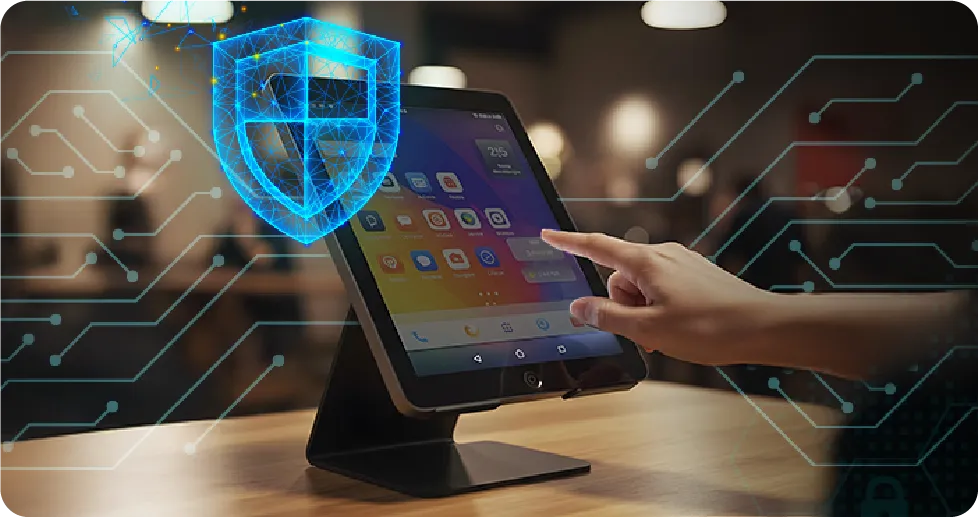



Key Features of MDM
1
Remote device monitoring and troubleshooting
2
App installation and restriction controls
3
Data encryption and secure access
4
Remote lock and wipe capabilities
5
Geolocation tracking
6
Compliance and policy enforcement
Explore these capabilities in detail with advanced MDM features for enterprises.
Challenges Solved by MDM
Challenge
How MDM Helps
Data security risks
Enforces encryption and remote wipe
Lost or stolen devices
Enables tracking and locking
BYOD complexity
Separates personal and corporate data
Compliance requirements
Automates policy enforcement
IT workload
Centralized management reduces manual effort
Benefits of Mobile Device Management
1
Stronger security posture
2
Increased operational efficiency
3
Real-time device visibility
4
Improved workforce productivity
5
Reduced IT costs
See how businesses achieve ROI with mobile device management solutions at scale.
How to Choose the Right MDM Solution
When evaluating an MDM solution, consider:
1
Multi-OS support (Android, iOS, Windows, Linux)
2
Scalability for growing device fleets
3
Security and compliance features
4
Ease of deployment and use
5
Integration with existing IT systems
Compare options and find the right fit with enterprise MDM solution comparison guide.
Why Businesses Choose 42Gears for MDM
42Gears provides a powerful and scalable MDM solution designed for modern enterprises:
1
Supports Android, iOS, Windows, Linux, and IoT devices
2
Advanced security with encryption and role-based access
3
Remote troubleshooting and automation
4
Flexible deployment for businesses of all sizes
Frequently Asked Questions (FAQs)
Find answers to common questions about our service.
Conclusion
Mobile Device Management is essential for businesses operating in a mobile-first, distributed environment. It provides the control, security, and scalability needed to manage modern endpoints effectively.
If you're looking to streamline device management and improve security, explore enterprise-grade MDM solutions today.