Windows MDM SoftwareFor Windows Device Management
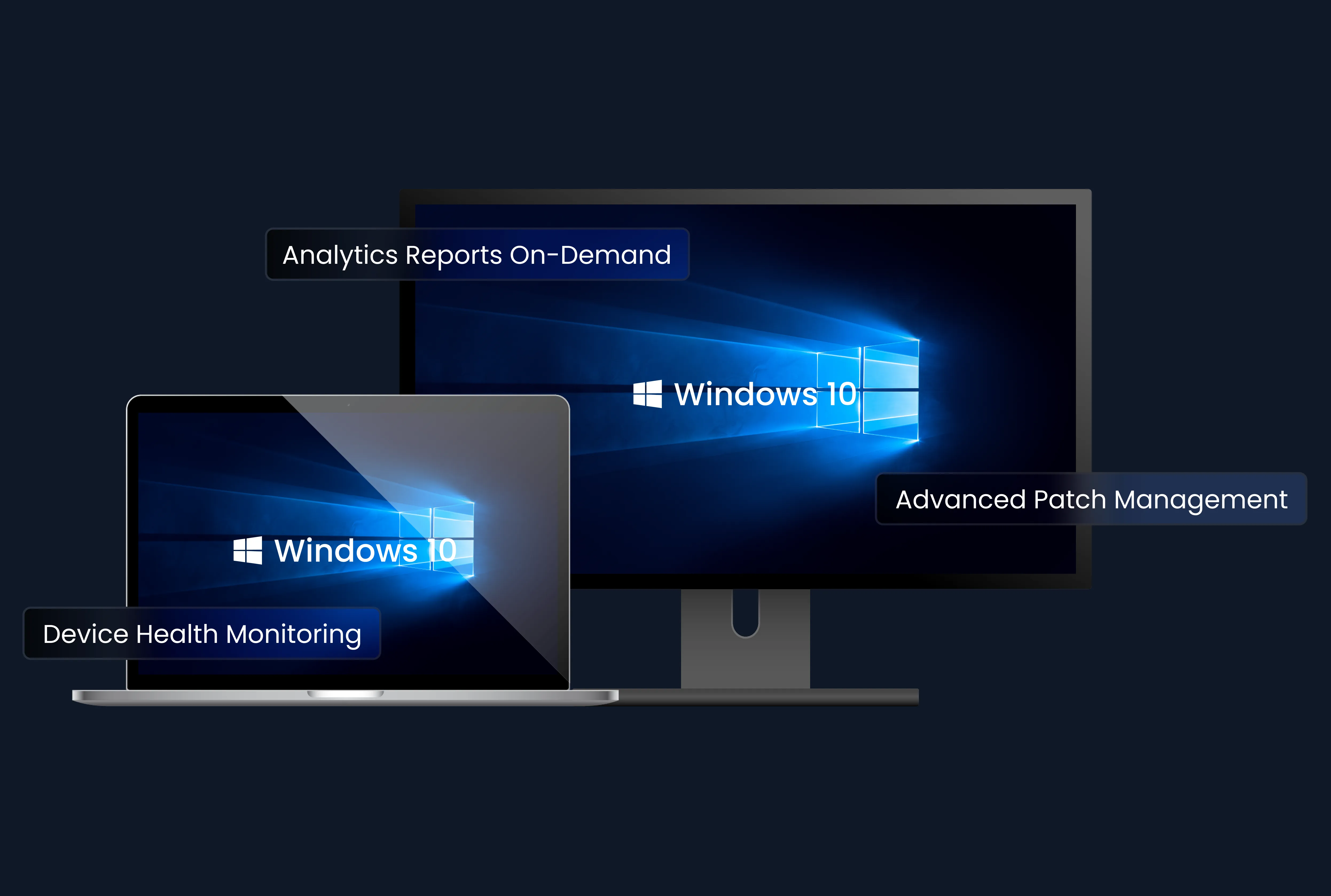
Windows MDM (Mobile Device Management) is a technology used to provision, manage, and secure Windows-based devices, such as laptops, tablets, and computers, in a corporate environment. Is there an MDM for Windows? Yes, an MDM solution for Windows makes it easy to enroll devices, set up restrictions and settings on devices, and remotely install or remove apps, as well as deliver content. By using a Windows MDM solution (SureMDM), IT administrators gain full control over the devices in the workplace, enhancing corporate data security and improvement in user and employee productivity.
Windows MDM (Mobile Device Management) is a technology used to provision, manage, and secure Windows-based devices, such as laptops, tablets, and computers, in a corporate environment. Is there an MDM for Windows? Yes, an MDM solution for Windows makes it easy to enroll devices, set up restrictions and settings on devices, and remotely install or remove apps, as well as deliver content. By using a Windows MDM solution (SureMDM), IT administrators gain full control over the devices in the workplace, enhancing corporate data security and improvement in user and employee productivity.
Capabilities of Windows MDM Software
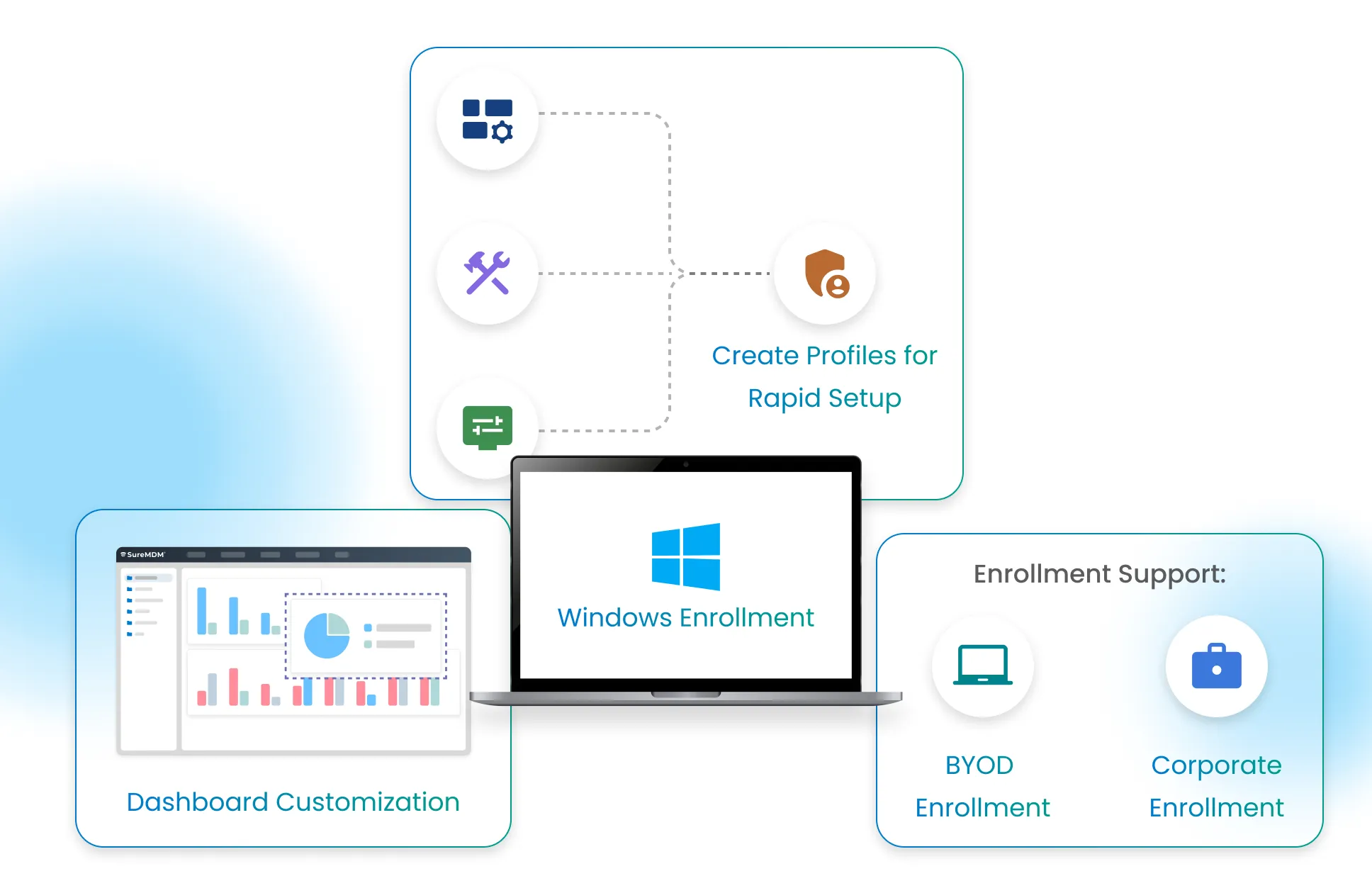
Windows Enrollment
- Enroll Corporate and Bring-Your-Own Devices Alike: SureMDM supports both Corporate enrollment for full control. It also supports BYOD enrollment for Windows devices, so employees can bring their own Windows devices to work without compromising security and privacy.
- Multiple Enrollment Methods: SureMDM supports multiple enrollment methods for Windows devices such as Enrollment Using SureMDM Agent, EMM Enrollment, Enrollment Using Provisioning Package, and Windows Autopilot/OOBE(Out-of-box) enrollments. Additionally, SureMDM allows admins to configure EMM within SureMDM Agent so dual enrollment takes place automatically. This will help admins to configure features under Jobs and Profiles in SureMDM Web Console. Please note that dual enrollment is supported only on Windows 10 devices.
- Rapid Set-Up: Bundle many settings, configurations, and policies into a profile, and send that profile to each device for rapid set-up.
- Customize Your Dashboard: The SureMDM Console features an intuitive dashboard. Set up the metrics you want to see, and find what you need at a glance.
Management: Keep Windows Devices Up-to-Date, Secure, and Compliant
- App and Content Management: Push apps and content to Windows devices via the central SureMDM Console, or create and apply a profile with Application Policy and File Sharing Policy.
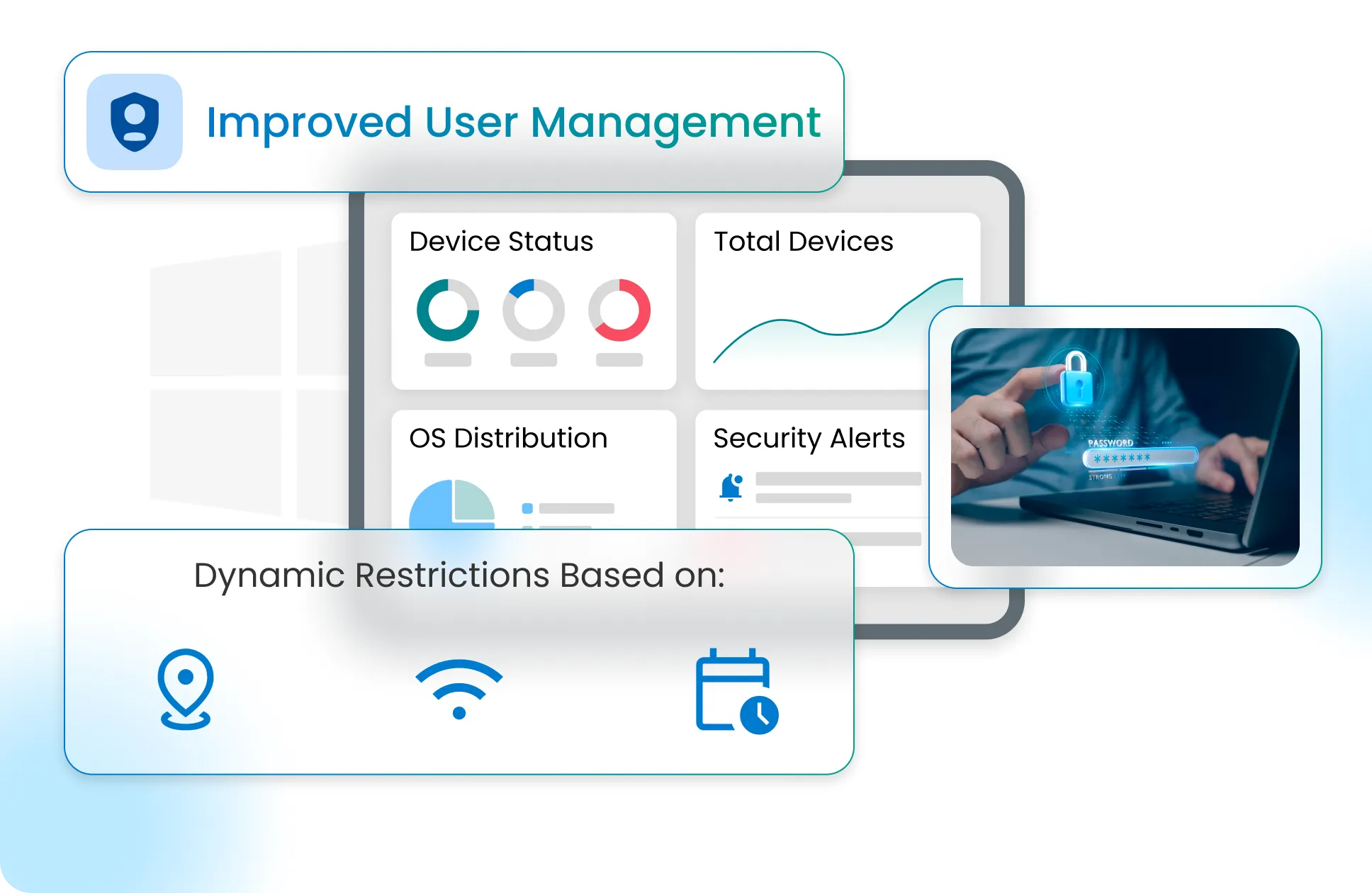
- Dynamic Restrictions: Automatically allow or prevent device use based on location, time of day, and Wi-Fi connection status.
- Minimum Password Standards: Set minimum password complexity requirements for each device, ensuring would-be thieves cannot easily guess passwords.
- Device Health Monitoring: Monitor devices remotely. Set up alerts for low-battery, loss of connectivity and other non-compliance events.
- User Management: Improved user management that allows admins to create, delete, modify permissions for an account, instead of solely creating users.
- Compliance Management: Ensure Windows compliance with industry regulations and company policies through pre-configured and custom compliance profiles in SureMDM.
Security: Keep Devices Safer with SureMDM
- Control Use of Peripherals: Prevent users and malicious actors from accessing device webcams or other unnecessary functionality.
- Advanced BitLocker Management: Advanced BitLocker management allows a single job to perform actions such as encryption, decryption, and key rotation for all types of drives (including OS and fixed drives). Devices can be encrypted silently without the need to join Microsoft Entra ID. If device enrollment type is Microsoft Entra Join, key rotation ensures that keys are automatically loaded to Entra ID.
- Lost Device Recovery: See lost devices on a map in the SureMDM Console. From there, lock down or erase device contents to keep corporate data safe.
- Advanced Patch Management: Streamline OS updates to ensure devices are consistently running on the latest Windows versions. Configure device compliance policies based on Windows OS versions, gather insights on installed, missed, and pending updates, and even uninstall patches if necessary.
- USB Security Management: Create a list of approved and prohibited USB devices to prevent the use of unauthorized ones. Additionally, SureMDM allows configuring security settings for individual devices or groups of devices, ensuring flexible security posture.
- Improved Certificate Management: Remotely deploy unique certificates (PCKS and root certificates) on multiple Windows devices. Apart from adding new certificates, SureMDM supports removing all the existing certificates from their respective certificate stores on devices.
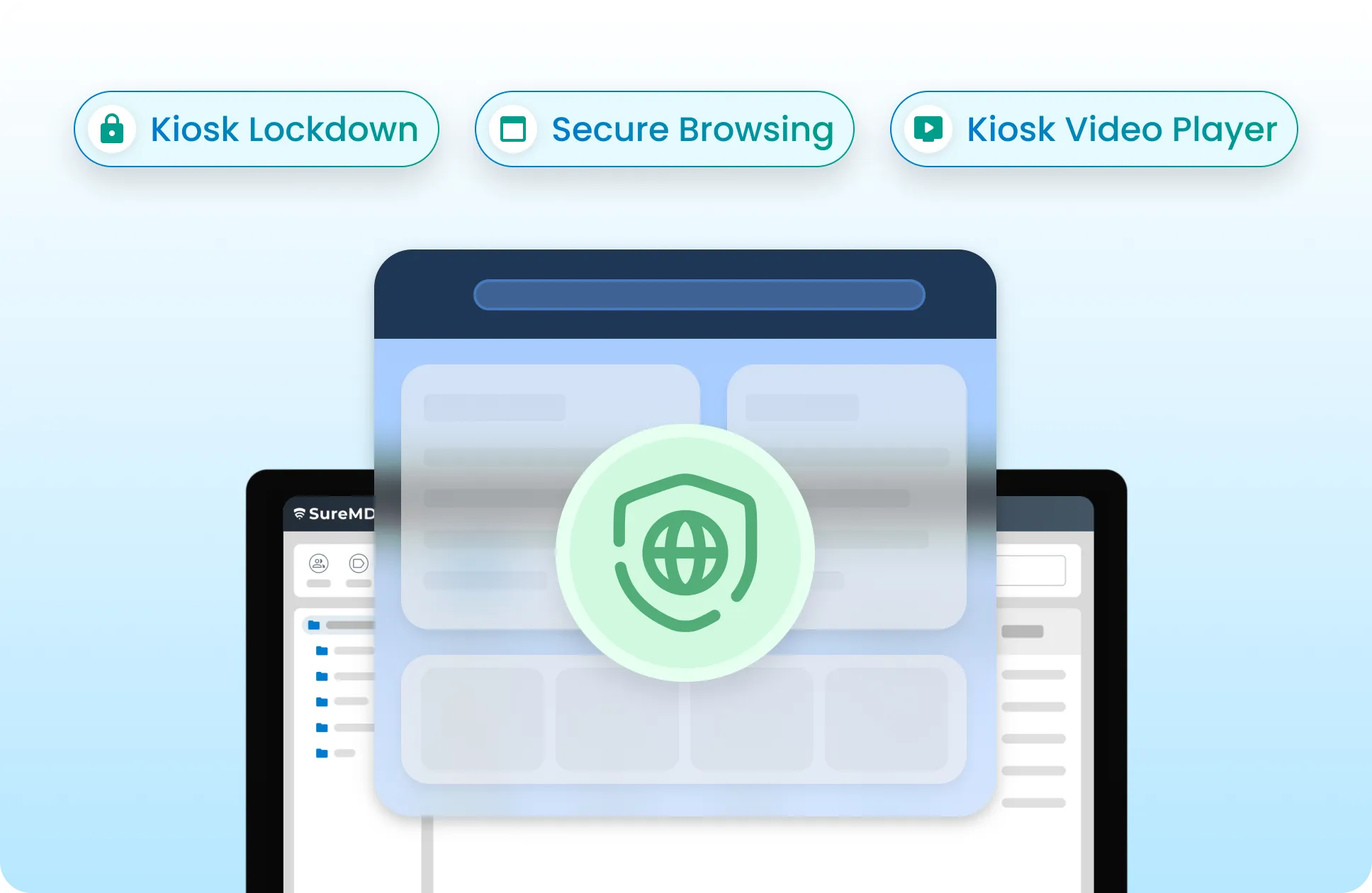
Windows Kiosk Lockdown and Secure Browsing
- Kiosk Lockdown: Lock Windows devices down and allow the use of only IT-approved allowlisted applications.
- Secure Browser: Create a secure browser for Windows by restricting users to only websites you approve in advance.
- Kiosk Video Player: Turn any Windows 10 device into a secure video player, looping videos in a playlist and preventing viewers from tampering with or exiting video playback.
Remote Control and Remote Troubleshooting
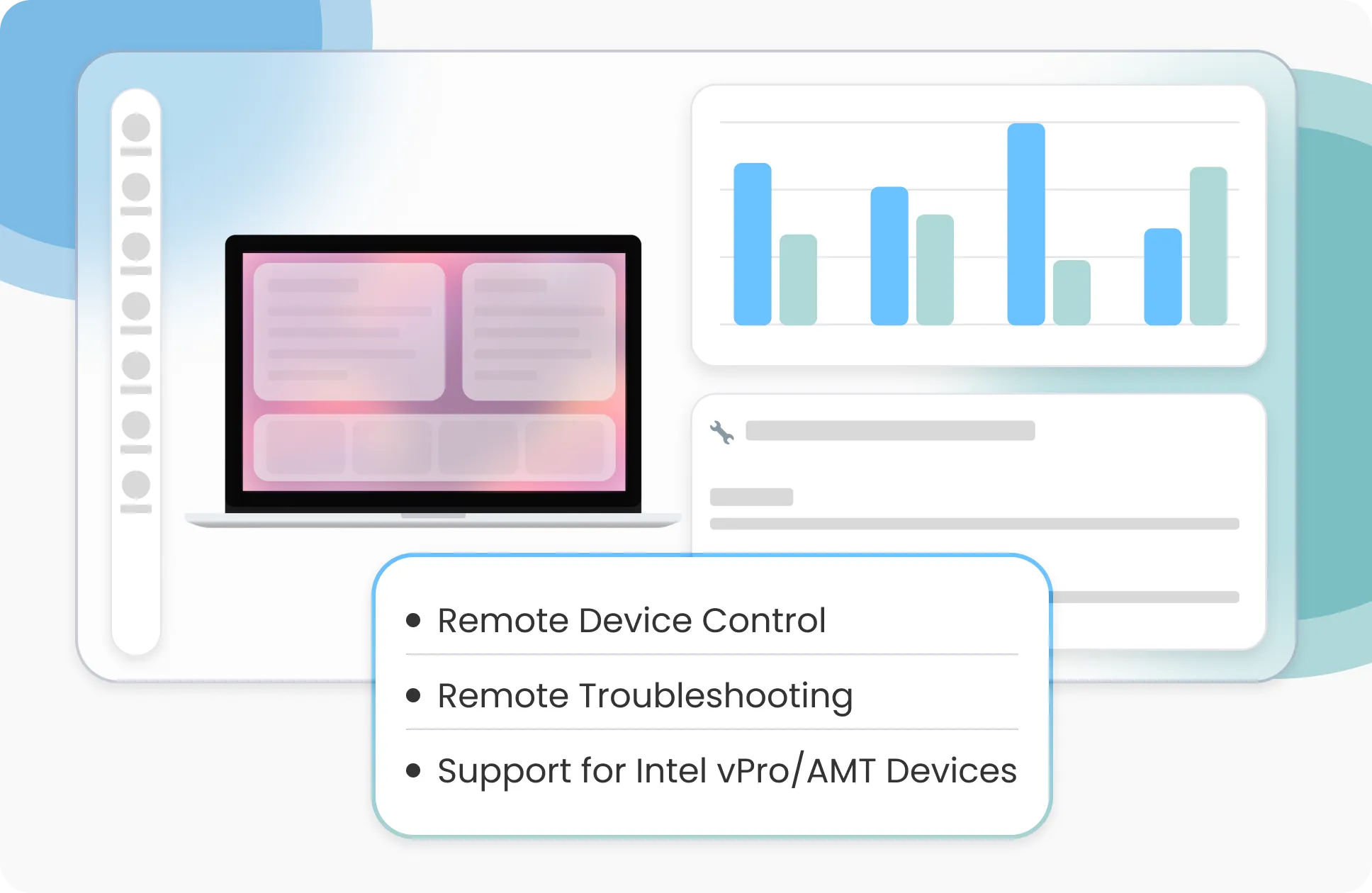
- Remote Control: Take control of your Windows devices remotely, and use mouse, keyboard, and touchscreen inputs as if you were in front of each device. User-end notification pop-up is also supported while a remote session is established. With multi-admin remote control, multiple admins can remotely connect and troubleshoot end-user devices at the same time.
- Remote Troubleshooting: Repair devices whenever they need help with remote troubleshooting, and save money on transit costs.
- Advanced Support for Intel vPro/AMT Devices: SureMDM Active Management Technology (AMT) to give you full control over supported Intel vPro devices at all times, even when they are turned off.
Audits and Reports
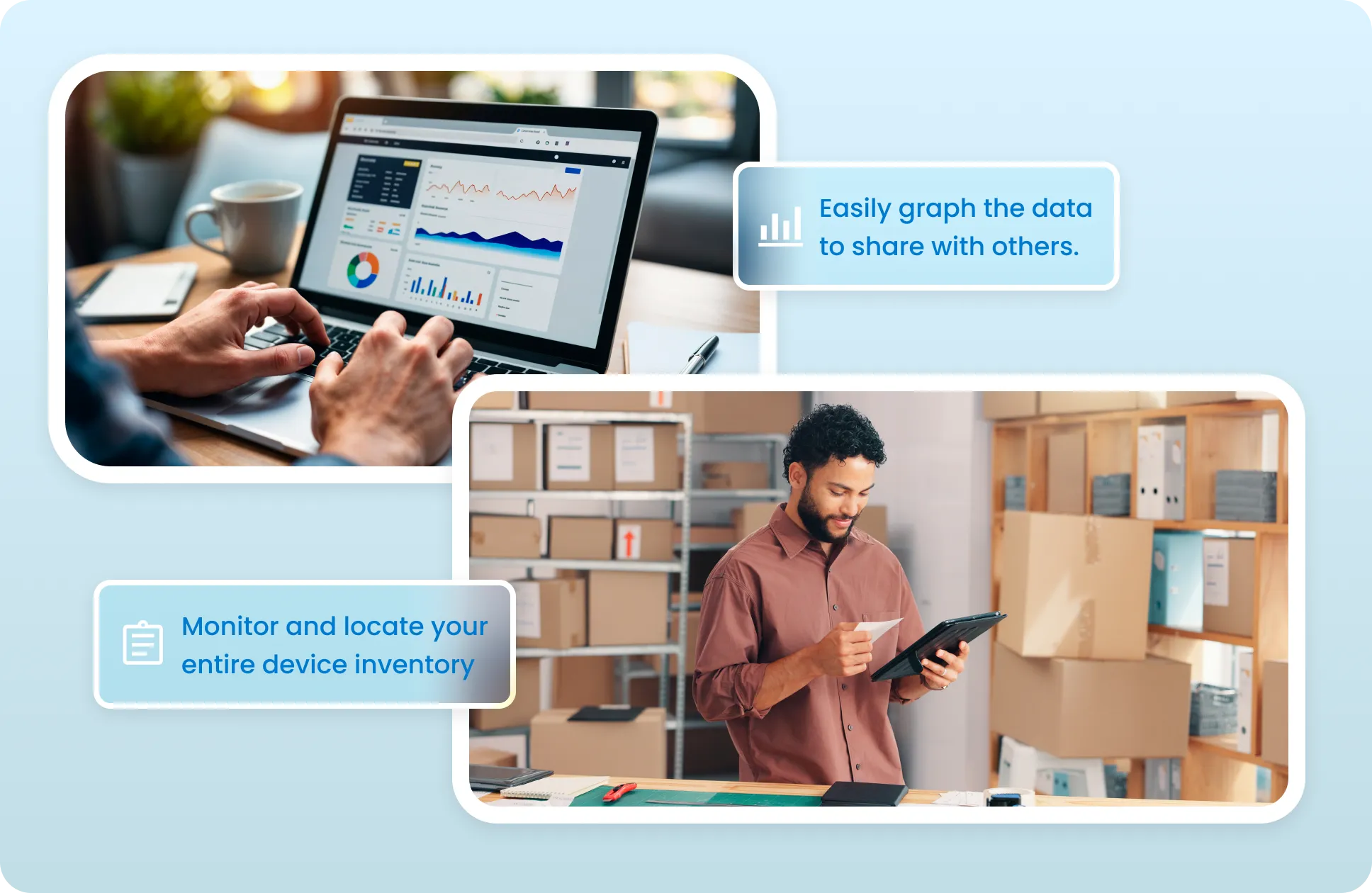
- Inventory Audits: Monitor and locate your entire device inventory at a glance.
- Analytics Reports On-Demand: Use SureMDM’s powerful Analytics Engine to find high-level patterns in the way your business uses Windows devices. Plus, easily graph the data to share with others.
Windows MDM Key Features
Remotely manage and secure your device fleet
Device Enrollment
Device Provisioning
Device Health Monitoring
Device Grouping
Kiosk Management
Remote Access & Control
VPN Configuration
Location Tracking
Windows Updates Management
Windows Licensing Profile
Reboot Device
AppLocker Management
Wi-Fi Configuration
Powershell Integration
Maximize Branding Potential
Application Management
Deploy, Manage and Secure Apps on Devices







Content Management
Securely Deliver Data and Keep It Safe on Devices
Deliver Content
Rapid Messaging
Device Security





Bring Your Own Device (BYOD) and EMM Features
Supports Windows 10 and Above. No Agent Required
Most of the EMM features listed in previous sections are also available for BYOD device management.Password Policy
Mail Configuration
What are the Benefits of Windows 10 MDM Solution?




Testimonial for Windows MDM powered by SureMDM
Windows MDM FAQs
Find answers to common questions about our service.