Secure Kiosk Browserfor Android, iOS, Windows
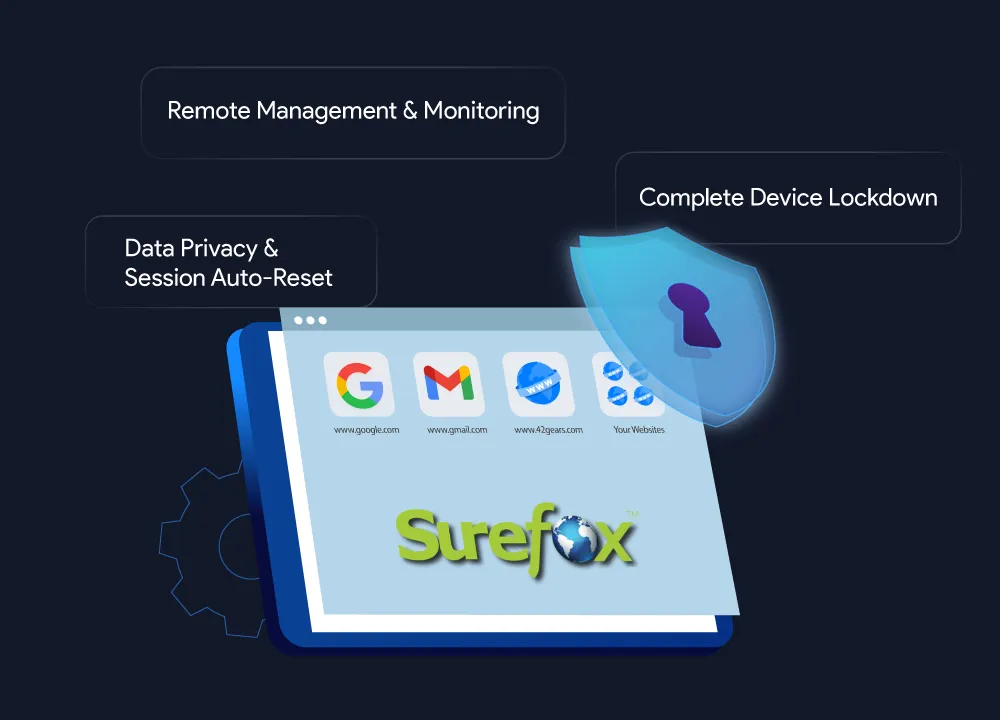
Create a controlled, secure browsing experience on any device. A secure enterprise browser solution.
💡 Trusted by 100,000+ users worldwide.
- 58% of employees spend over 4 hours weekly on non-work websites.
- Unrestricted browsing increases risk of malware, phishing, and data breaches.
- Productivity drops when employees access non-work-related content.
- 58% of employees spend over 4 hours weekly on non-work websites.
- Unrestricted browsing increases risk of malware, phishing, and data breaches.
- Productivity drops when employees access non-work-related content.
With SureFox kiosk browser software, businesses can make the Internet available wherever and whenever users need it, without the risks often tied to Internet use. These include:
Benefits of Using a Secure Kiosk Browser

Cost-Effective Device Security
Convert off-the-shelf devices into secure web kiosks
Minimize hardware investment
Block potential malware downloads

Enhanced Productivity
Limit web access to work-related sites
Block distracting content
Improve focus and efficiency

Comprehensive Device Protection
Dynamic keyword filtering
Real-time content monitoring

Remote Device Management
Change kiosk browser lockdown settings remotely
Manage multiple devices simultaneously via SureMDM
Lower repair-related travel costs
Centralized device control across your organization

Easy Deployment
Compatible with iOS, iPadOS, Android, and Windows
Easy configuration and management
Scalable Solution
Import and export configured settings
Quickly replicate configurations across multiple devices
Advanced Features for a Secure Browsing Experience
1
Flexible Website Allow/Block Lists
Control web access by adding approved websites and web apps to an Allow List while restricting unwanted ones with a Block List.
2
Remote Management
Manage browser settings, lock/unlock features, and deploy configurations across devices remotely using the centralized SureMDM console.
3
Custom Branding
Personalize the SureFox browser by setting a custom wallpaper that aligns with your brand identity.
4
Monitor Browser Activity
Export browsing activity logs in .CSV format and schedule reports to monitor user behavior and ensure policy compliance.
5
Disable Auto-Suspend
Keep devices powered on continuously for uninterrupted kiosk functionality.
6
Advanced Content Blocking
Block websites containing restricted keywords through dynamic content filtering to ensure a safe and compliant browsing experience.
7
Complete Device Lockdown (Pro Version)
Restrict users from accessing any other apps or settings outside the secure browser environment.
8
Password-Protect Settings
Prevent unauthorized changes to browsing and security settings.
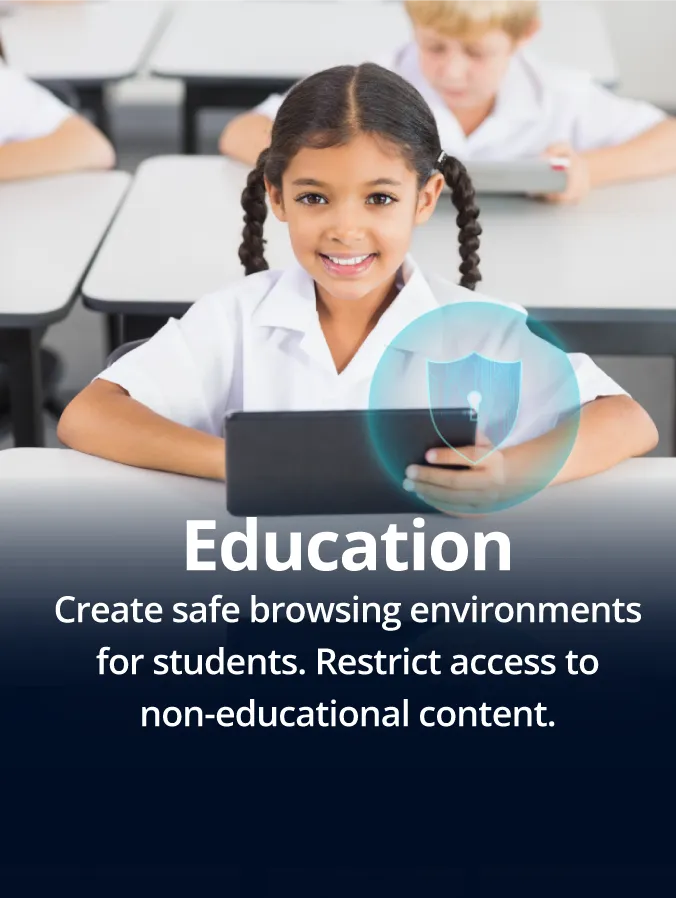
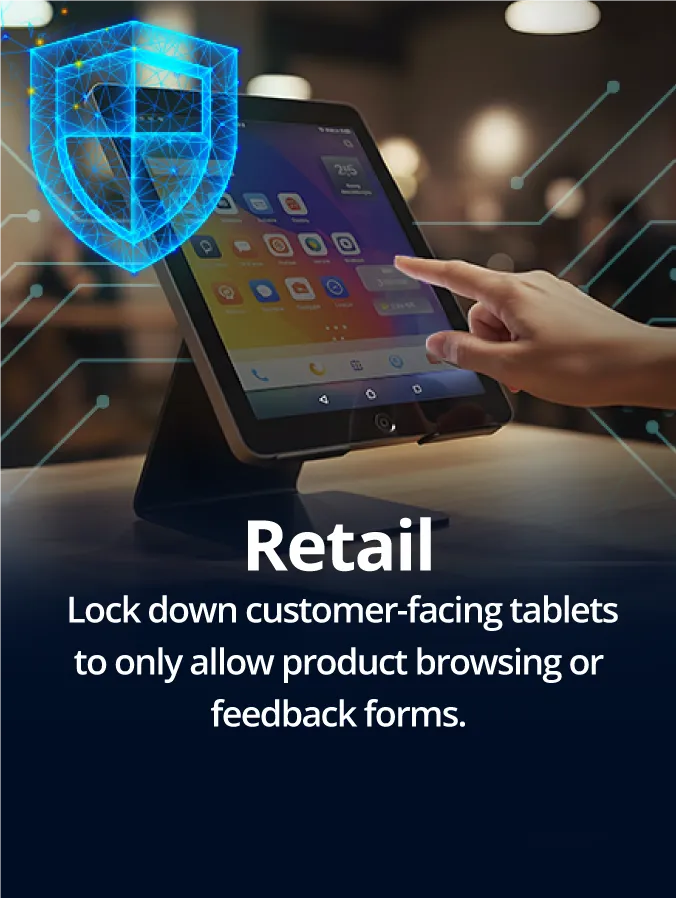
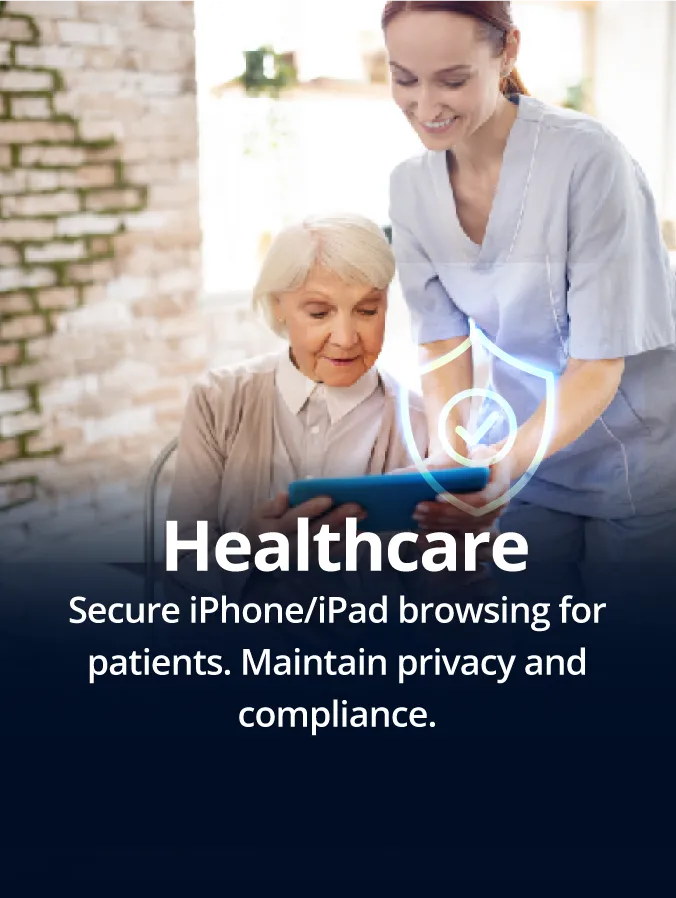
Industries That Benefit from a Secure Browser

What Our Customers Say
FAQs on Secure Browser
Find answers to common questions about our service.
Supported Platforms for SureFox Browser Kiosk Solution