🚧 Page Under Maintenance

Some sections are currently being updated. Content mapping is in progress and will be available soon.

Lenovo

Lenovo Recommended MDM Software

Lenovo Tablet Management Made Easy

Fast Enrollment | Easy Provisioning | Kiosk Mode | App Deployment | Remote Control

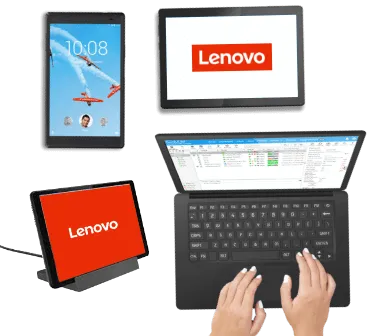
Android devices from Lenovo are favorites for single purpose or dedicated use-case scenarios. SureMDM is Lenovo approved MDM solution used by customers all over the world.
Start 30 Day Free Trial

Awards by Lenovo

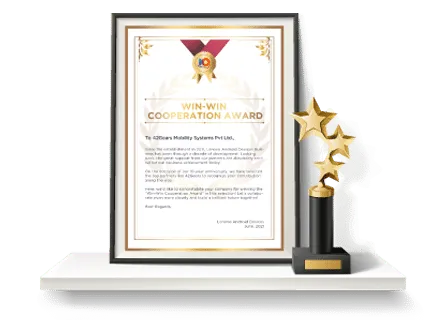
Lenovo has recognized 42Gears with the Win-Win Cooperation Award, appreciating the contributions 42Gears has made during the longstanding 42Gears-Lenovo association.
Android Lenovo Device Management

Lenovo devices are affordable, visually appealing, and smartly-designed to fit the needs of many different enterprises. Choosing devices for your employees is important, but so is choosing a way to manage those devices.

You can manage Lenovo devices using SureMDM by 42Gears, Lenovo’s recommended mobile device management solution for Lenovo business tablets.

Key Features

Configuration Configuration faster-ROI

Faster ROI on new Lenovo devices with quick set-up and deployment

  • Rapid enrollment driven by Android Zero-Touch Enrollment (ZTE)
facilitate-cooperation

Facilitate cooperation by pushing apps to all devices

  • The SureMDM Enterprise Store allows you to push the same apps and app versions onto each device
repair-serivce

Slash the time and money needed for repairs with remote troubleshooting

  • Get devices working by viewing and controlling their screens remotely
boost-productivity

Boost productivity by restricting access to games and other content on Lenovo devices

Monitor lower-cost Lower data costs by identifying, warning, or restricting anyone who uses too much data see-trend-faster.png

See trends faster using the SureMDM Analytics Engine and its graphing capabilities

Secure faster-ROI

Instantly stop irresponsible device use by automatically enforcing compliance

  • Mandate responsible behaviors (including setting complex passwords) and automate disciplinary actions for noncompliance
avoid losing

Avoid losing devices by locating and securing devices from the SureMDM console

  • Use location tracking to find devices, and then remotely lock, restart, or wipe them
make-devices

Make devices tamper-resistant using SureMDM to disable unneeded functionality

  • Including buttons, USB ports, SD card functionality, Safe Mode, factory resetting, and more

Resources

Download the SureMDM + Lenovo Brochure

DOWNLOAD

Provision Lenovo devices through ZTE with SureMDM

WATCH VIDEO

Find answers to all your queries

Explore

“SureMDM is so mature and perfectly met our technical requirements
within our budget and the timeframe we had in mind.”

– DiDi Food on Managing Lenovo Tablets

Sign Up for FreeRead The Case Study