| Applies to: | |
| Product | SureLock |
| Platform | Android |
ON or OFF whenever required can reduce the consumption of device battery power. SureLock's option to turn CPU usage ON or OFF
OFF
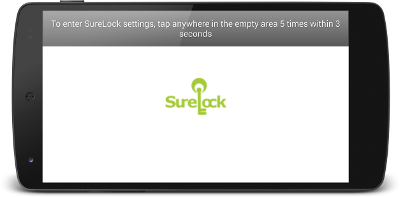
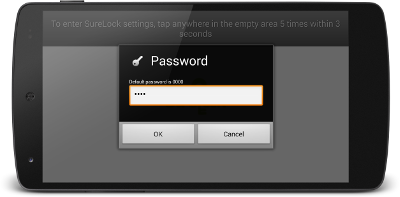
SureLock Password Prompt by tapping on the screen 5 times within 3 seconds
SureLock Settings
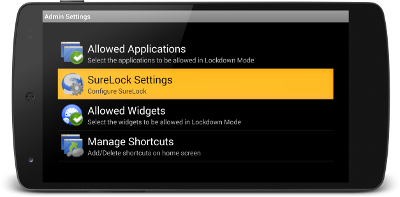
SureLock Admin Settings screen, tap on SureLock Settings
SureLock Settings screen, tap on Timeout Settings
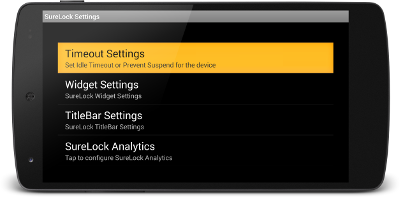
Timeout Settings screen, tap and uncheck Keep CPU On
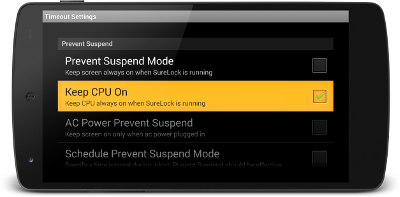
Done
device is in suspended mode, the device will not keep the CPU
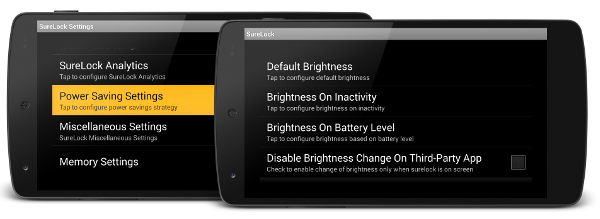
Power Saving Settings to reduce the consumption of device battery power by controlling device brightness.
SureLock for Android, click here