SureMDM is a mobile device management solution that comes with an integrated Call Logging feature allowing you to monitor and log the calls on Android phones. These logs can be viewed directly on SureMDM Admin Console
1. Log in to your SureMDM Web Console
2. On SureMDMHome, click on Jobs and select Android
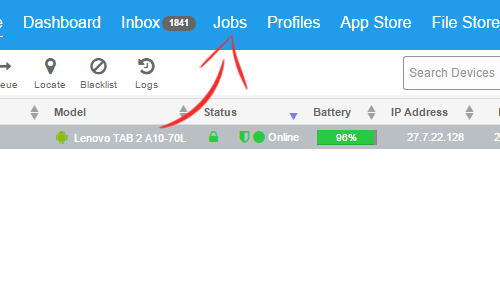
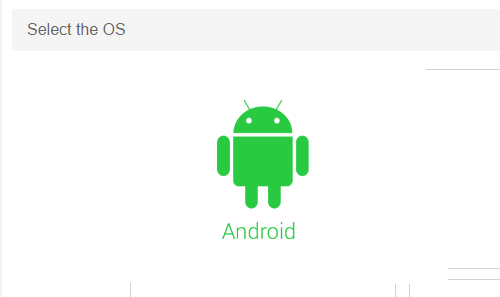
3. On Select Job Type page, click on CallLogTracking
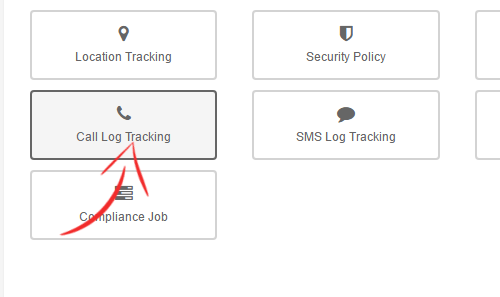
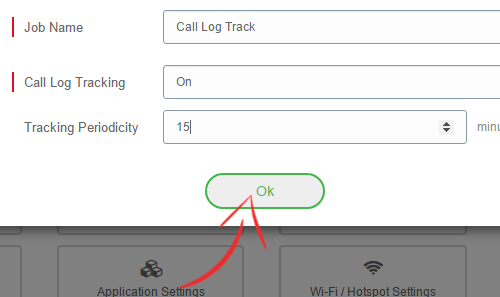
4. On CallLogTracking prompt, give a name to the job and turn Call Log Tracking
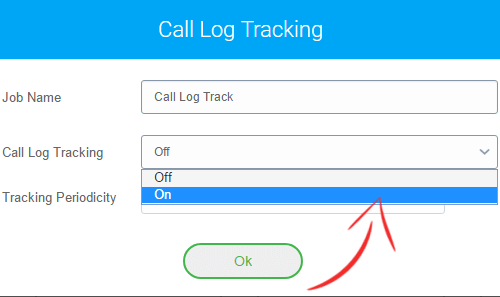
5. Enter a value in minutes in the Tracking Periodicity field and click on OK
6
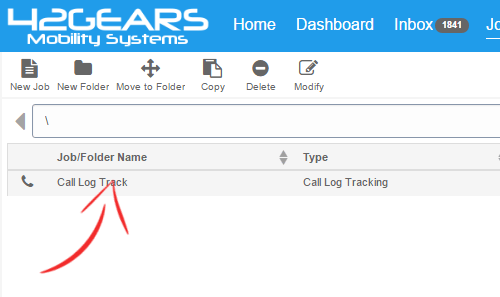
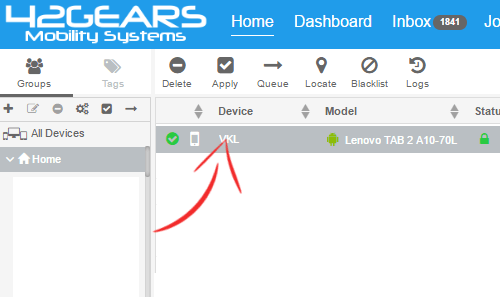
7. Go back to SureMDMHome, select the desired device and click on Apply
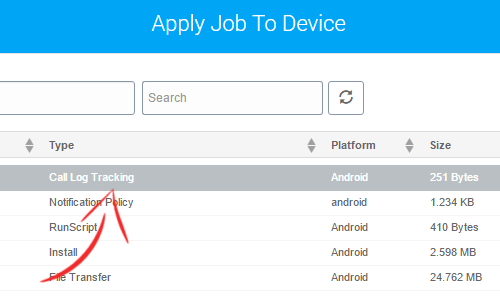
8. On Apply Job To Device prompt, select the job and click on Apply
9. Once the job is successfully applied, SureMDM
1
2. Click on More and click on Call Logs to launch a prompt with following details:
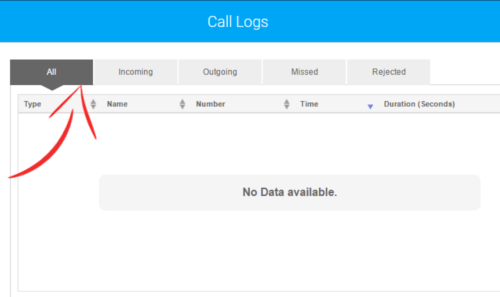
- Incoming
- Outgoing
- Missed
- Rejected
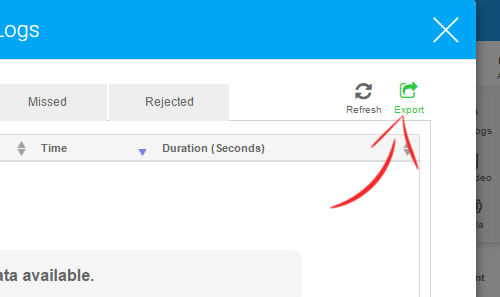
3. Click on Export
SureMDM offers similar feature for SMS with SMS Log Tracking option. Explore such features in SureMDM