| Applies to: | |
| Product | SureMDM On-Premise |
| Platform | Android/Windows |
Note:
1. SureMDM and database can be installed on the same server machine depending on the availability and requirements.
2. Database size will grow depending on amount of data stored as logs and job packages created in SureMDM.
Installation Steps:
SureMDMWSqlExpress.msi and setup.exe
setup.exe
Note: This will download and install all pre-requisites for SureMDM followed by SureMDM Installation.
SureMDMServerSetup Wizard
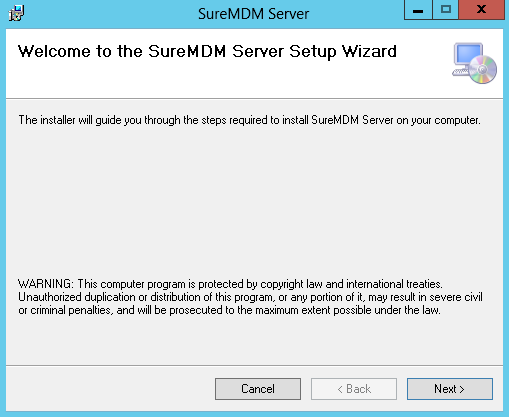
Next
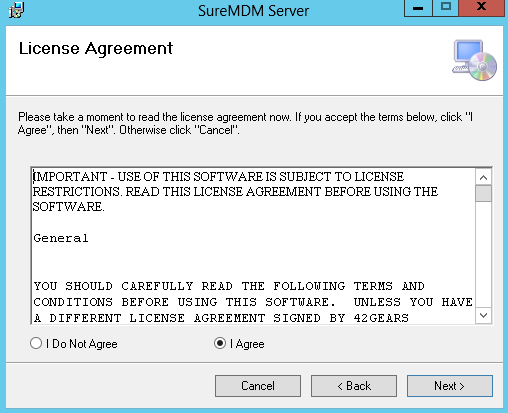
License Agreement. Go through the details and if you agree, select I Agree and click on Next
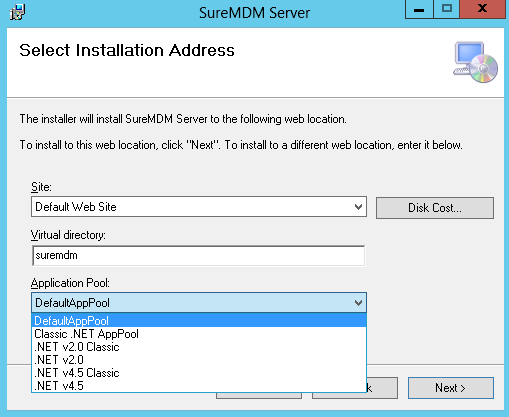
ASP.NET v4.0 or DefaultAppPool from Application Pool drop down menu and click Next
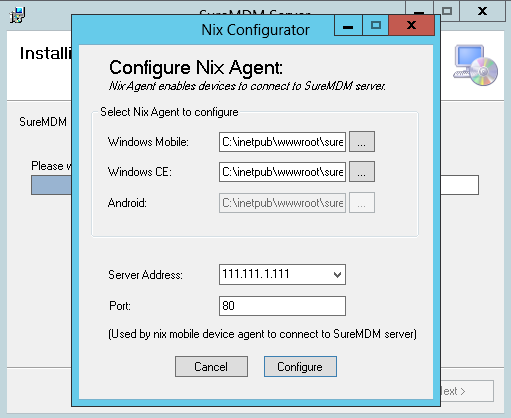
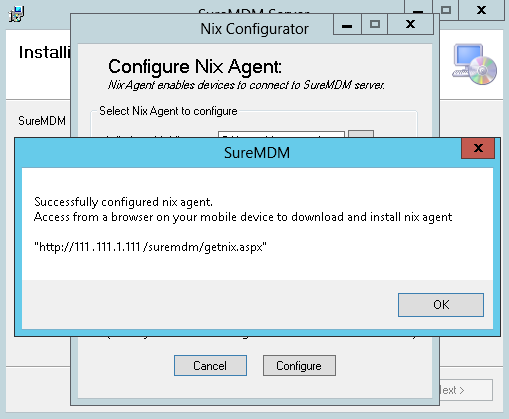
Nix Configuration Utility will launch. Check the server path value. This must be the host name or the IP address of the server on which you are installing SureMDM. Once done. click on Configure to proceed.
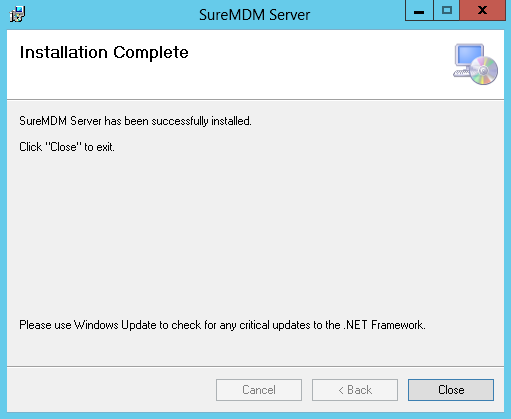
Installation Complete screen, click Close
http:///suremdm/ to access setup page
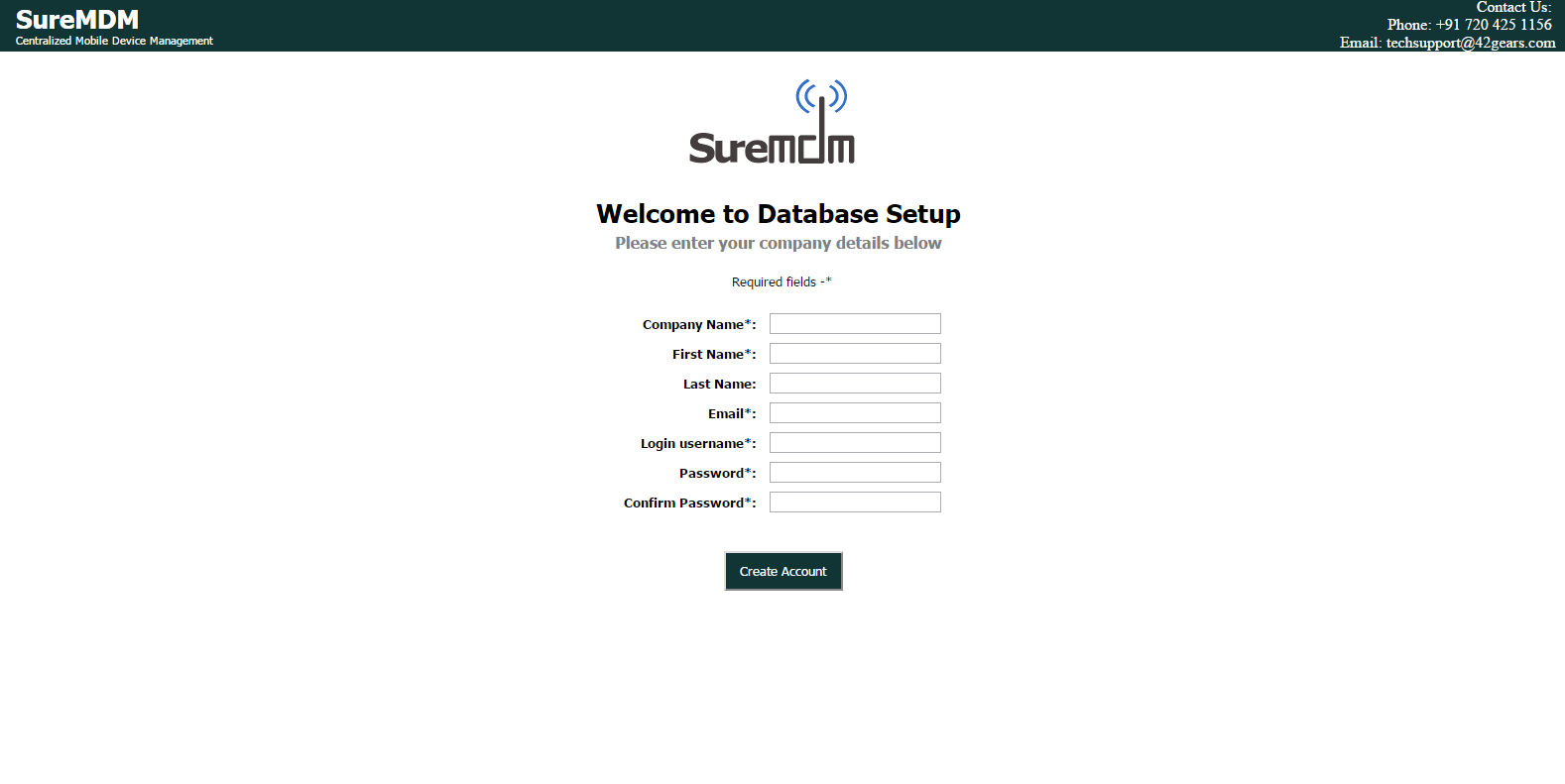
Company Name Name Email Login Username Login Password
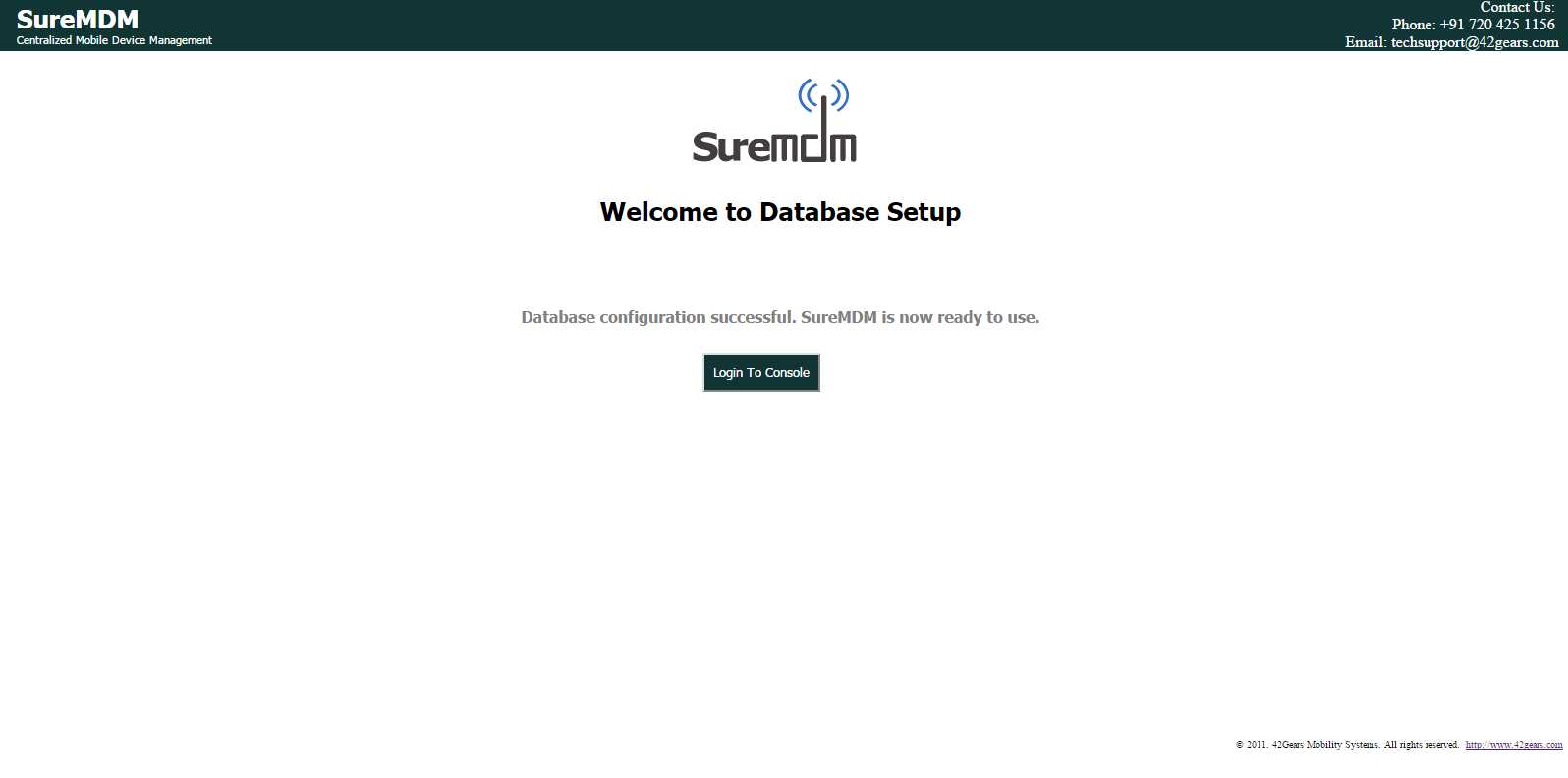
Login to Console to login
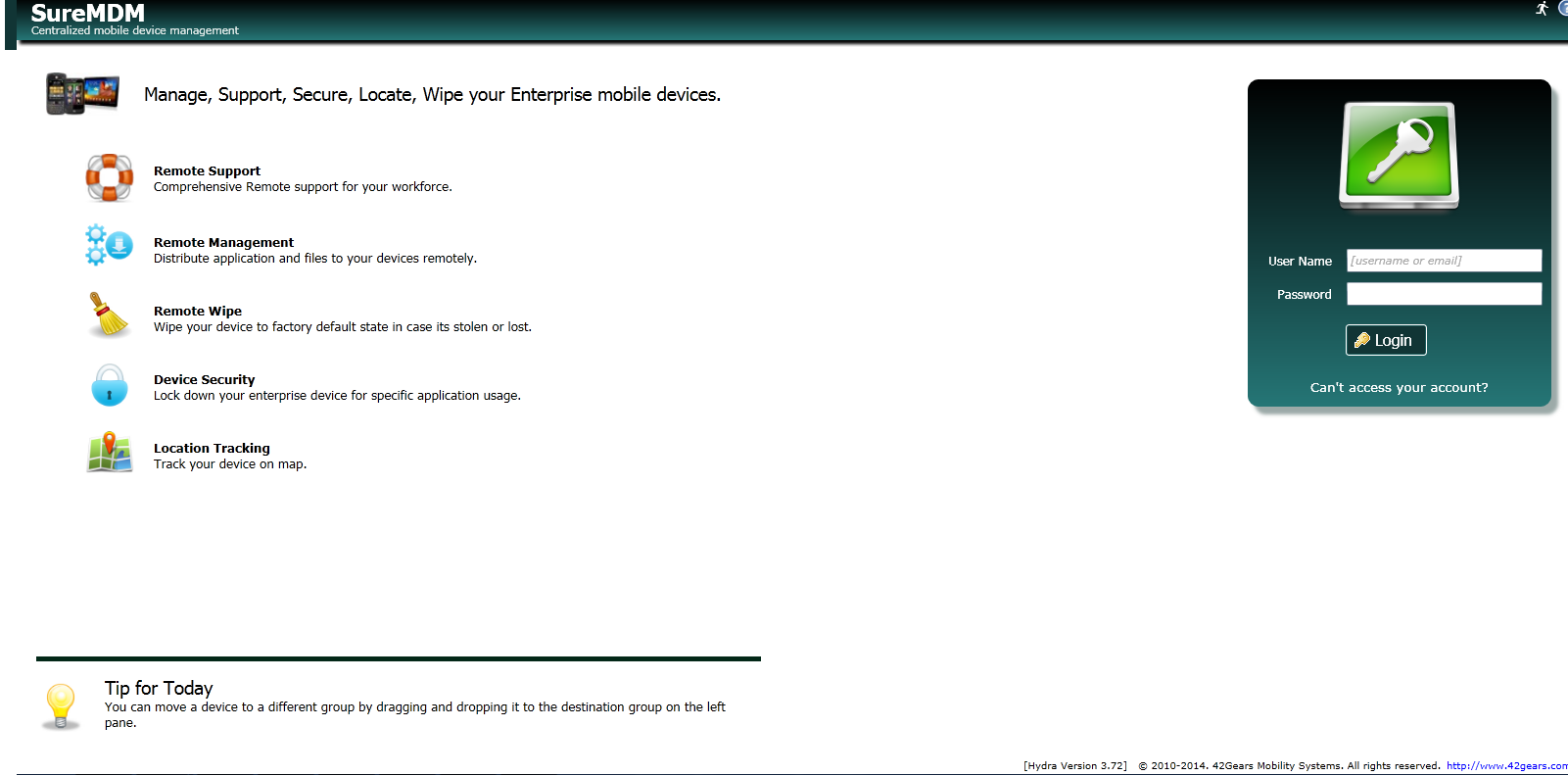
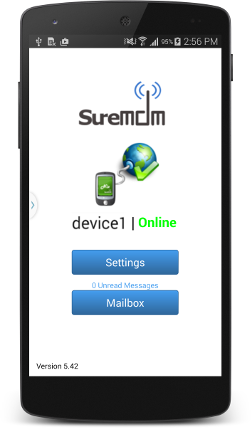
SureMDM Nix is installed on the device from the designated link (refer step no. 7 ) or Google Play Store
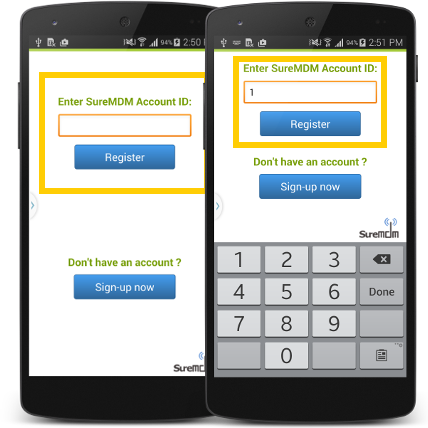
SureMDM Nix on your device and tap on Get Started
SureMDM Account ID as 1 and tap on Register
Server Path in Configure Server Path field and tap on Set Server Path
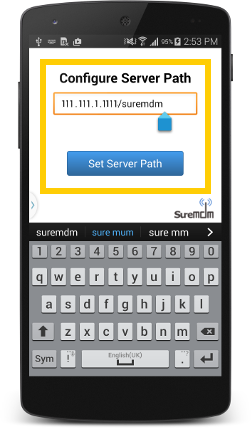
Note: Refer to SureMDM Installation step no. 7 for the Server Path details.
Set Device Name
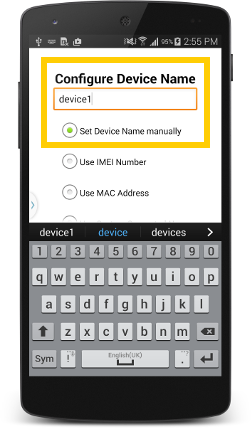
SureMDM, click here