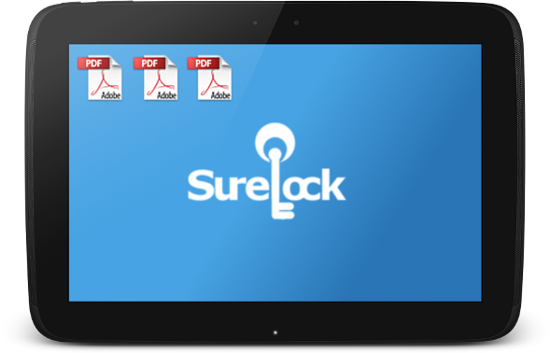
 You can use
 three
Allowing shortcuts in SureLock
Creating shortcuts in lockdown mode
Disabling document reader's built-in file browser
To allow shortcuts in SureLock, follow below mentioned steps:
SureLock
SureLock Admin Settings
SureLock Admin Settings screen, tap on Manage Shortcuts
Manage Shortcuts screen, tap and enable Accept New Shortcuts
Done
SureLock Home Screen
To create shortcuts in SureLock lockdown mode, follow below mentioned steps:
ES File Explorer
SureLock
SureLock Admin Settings
Note: File Manager is added to create shortcuts and can be removed or kept hidden once the shortcuts are created
Create Shortcut
Note: Some file managers may have option named Add to desktop or similar options instead of Create Shortcut.
SureLock Home Screen
Allowed Applications
Note: You can hide the document reader from SureLock Home Screen if you do not wish the user to see or use it. For better user experience, you can also assign the default reader applications for the respective files' shortcuts to disable the application chooser prompt.
Accept new shortcuts option under Manage Shortcuts
To disable document reader's built-in file browser, follow the steps below:
SureLock Admin Settings
Allowed Applications
Example: Adobe Reader which can be used to read pdf files.
Application Settings screen, tap on Allowed Child Windows
Example: In Adobe Reader, you can disable the ARFileOpen.
OK
SureLock will now block any attempt to open Adobe Reader

Read more about our products: