| Applies to: | |
| Product | SureMDM |
| Platform | Android |
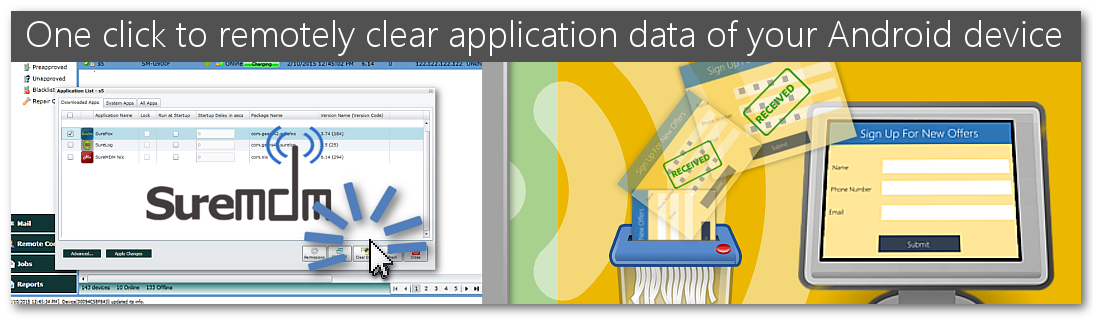
There are cases when the use of an Android device is not limited to just one user. Multiple visitors/users may use the device and it's applications and may end up inputting information. Before the device is used by a new visitor/user, it is needed that it is cleared of existing data. There has to be a way to clear user data after each visitor/user in the device in order to maintain user privacy and confidentiality. In fact, periodic cleaning of user data should be part of a good device management practice. Devices being used as kiosks in particular need the data clearing options.
SureMDM, it is possible to clear user application data remotely. This option is available for all KNOX enabled or rooted devices. Devices that use signed
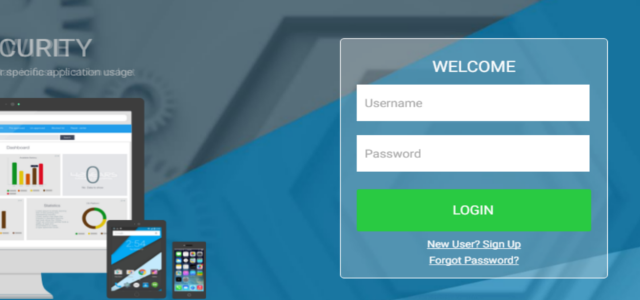
1. Login to SureMDM Web Console
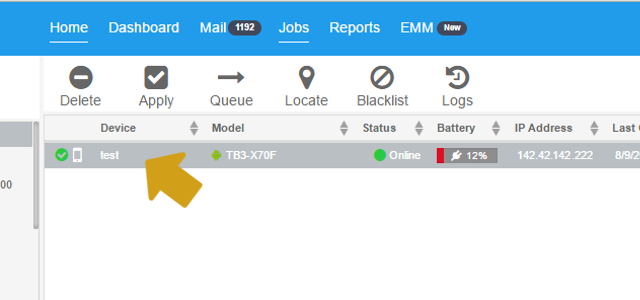
2. On SureMDM Home
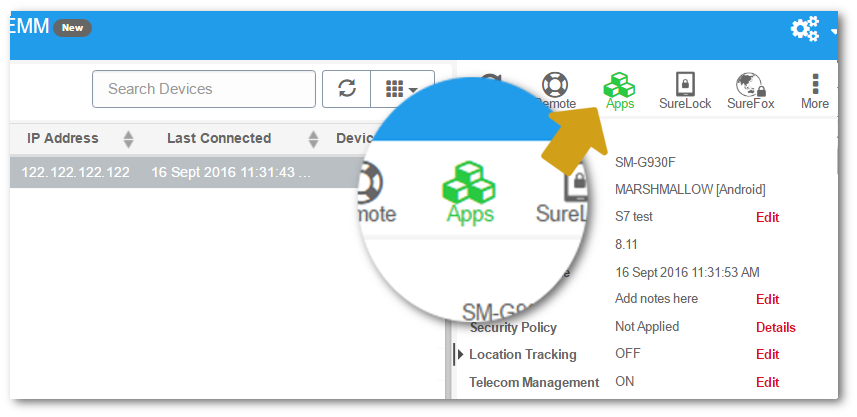
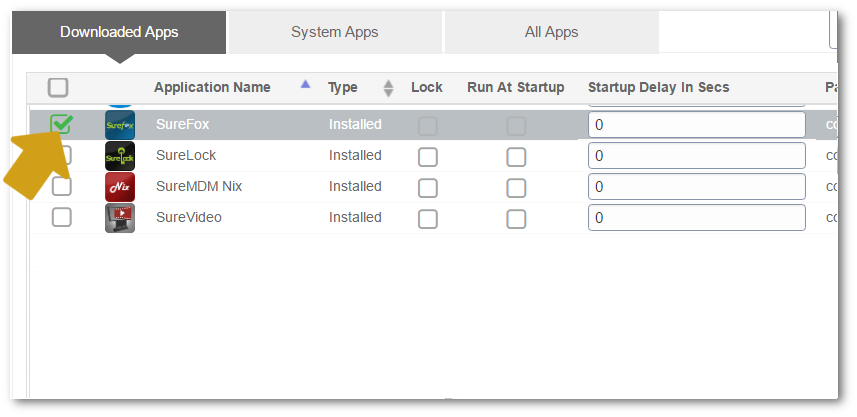
3. Once device is selected, click on Apps from Quick Action Toolbar
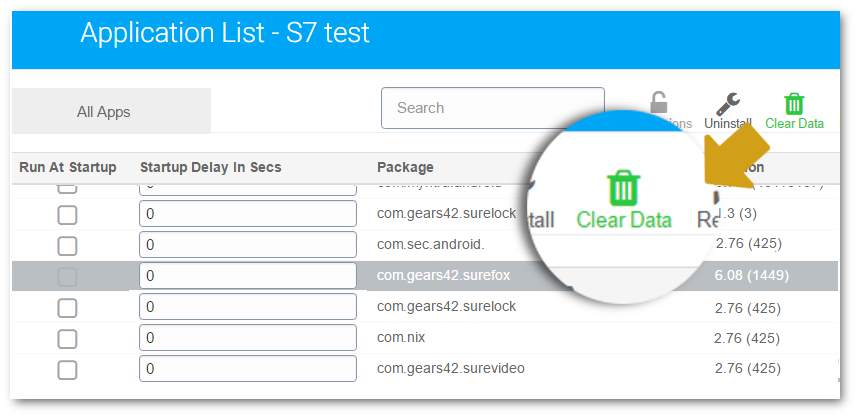
Application List
Clear Data
OK on Cancel Confirmation
Initiated Clear Data
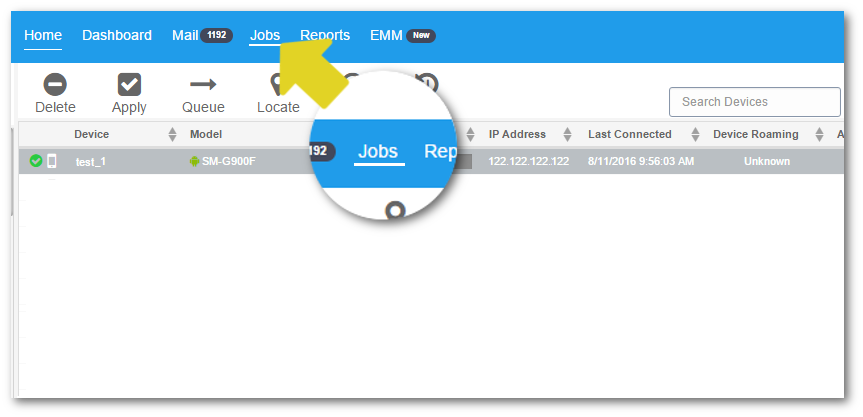
SureMDM Home, click on Jobs
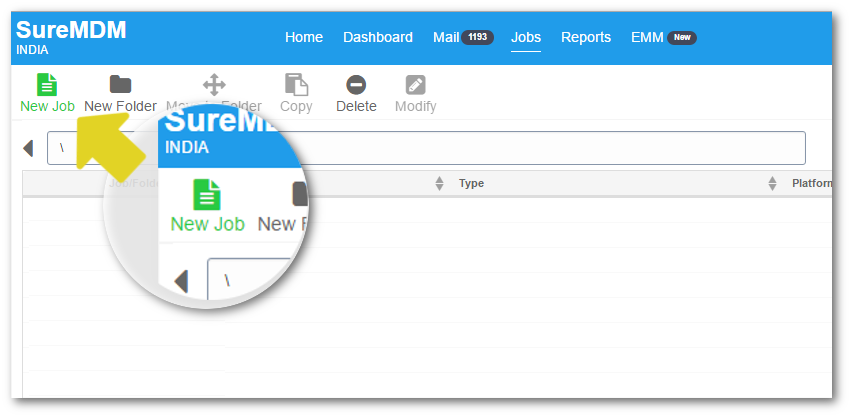
Jobs screen, click on New Job
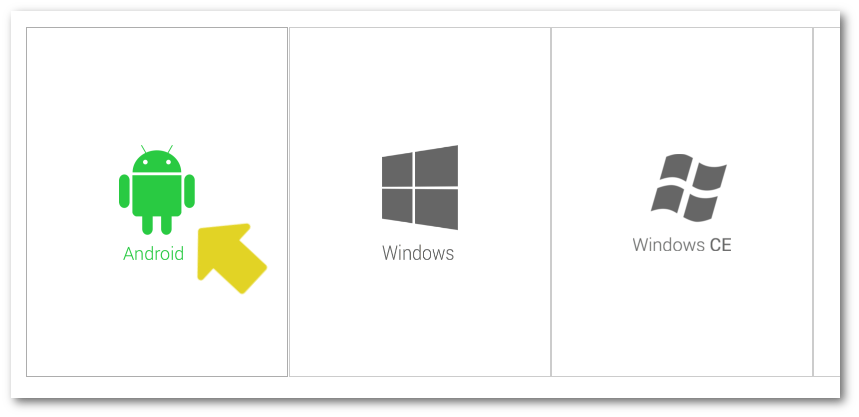
Create Job prompt, select Android
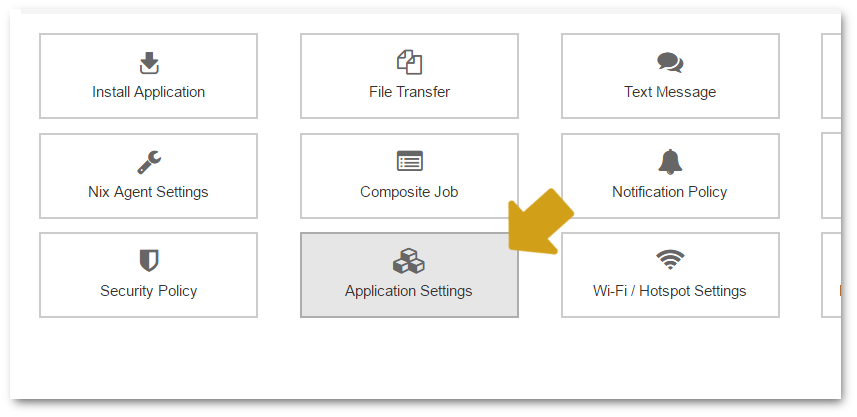
Create Job for Android prompt, select Application Settings - New
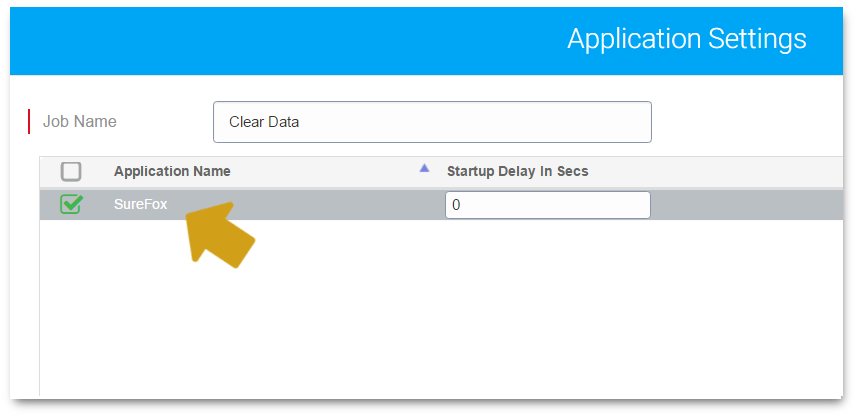
Application Settings prompt, give a name to the job and select the application on which you want to perform Clear Data
Clear Data from Job Type
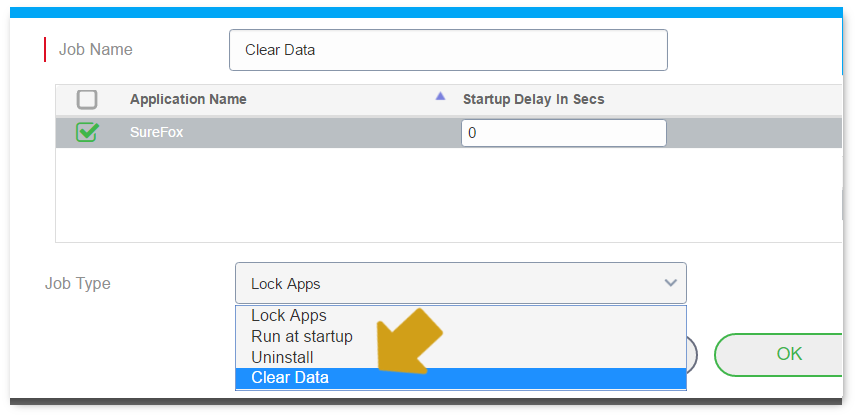
OK
SureMDMHome, select the devices and apply the job
Use Scenario: Hotels provide locked down Android devices to their guests when they check in . These devices are used by the guests to browse through food menu, available services, running offers, hotel policies etc. loaded on the device . Hotels even have feedback applications on the devices to get user ratings for their services. Guests use the devices for information and feedback during their stay. Post the guest check-out, the Android devices can be remotely cleared for user data using Clear Data
Click here to register for 30 Days Free Trial
Click here to learn more about SureMDM