SureVideo
SureVideo's new feature, you can enable video as a screensaver for your device even if you have not enabled SureVideo
SureVideo
SureVideoHomeScreen for 5 times within 3
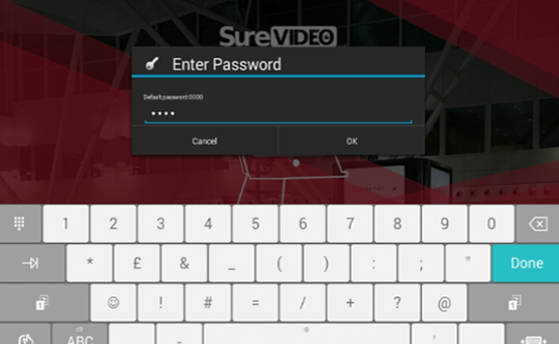
SureVideo default password as 0000(four zeros). On successful Login, Main Menu
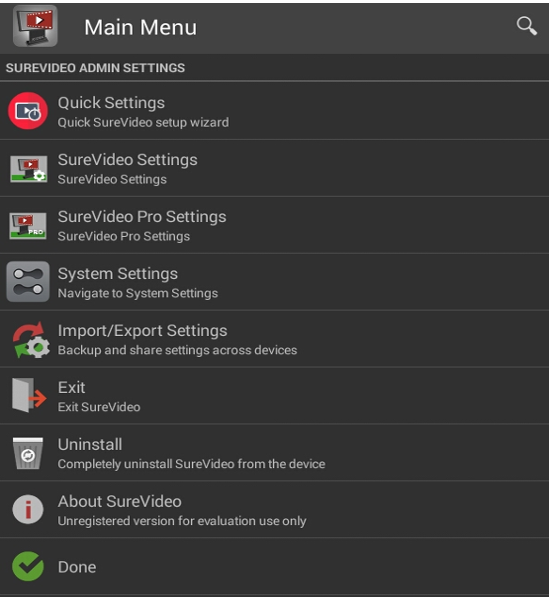
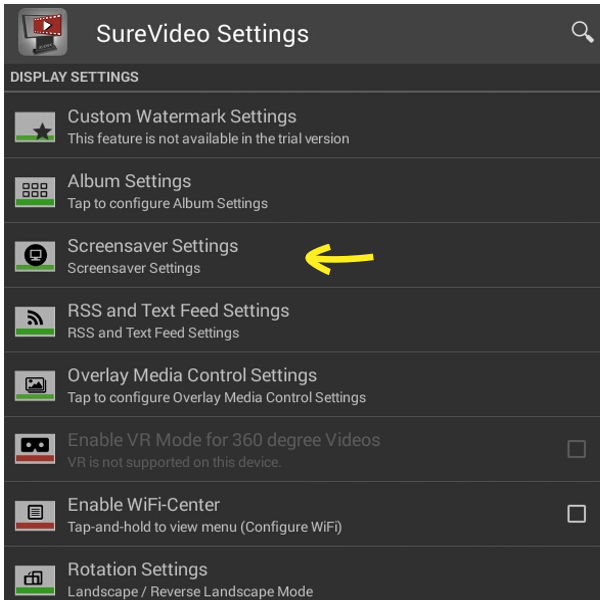
SureVideo Settings screen, tap Screensaver Settings.
Screensaver Settings screen, tap Enable Screensaver.
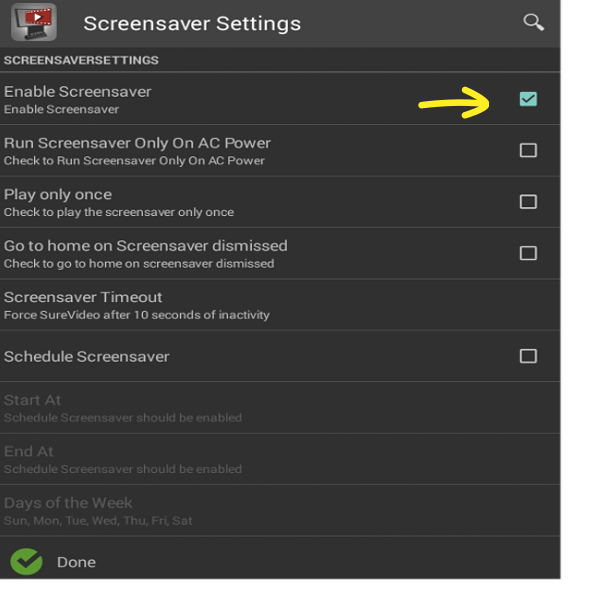
Screensaver Timeout value in either seconds or minutes
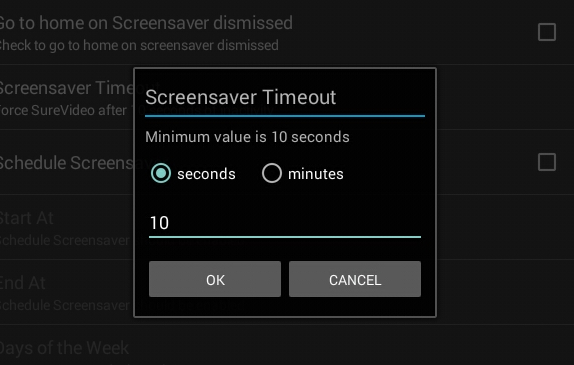
Note: Minimum value is 10 seconds.
Done
SureVideoHomeScreen and tap Setup > Add Media to select a video from the Gallery/Files