SureMDM Web Console
SureMDM Web Console
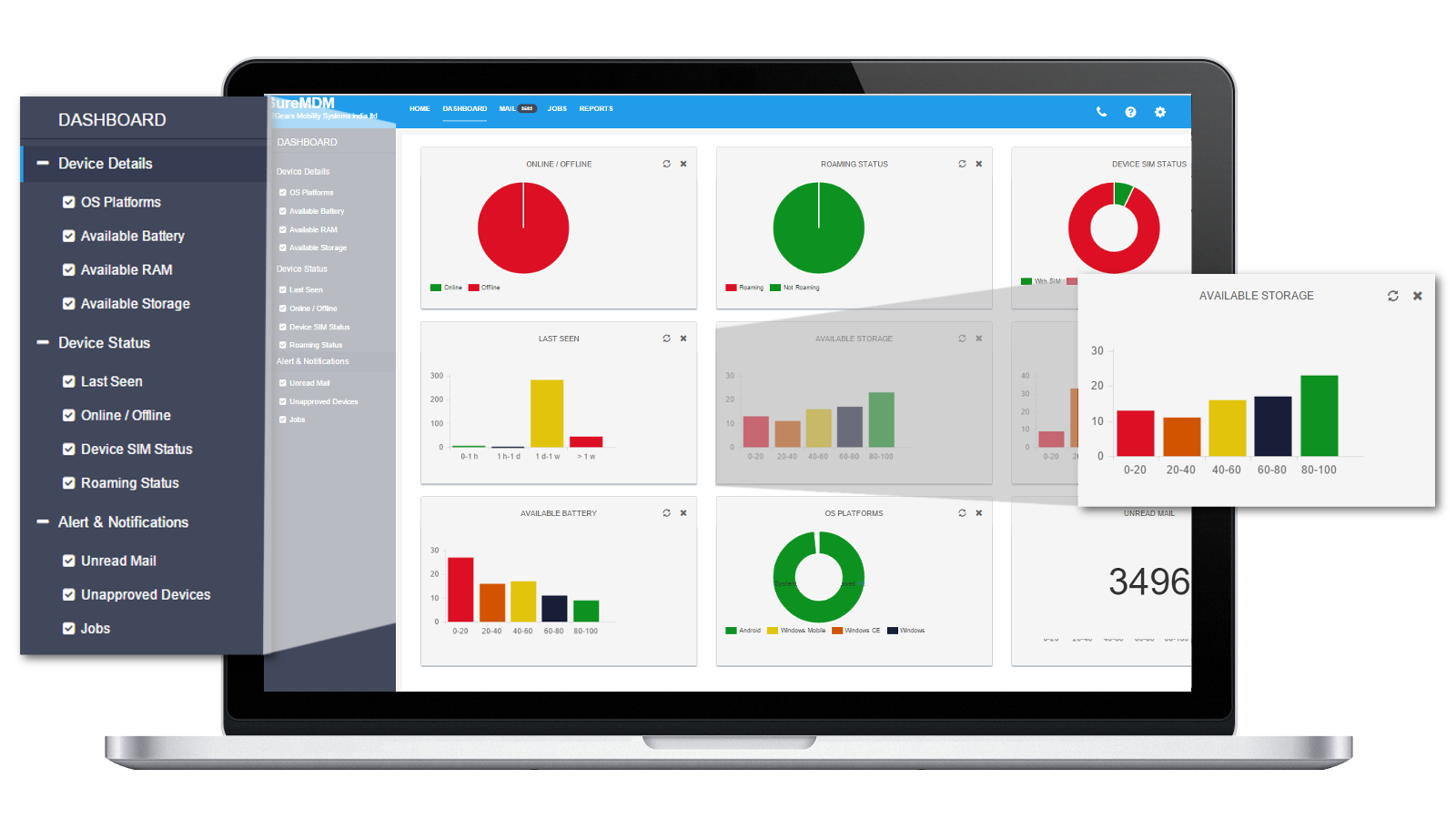
SureMDM Dashboard, click on Dashboard above Quick Action Toolbar

Sort, filter and organize to get customized panels with summarized views of device parameters of your choice
1. Save Time
For example, to view OS platforms of all enrolled devices, there is now no need to go to Reports>Asset Tracking>Show Platform>Generate Report. You can simply select OS Platforms under Device Details on dashboard to view color-coded graphical representation of count of devices and their OS Platforms.
2. Gain Visibility
For example, within few seconds, you can get a count of devices that needs your immediate attention like ones with low battery percentage or ones which are offline.
3. Increase Device Management Efficiency and Productivity
For example, Last seen graph can help you quickly analyze the number of devices which have not been online for a certain period of time.
4. Saves Cost
SureMDM