| Applies to: | |
| Product | SureMDM |
| Platform | Android |
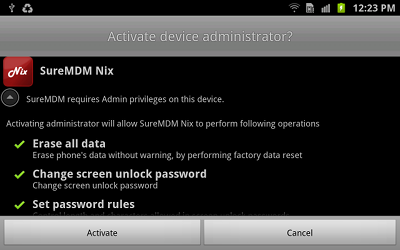
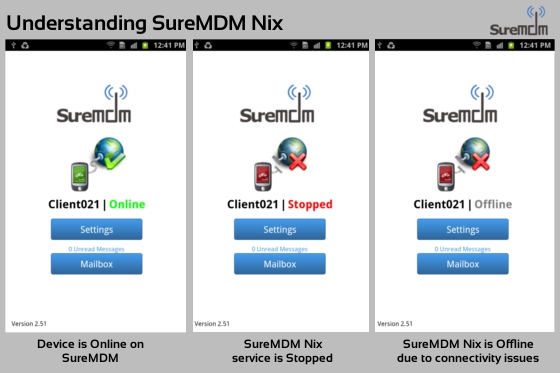
SureMDM Device Agent also known as SureMDM Nix is a part of SureMDM Solution and is installed on the mobile devices (Phones & Tablets). This agent communicates with the SureMDM Server over any data network. This agent is responsible for updating device information and executing instructions sent by the server.
SureMDM Nix- Download it from Google Play - Google Play
- Download the setup file from 42Gears
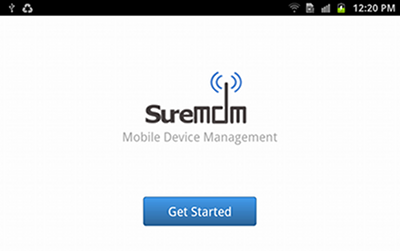
Note: In case you haven't registered yet, you can create a new trial account using Sign-up now button or by clicking here. In case of SureMDM On-premise version, enter 1 as SureMDM Account ID.
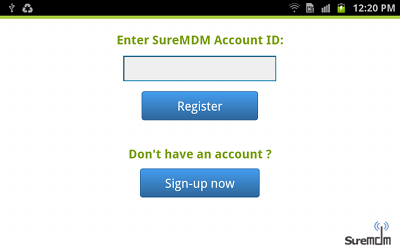
4. Skip to the step 6 if you are using SaaS version of SureMDM. If you are using an On-Premise version of SureMDM, Nix prompts you to enter the Server Address where SureMDM Server is running.
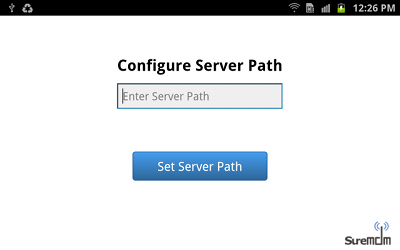
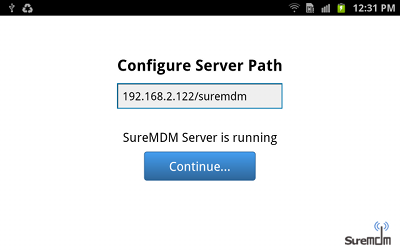
5. SureMDM checks if the server path is correct and is reachable. Tap on Continue.
6. Configure the Device Name
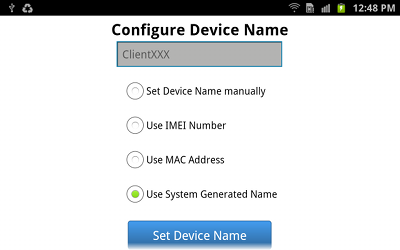
You can choose from the following options:
- Manually enter the device name
- Use device's IMEI number(*Available only on phone devices)
- Use device's MAC address(*Available only on WiFi enabled devices)
- Use a system-generated name