| Applies to: | |
| Product | SureLock |
| Platform | Android |
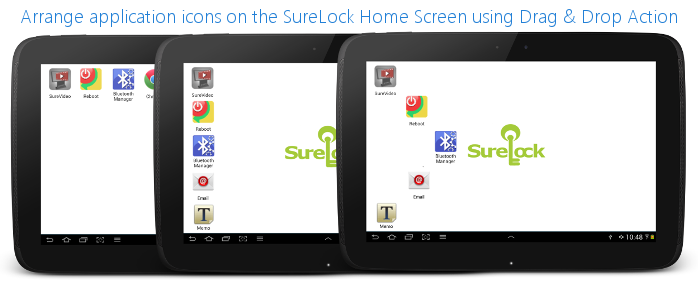
SureLock:
- Access SureLock Admin Settings
- On SureLock Admin Settings screen, tap on SureLock Settings
- On SureLock Settings screen, tap and enable the Allow Icon Relocation option
- Tap on Done to complete and go back to SureLock Home Screen
Landscape and Portrait
Tip: After rearranging icons on SureLock, you can lock them to these positions by disabling the Allow Icon Relocation