| Applies to: | |
| Product | SureMDM |
| Platform | Android |
SureMDM, you can create a Notification Policy Job
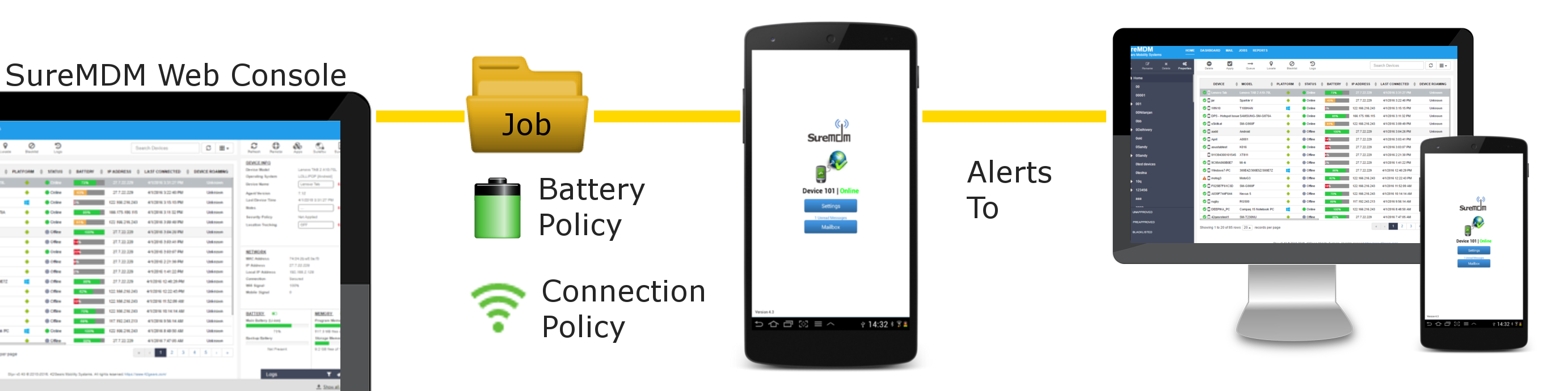
Notification Policy Job in SureMDM (SaaS Version)
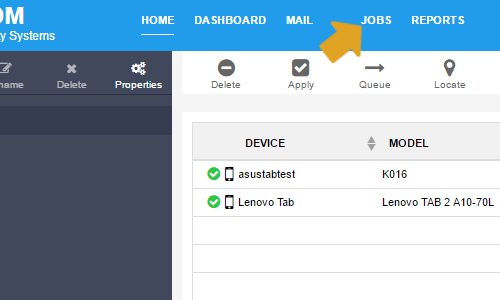
SureMDM screen, click on Jobs under Utility Panel
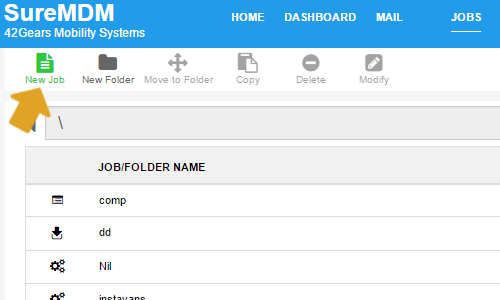
Jobs screen, click on New Job
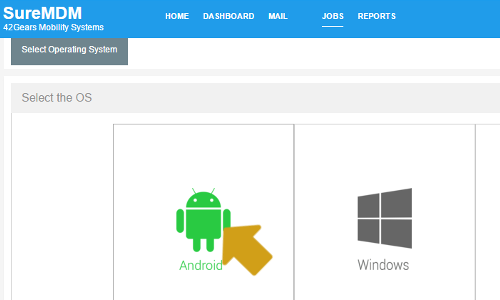
Create Job prompt, select Android and click on OK
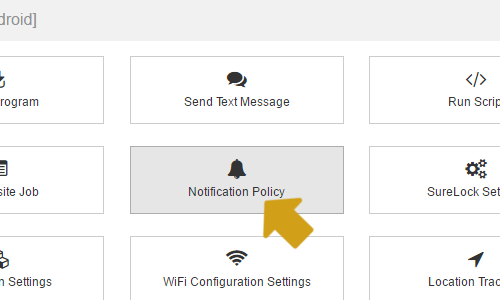
Create Job Android prompt, select Notification Policy and click on OK
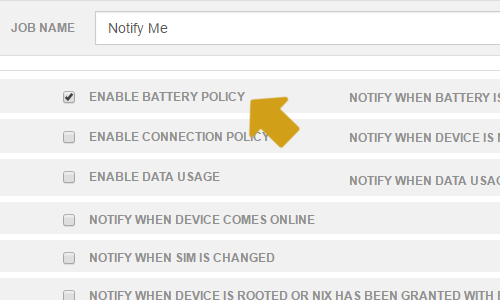
Notification policy on device prompt, enter a Job Name
Enable Battery Policy and enter a value in Notify When Battery Below
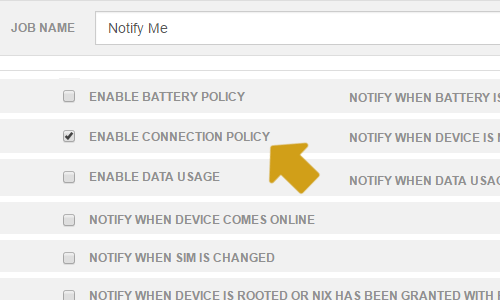
Enable Connection Policy and enter a value in Notify When Device Not Connected For
Send Alert To
i. SureMDM Web Console
ii. Device
iii. E-mail Notification
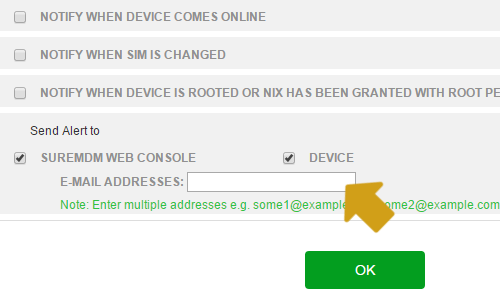
OK
Device List and use Apply option on the Quick Toolbar
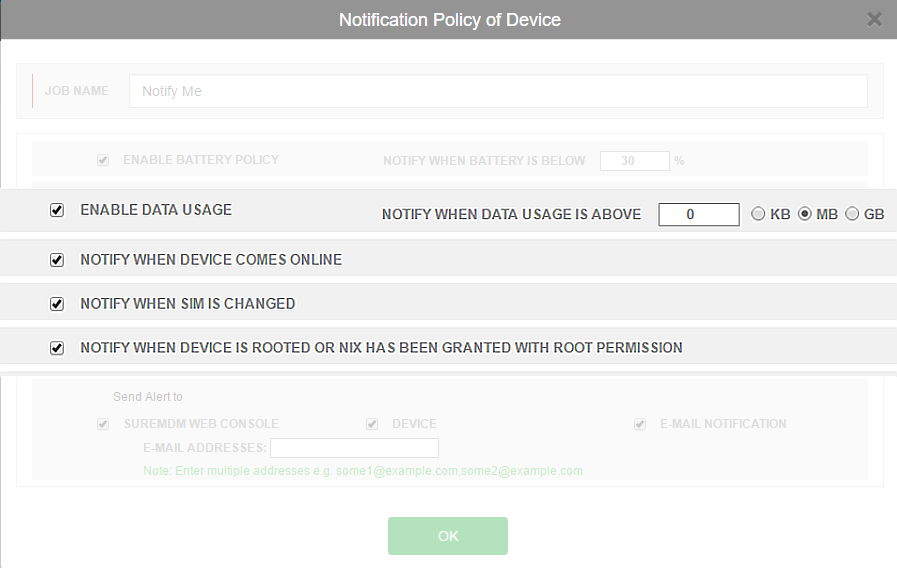
- Enable Data Usage - Notifies when the data usage is higher than set threshold
- Notify when device comes online - Notifies when offline devices come online
- Notify when sim is changed - Notifies when users change sim card of the device
- Notify when device is rooted or Nix has been granted with root permission - Notifies when device is rooted or Nix has been granted with root permission
SureMDM On-Premise
c:\inetpub\wwwroot\suremdm\webApp.config
SureMDM, click here
30 days free trial, click here

Read more about our products: