Secure Kiosk Browser for Android, iOS, Windows
Create a controlled, secure browsing experience on any device. A secure enterprise browser solution.
💡 Trusted by 100,000+ users worldwide.
Why Businesses Need a Secure Browser Solution
- 58% of employees spend over 4 hours weekly on non-work websites.
- Unrestricted browsing increases risk of malware, phishing, and data breaches.
- Productivity drops when employees access non-work-related content.
To maintain compliance, improve focus, and prevent security risks, organizations need a secure browser solution that balances access and control. That’s where SureFox comes in.
SureFox- Enterprise Web Browsing Made Simple and Secure
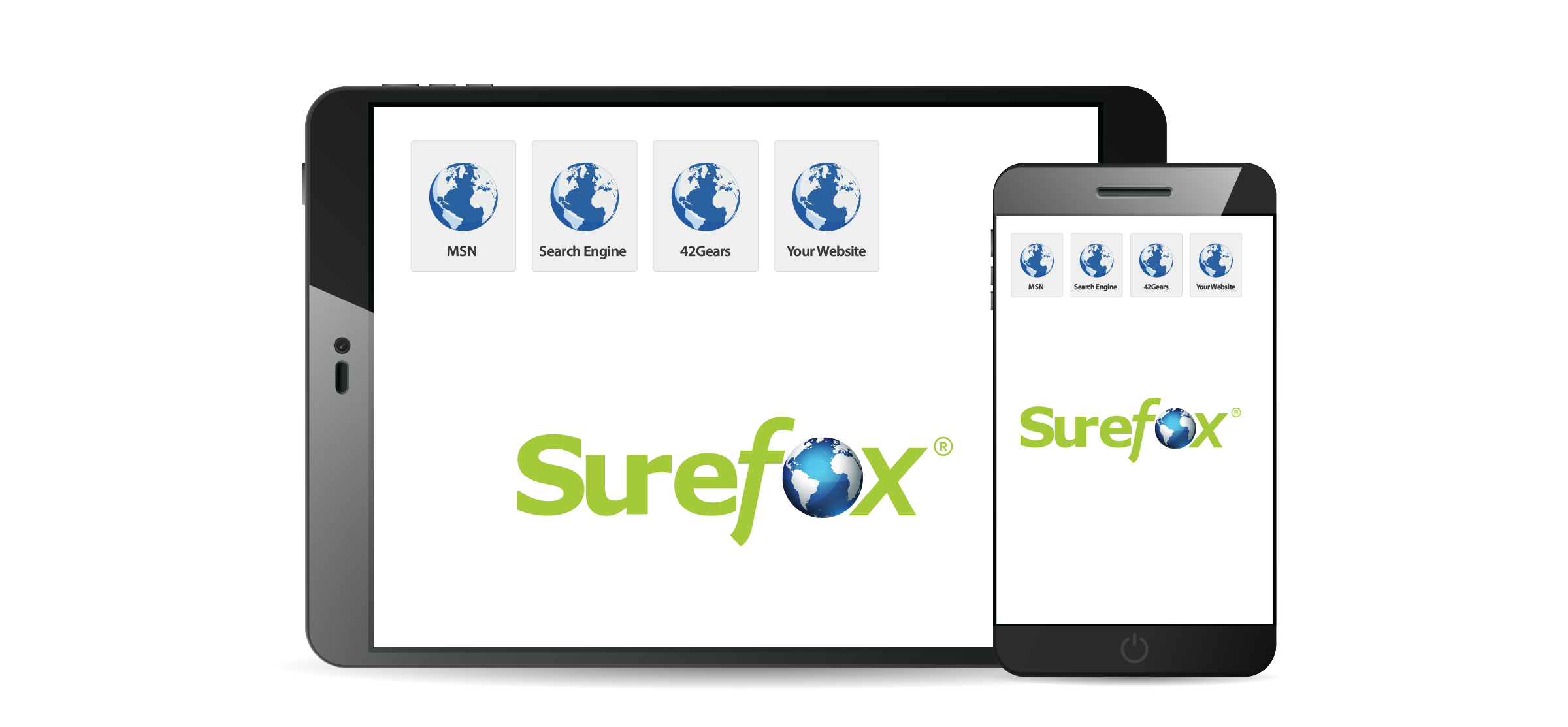
Ensure safe, focused, and secure browsing with SureFox, the ultimate kiosk browser solution for businesses. SureFox helps IT teams control web access, enhance device and data security, and improve productivity.
SureFox can help you:
- Restrict internet access to only approved websites and web apps, preventing unauthorized use.
- Protect devices from malware, phishing, and unsafe browsing behaviors with a secure browser environment.
- Instantly turn off-the-shelf devices into dedicated enterprise browsers for controlled web access in offices, kiosks, or customer-facing setups.
- Enforce complete browser lockdown – Ideal for kiosk mode on iPad, Android tablets, and Windows devices.
- Offers multi-platform support, allowing you to deploy and manage SureFox across Android, iOS, iPadOS, and Windows devices.
Easily install SureFox, a kiosk browser app, on employee- and customer-facing devices. SureFox also comes included with SureMDM, the 42Gears device management solution.
Benefits of Using a Secure Kiosk Browser
With SureFox kiosk browser software, businesses can make the Internet available wherever and whenever users need it, without the risks often tied to Internet use. These include:

Cost-Effective Device Security
- Convert off-the-shelf devices into secure web kiosks
- Minimize hardware investment
- Block potential malware downloads

Enhanced Productivity
- Limit web access to work-related sites
- Block distracting content
- Improve focus and efficiency

Comprehensive Device Protection
- Dynamic keyword filtering
- Real-time content monitoring

Remote Device Management
- Change kiosk browser lockdown settings remotely
- Manage multiple devices simultaneously via SureMDM
- Lower repair-related travel costs
- Centralized device control across your organization
Easy Deployment
- Compatible with iOS, iPadOS, Android, and Windows
- Easy configuration and management
Scalable Solution
- Import and export configured settings
- Quickly replicate configurations across multiple devices
Advanced Features for a Secure Browsing Experience
Flexible Website Allow/Block Lists
Control web access by adding approved websites and web apps to an Allow List while restricting unwanted ones with a Block List.
Remote Management
Manage browser settings, lock/unlock features, and deploy configurations across devices remotely using the centralized SureMDM console.

Custom Branding
Personalize the SureFox browser by setting a custom wallpaper that aligns with your brand identity.
Monitor Browser Activity
Export browsing activity logs in .CSV format and schedule reports to monitor user behavior and ensure policy compliance.
Disable Auto-Suspend
Keep devices powered on continuously for uninterrupted kiosk functionality.
Advanced Content Blocking
Block websites containing restricted keywords through dynamic content filtering to ensure a safe and compliant browsing experience.
Complete Device Lockdown (Pro Version)
Restrict users from accessing any other apps or settings outside the secure browser environment.
Password-Protect Settings
Prevent unauthorized changes to browsing and security settings.
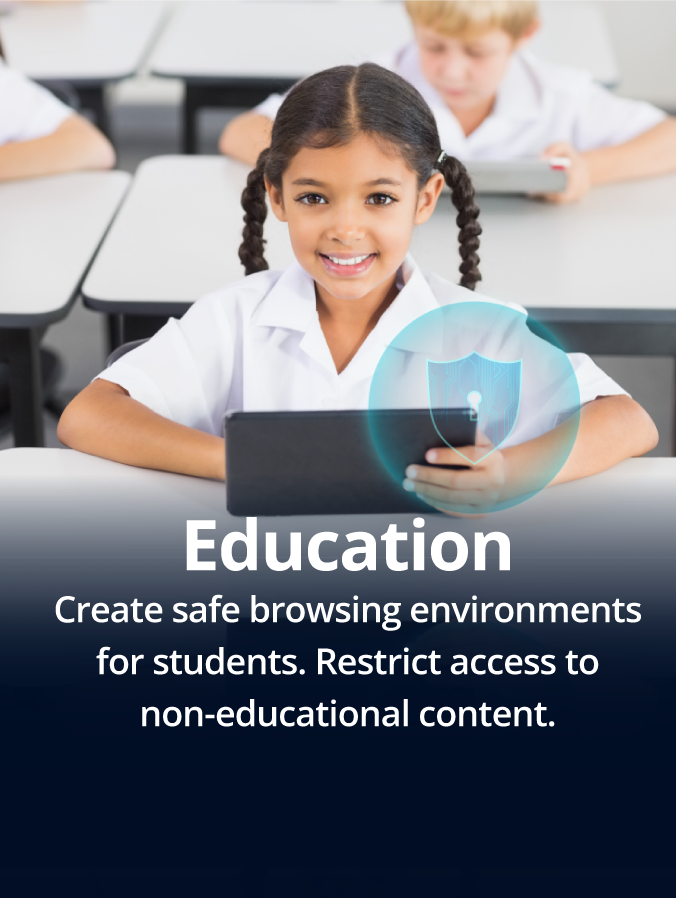
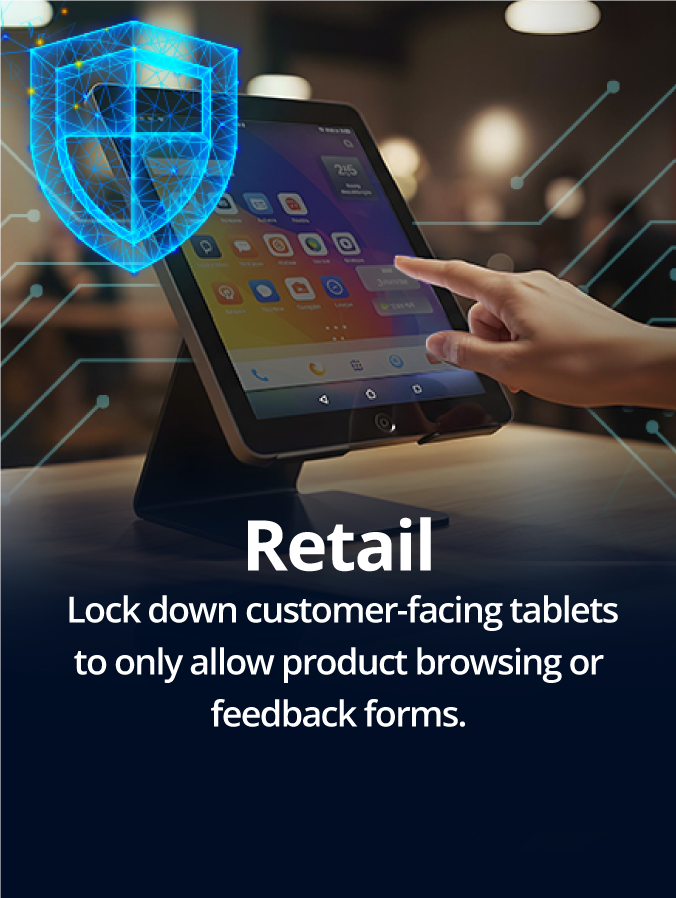
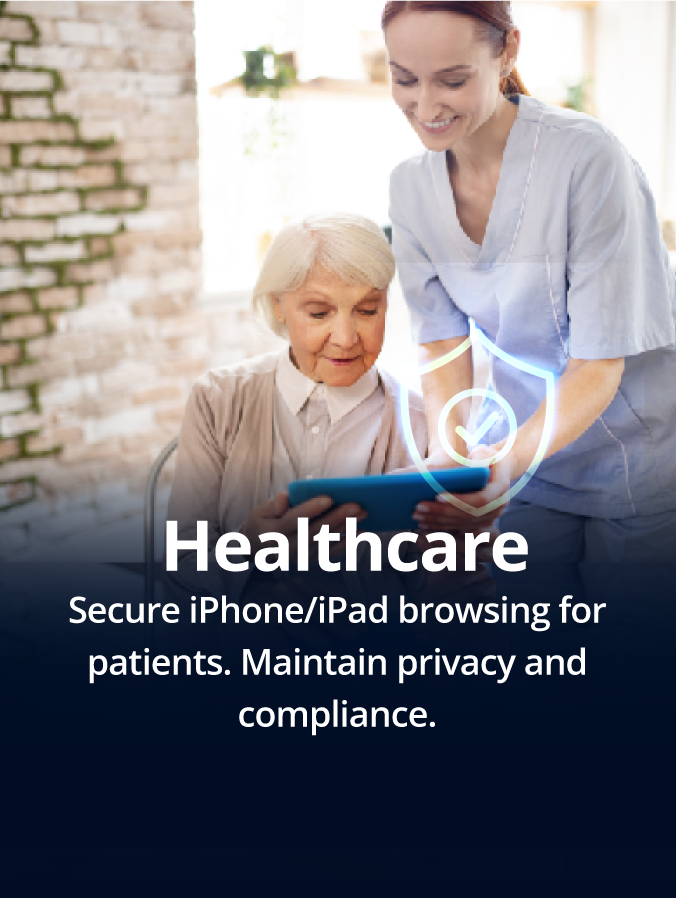
Industries That Benefit from a Secure Browser

What Our Customers Say

We found the SureFox easy to navigate around. The structure of the configuration is logical. The app is easy to install and has a variety of configuration settings.

Alastair Clifford
Operations Manager, The Rees Hotel & Luxury Apartments, Queenstown, NZ
The combination of SureFox and SureMDM has provided CloudTags with a platform that allows us to fully control customer's tablet experience and troubleshoot any tablet issues remotely across dozens of stores on multiple continents. 42Gears have been extremely timely and responsive with all our support requests. 42Gears products have become an essential part of our solution
Vu Pham
Head of Innovation, CloudTags
FAQs on Secure Browser
What is a secure browser, and why do businesses need one?
How is a secure browser different from a regular browser like Chrome or Safari?
Unlike standard browsers, secure browsers offer built-in controls like website allowlisting, download restrictions, kiosk mode, and remote configuration—features tailored for enterprise use cases and not typically available in browsers like Chrome or Safari.
Can a secure browser prevent users from downloading or installing software?
Can I block users from accessing browser settings or other apps on the device?
How can I lock down browser access on Android, iOS, and Windows devices?
How can I make my browser more secure?
To make your browser more secure with SureFox, you can:
- Allowlist only the websites users should access
- Block access to unsafe content with keyword filters
- Disable downloads and navigation
- Enable password protection for browser settings
- Use analytics to monitor activity and enforce policies
Can I manage which websites users are allowed to visit?
What are the analytics features included in SureFox?
SureFox offers Advanced Analytics to track browsing behavior, generate usage reports, and export data in .CSV format. You can also schedule these reports for regular insights into user activity and browser performance.
Can I customize how the browser looks on the device?
Which industries benefit the most from using secure browsers like SureFox?
Industries that use shared or customer-facing devices benefit greatly, including:
- Retail (self-service kiosks, digital catalogs)
- Education (student tablets, test-taking devices)
- Field Services (job-specific app access)
- Healthcare (HIPAA-compliant browsing for patients/visitors)
Supported Platforms for SureFox Browser Kiosk Solution