Never Losea Device
Stop the loss before it happens. Find it fast when it doesn't. Protect the data no matter what.
The Real Cost of a Lost Enterprise Device
A warehouse scanner disappears from a loading dock. A clinician's tablet slips out of a coat pocket at the end of a long shift. An mPOS device gets left behind after a pop-up event. These moments look small. Add them up across a year, and you get the most expensive line item on your IT budget that nobody budgeted for.
HP's 2024 Wolf Security study put the headline number at $8.6 billion — the annual price tag organizations pay for lost and stolen endpoint devices. That's a real number from a credible source, and it's almost certainly an undercount.
The replacement bill is the smallest part. The damage lives in the things the invoice doesn't show: the breach notification, the regulator's letter, the sales rep who can't quote a deal because their tablet is on a bus somewhere, the scanner that costs the warehouse an entire shift of throughput, the customer who walks out because checkout is down.
Some organizations try to soften the productivity hit by keeping spare devices in each location — a hot spare on the shelf so the worker can swap in and keep going. It's a fair reaction, and it works for the immediate productivity problem. It doesn't work for the rest of the column. A spare device in the drawer doesn't stop a lost scanner from exposing the last customer's data, doesn't satisfy the auditor asking about the tablet with patient records on it, doesn't stop the breach notification letter or the regulator's fine. And the spare pool itself is a recurring cost — devices depreciating on a shelf, drifting out of warranty, and falling out of policy compliance while nobody watches.
That's why 42Gears treats "Never Lose a Device" as an operations problem, not a procurement problem.
Three Layers of Defense for Every Device
Prevent
Stop devices from leaving the building, the floor, or the geofence in the first place. Kiosk mode, smart geofences, and early-warning alerts cut loss before it becomes an incident.
Locate
Find any device — online, offline, or powered off. Real-time GPS, indoor location, last-known breadcrumbs, Remote Buzz, and BLE tag tracking cover every hiding place.
Protect
Even when the device is gone for good, the data isn't. Containerization, zero-trust access, and remote wipe make sure corporate information never walks out the door.
Audit
Every lock, wipe, geofence breach, and recovery action is logged. When the regulator, the auditor, or the customer asks what happened — the answer is in the trail.
Layer 1: Stop Losing Devices in the First Place
The cheapest lost device is the one that never gets lost.
Lock shared devices into a job
SureLock by 42Gears locks Android and iOS devices into single-app or multi-app kiosk mode. Workers get the apps they need and nothing else — no settings menu, no home screen, no temptation to take the scanner home. If someone tries to factory-reset the device, SureMDM detects the tamper and reverts it to lockdown the moment it comes back online.
Make location matter
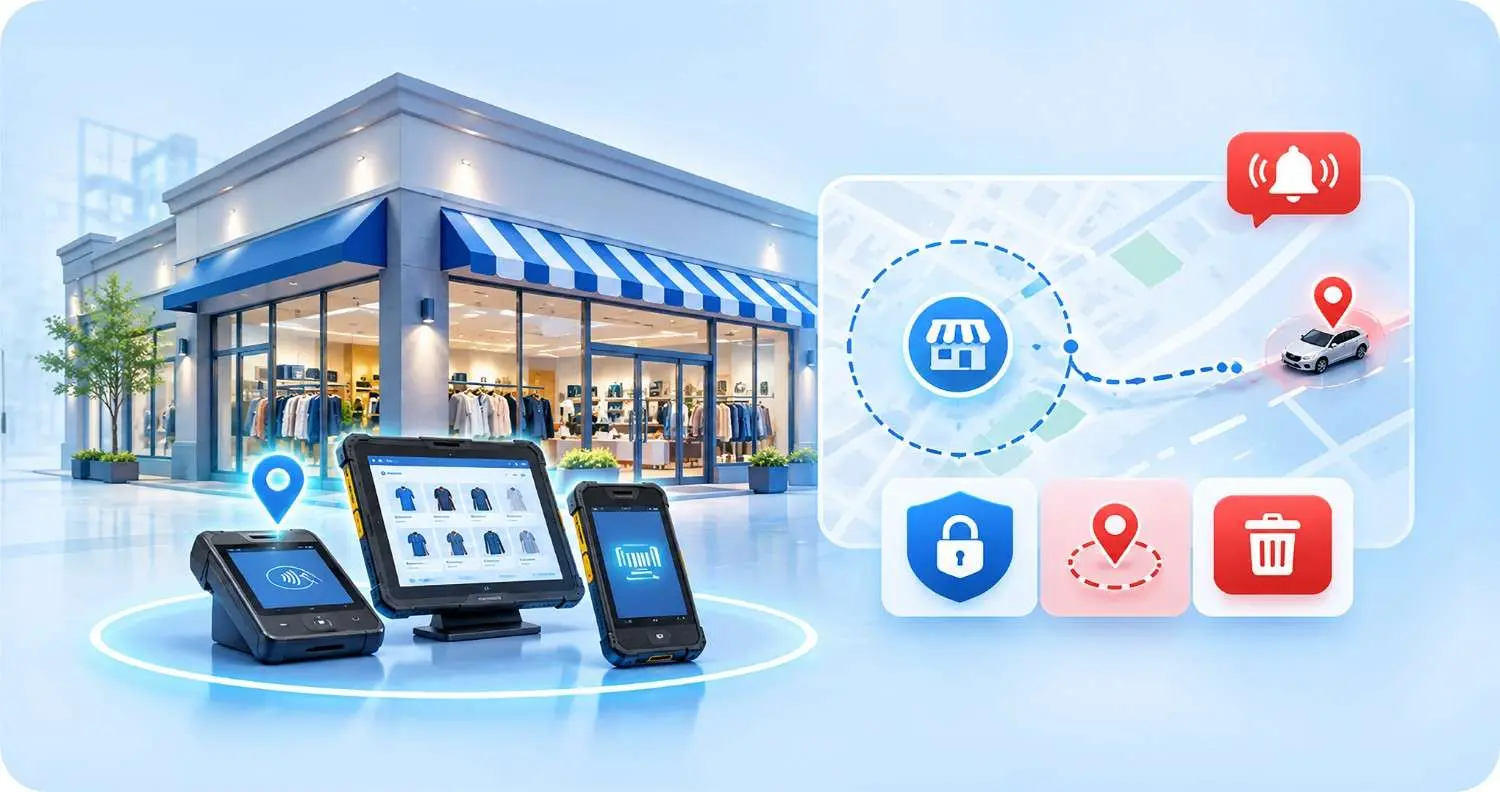
SureMDM geofencing lets you draw a virtual boundary around a warehouse, a store, a hospital floor, a delivery route. The instant a device enters or leaves the fence, you get an alert. Use the geofence as a policy trigger — restrict camera access inside secure zones, push an app configuration when a device enters a depot, or auto-lock the device if it leaves an approved area.
Catch the device before it gets lost
Not every "lost" device was stolen. Most were abandoned because the battery died, or because nobody noticed the device hadn't checked in for a while. SureMDM can alert you when a device drops below a battery threshold you set, when it has been disconnected for a window you define, or when it sits outside an assigned location for too long. These are the devices that become lost devices. Catch them while they're just missing.
Lock the front door
A strong device passcode, mandatory biometrics, and a working remote lock policy cost nothing to enforce but stop most casual loss from turning into a breach. A SureMDM passcode policy takes a few minutes to deploy and applies to every device on the console.
Layer 2: Find Them Fast When Prevention Fails
1
Real-time GPS tracking
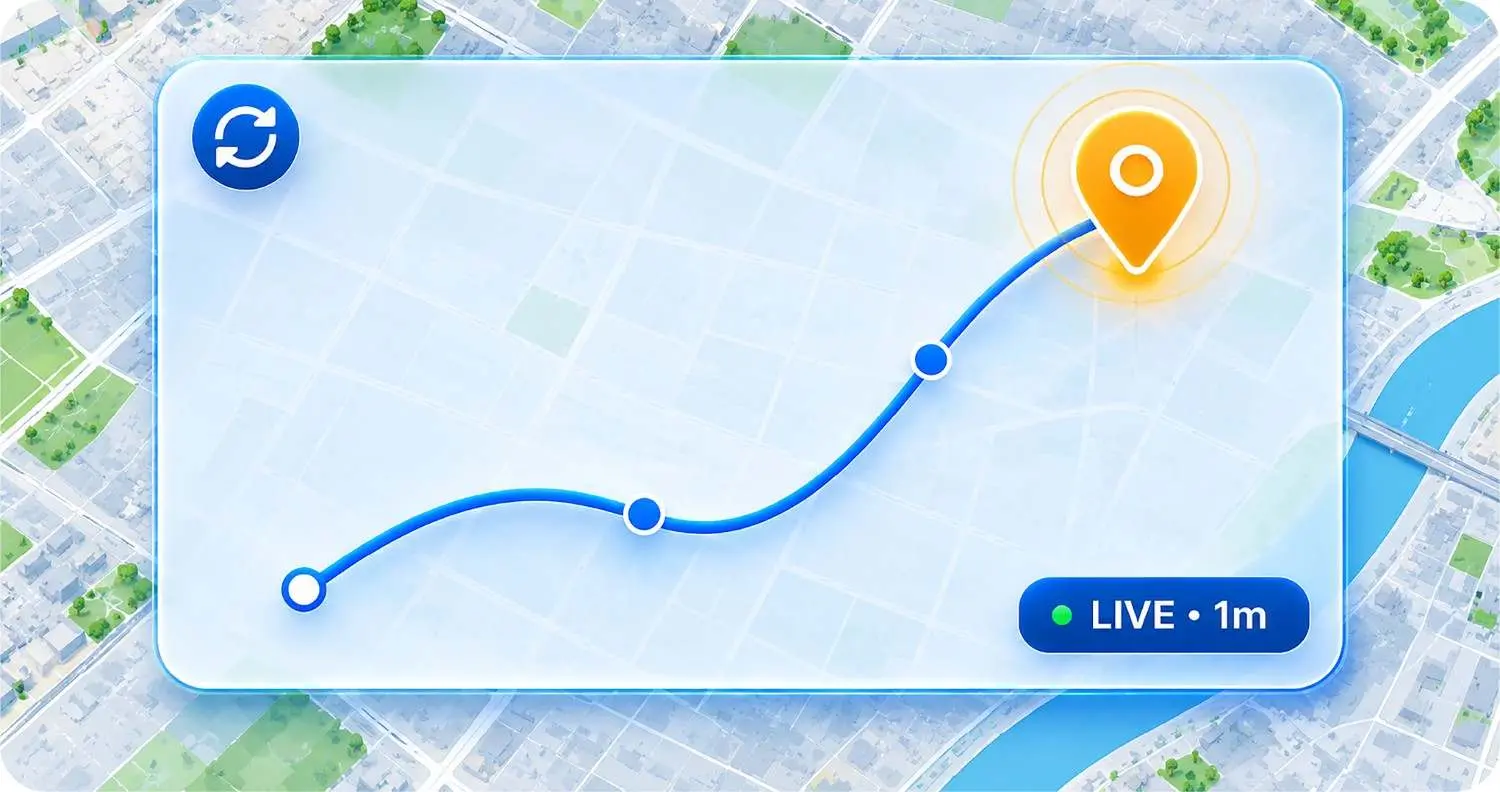
SureMDM location tracking puts every device on a map. You choose the update interval — as frequent as once per minute — and the displacement threshold that triggers an update. For a logistics fleet, that means you can watch a delivery driver cross the city. For a retail chain, that means you can confirm every handheld scanner, mPOS tablet, and customer-facing device is in the building at closing time.
2
Indoor location when GPS runs out
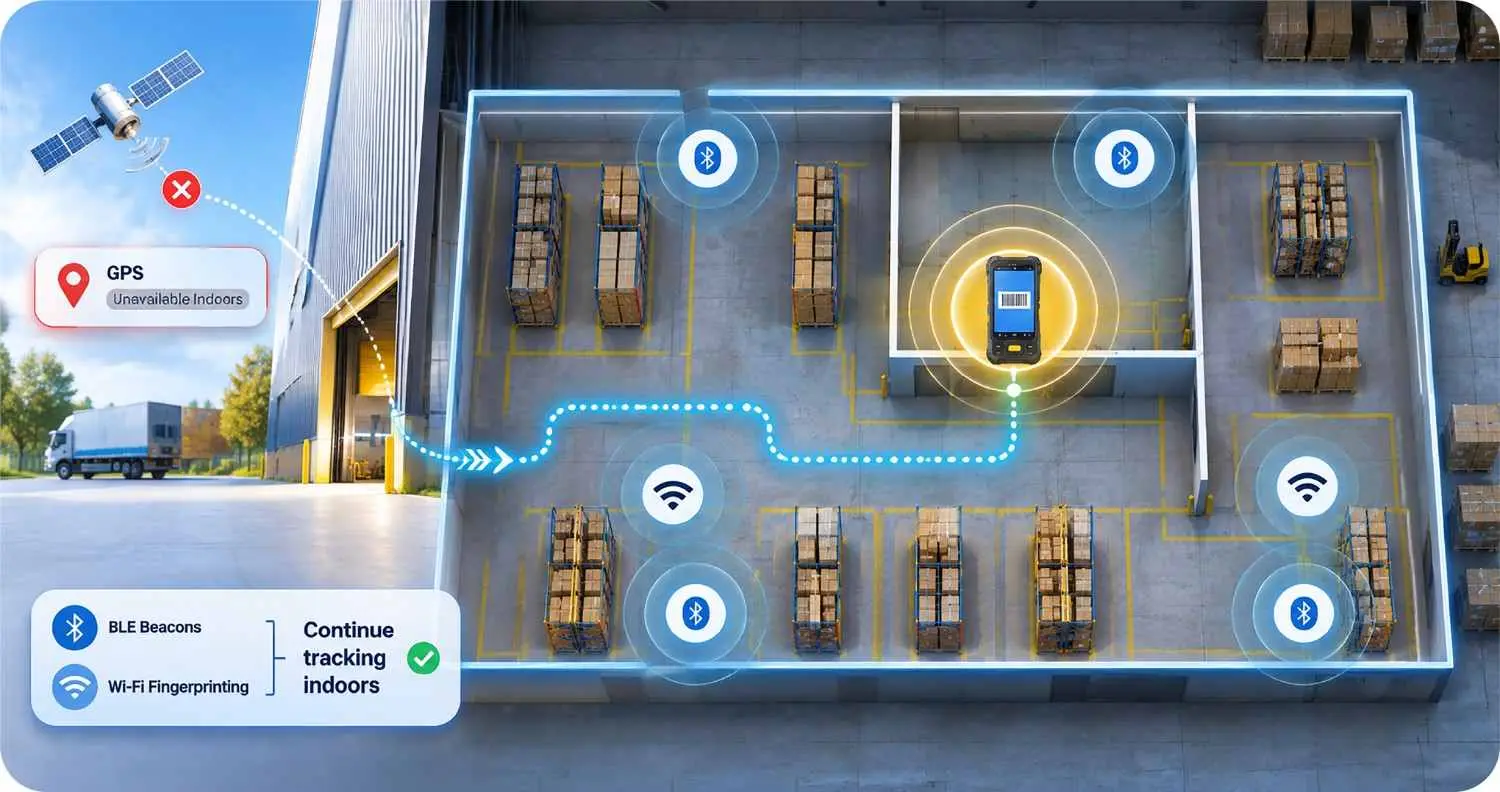
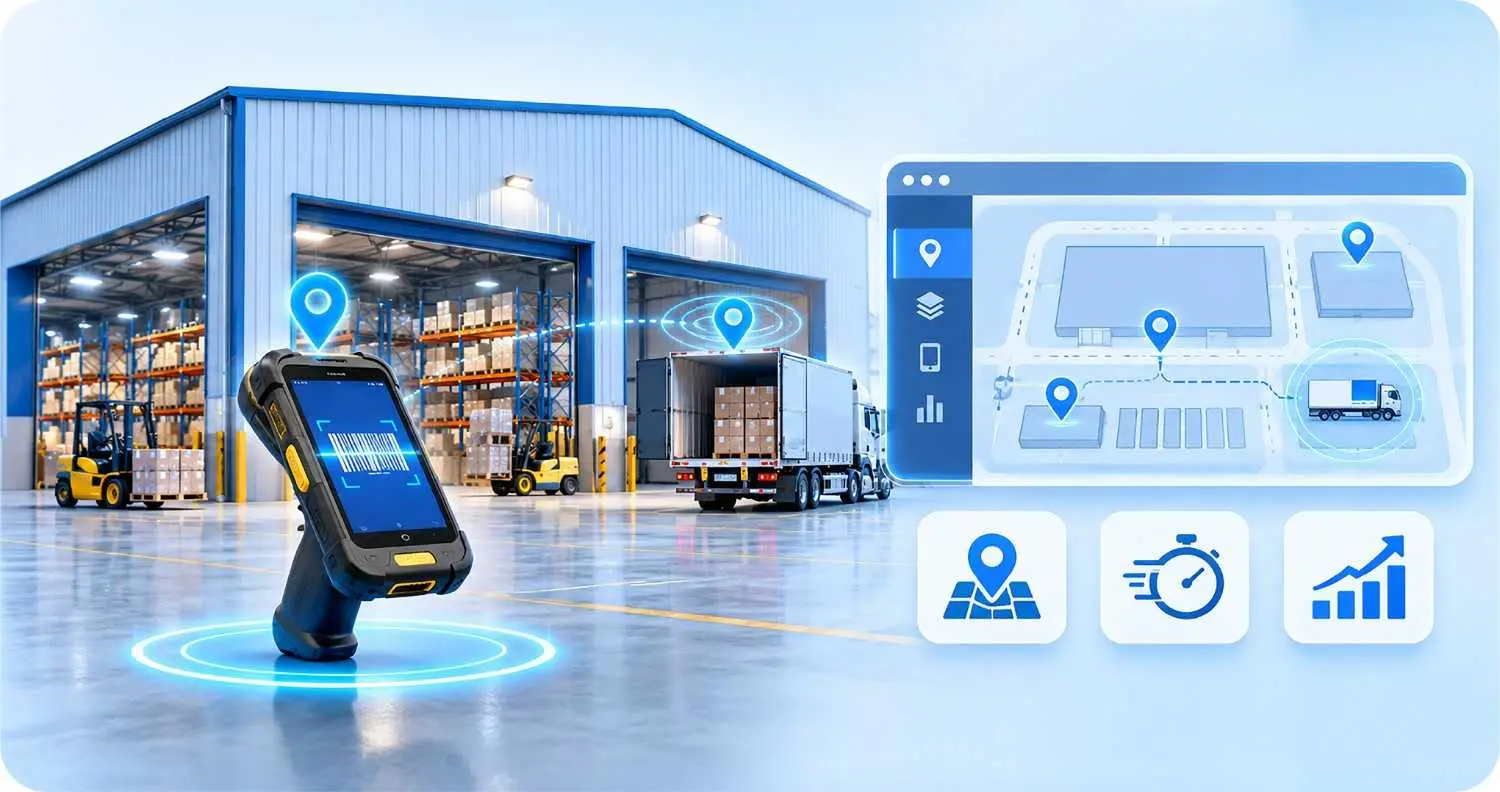
GPS stops working the moment a device walks through a warehouse door. That's the moment most "find my device" tools give up. SureMDM InLocate uses BLE beacons and Wi-Fi fingerprinting to keep tracking a device inside a facility — across floors, between aisles, behind pallet racks. The scanner that's been "missing" for three days is usually sitting twenty feet from where it was last used. InLocate tells you the exact aisle.
3
Last-known location and breadcrumb trail
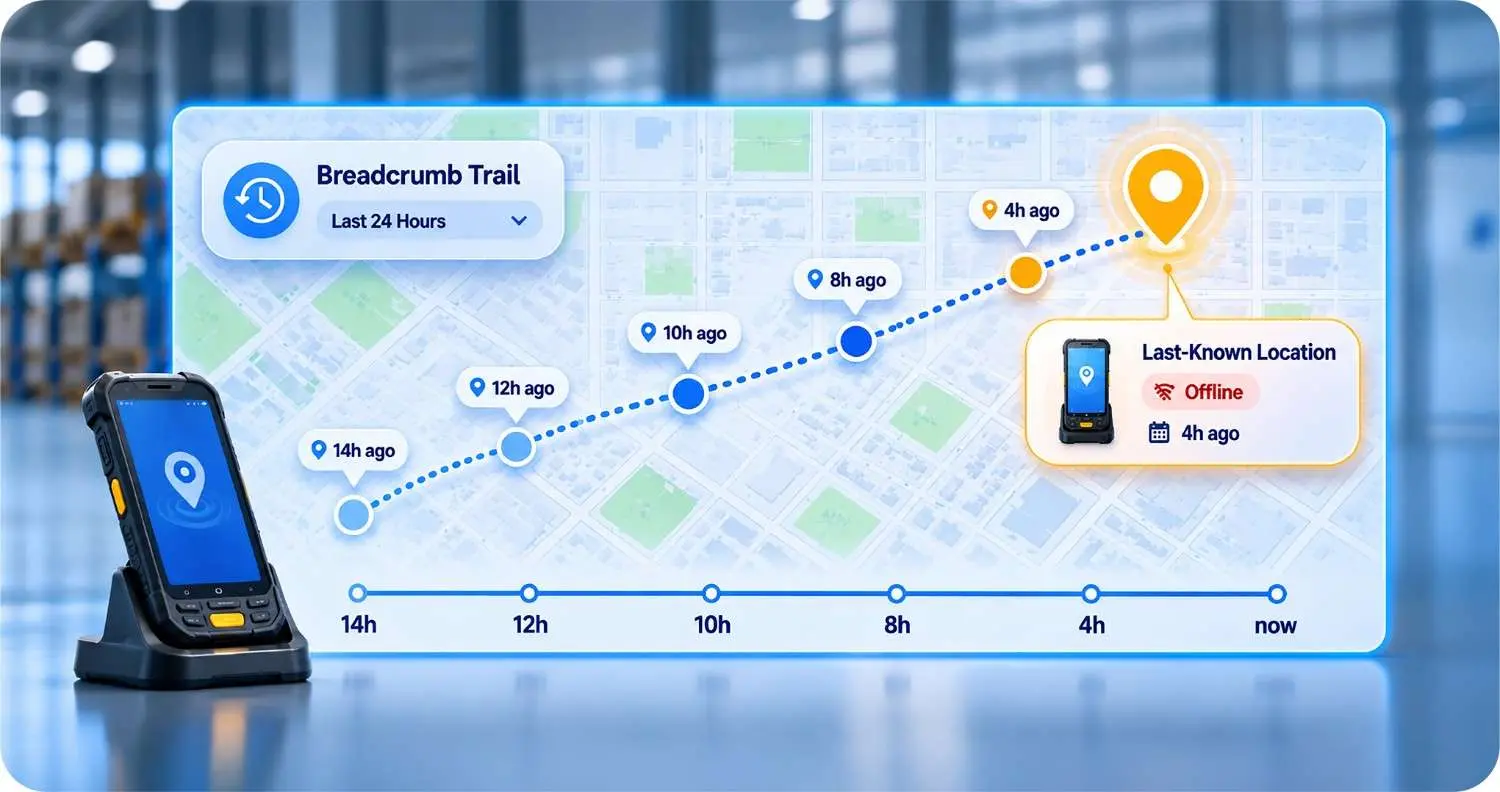
A device that's gone offline still has a story to tell. SureMDM records every location ping and lets you replay the device's last 24 hours as a breadcrumb trail. You export it as CSV for an insurance claim, a police report, or an internal audit. The historical trail often points to a specific moment, location, or shift where the loss occurred — and that's the moment you fix.
4
Lost Mode across every platform
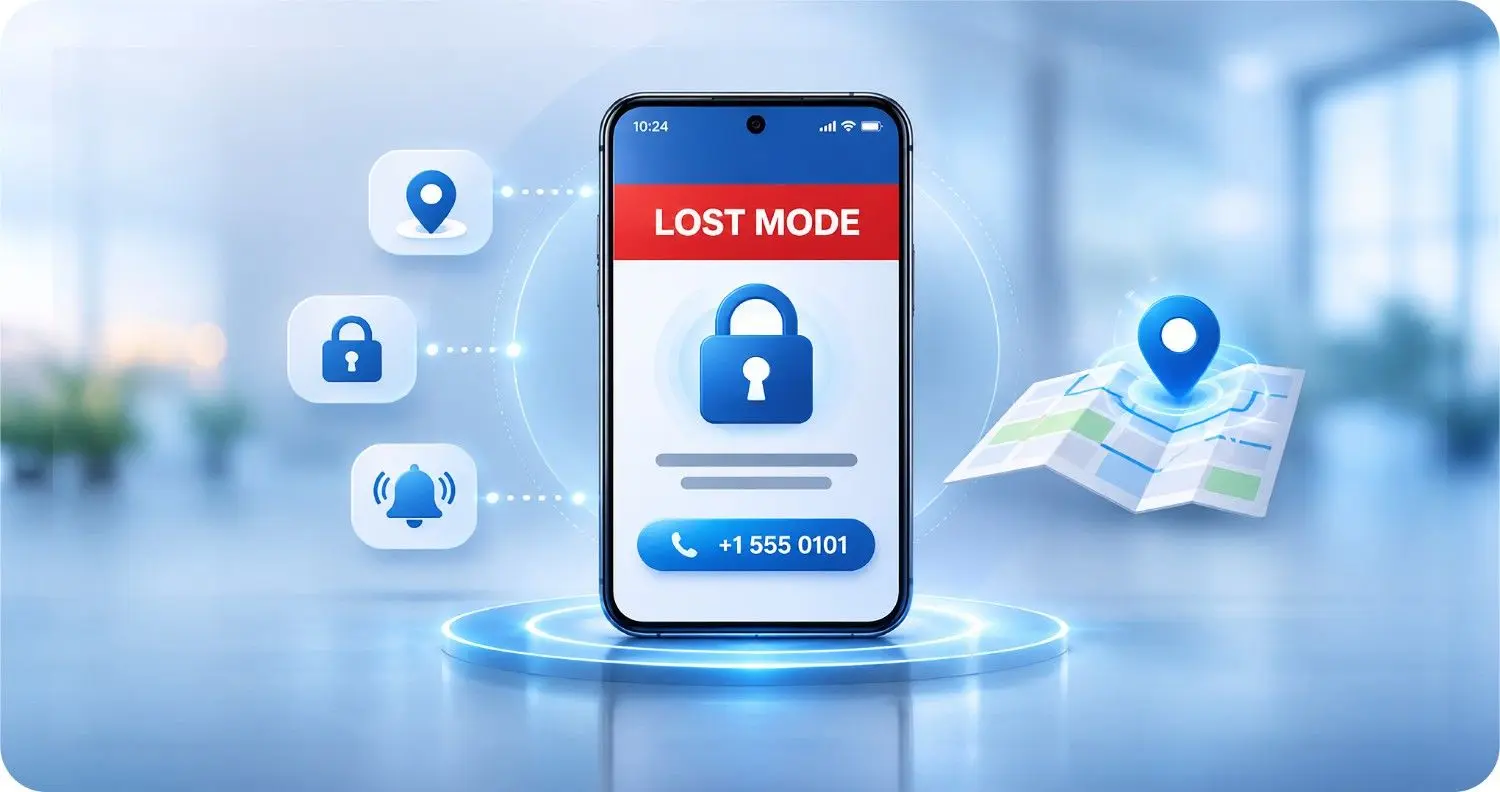
Lost Mode on Android, iOS, and Windows is a one-click action from the SureMDM console. The device locks to a screen showing only a custom message and a contact number. Anyone who finds it knows who to call. If the device is recovered, you disable Lost Mode and the worker is back in business. If the device isn't recovered, you still control what happens next.
5
Trigger a sound with Remote Buzz
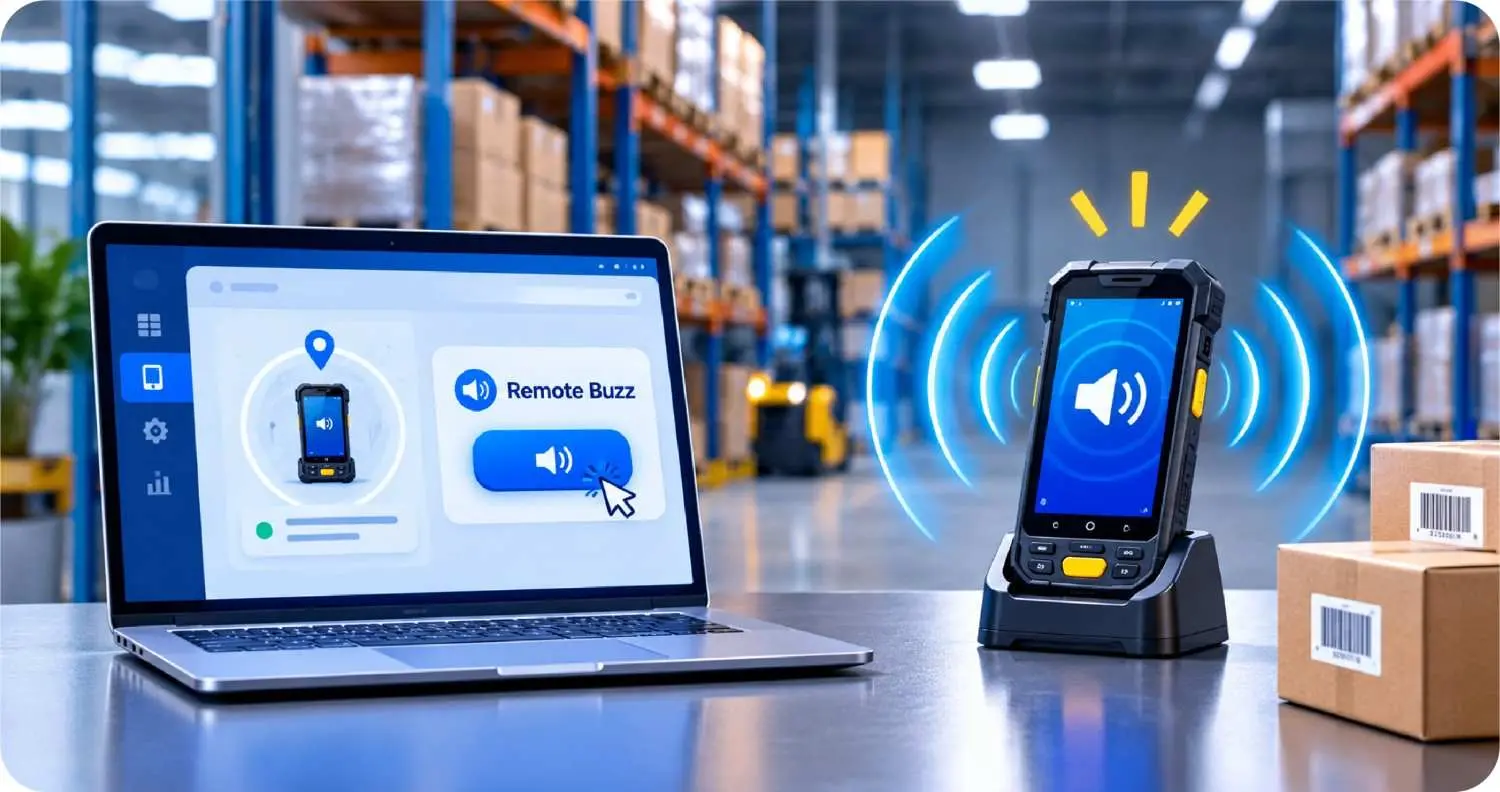
When you know the device is close but can't see it, SureMDM's Remote Buzz feature plays a loud, unmistakable sound from the SureMDM console — even if the device is on silent. Workers in a busy warehouse, a quiet hospital at night, or a back office where the scanner has been "under that pile of paper" for a week hear it instantly. The sound keeps playing until someone acknowledges it on the device.
6
Find devices that are powered off
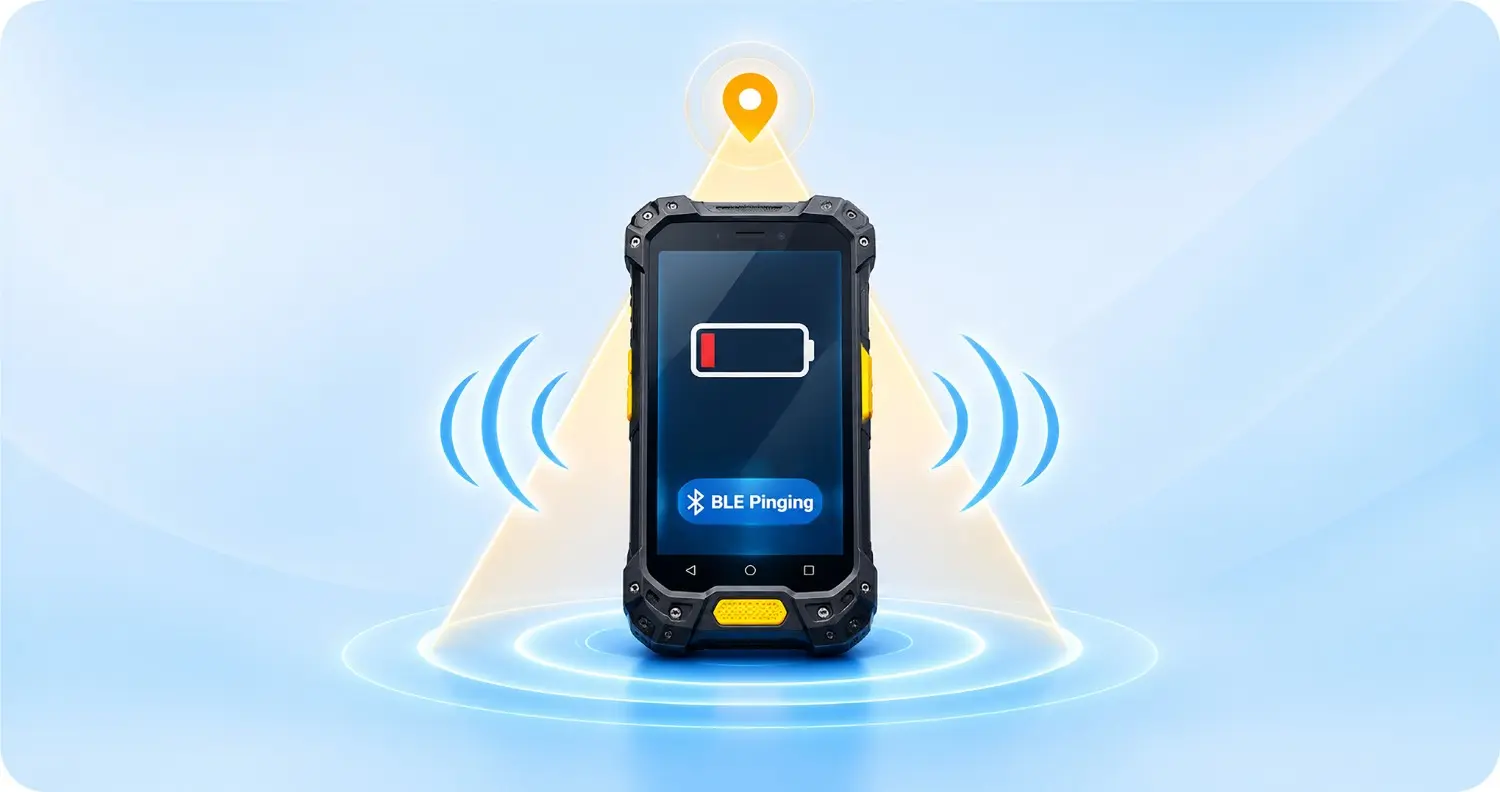
A lost device is often a dead device. SureMDM still finds it. When a device was last seen indoors, the BLE beacons and Wi-Fi fingerprint from SureMDM InLocate point to the exact room or aisle. When the device was last seen outdoors, the cached GPS reading plus the network cell it last connected to narrows the search to a few city blocks. And for the hardest cases — devices that went dead on the way to recovery — SureMDM works with BLE-enabled batteries that keep emitting a discoverable signal long after the device itself has powered down. The scanner sitting in a cabinet for two days, the tablet in the back of a rental car, the rugged device in a storage unit — they all stay findable.
7
Track devices and equipment with BLE tags
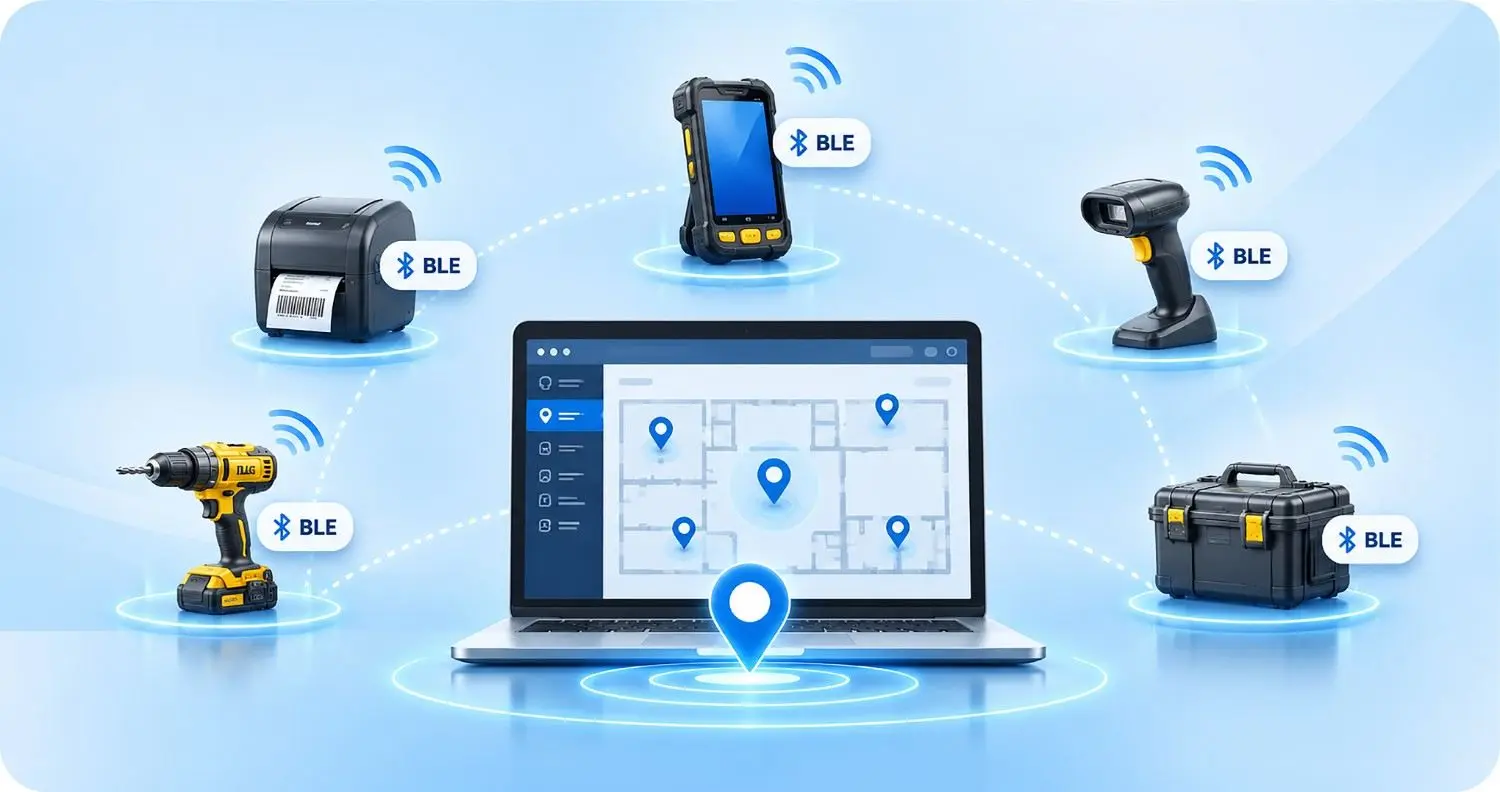
Devices or equipment carrying a BLE tag can be tracked directly from the SureMDM console — printers, scanners, lab gear, power tools, shared accessories, anything that walks out the door. The tag pings SureMDM's indoor and outdoor location infrastructure, and the asset shows up on the same map as everything else.
8
Lock or wipe remotely
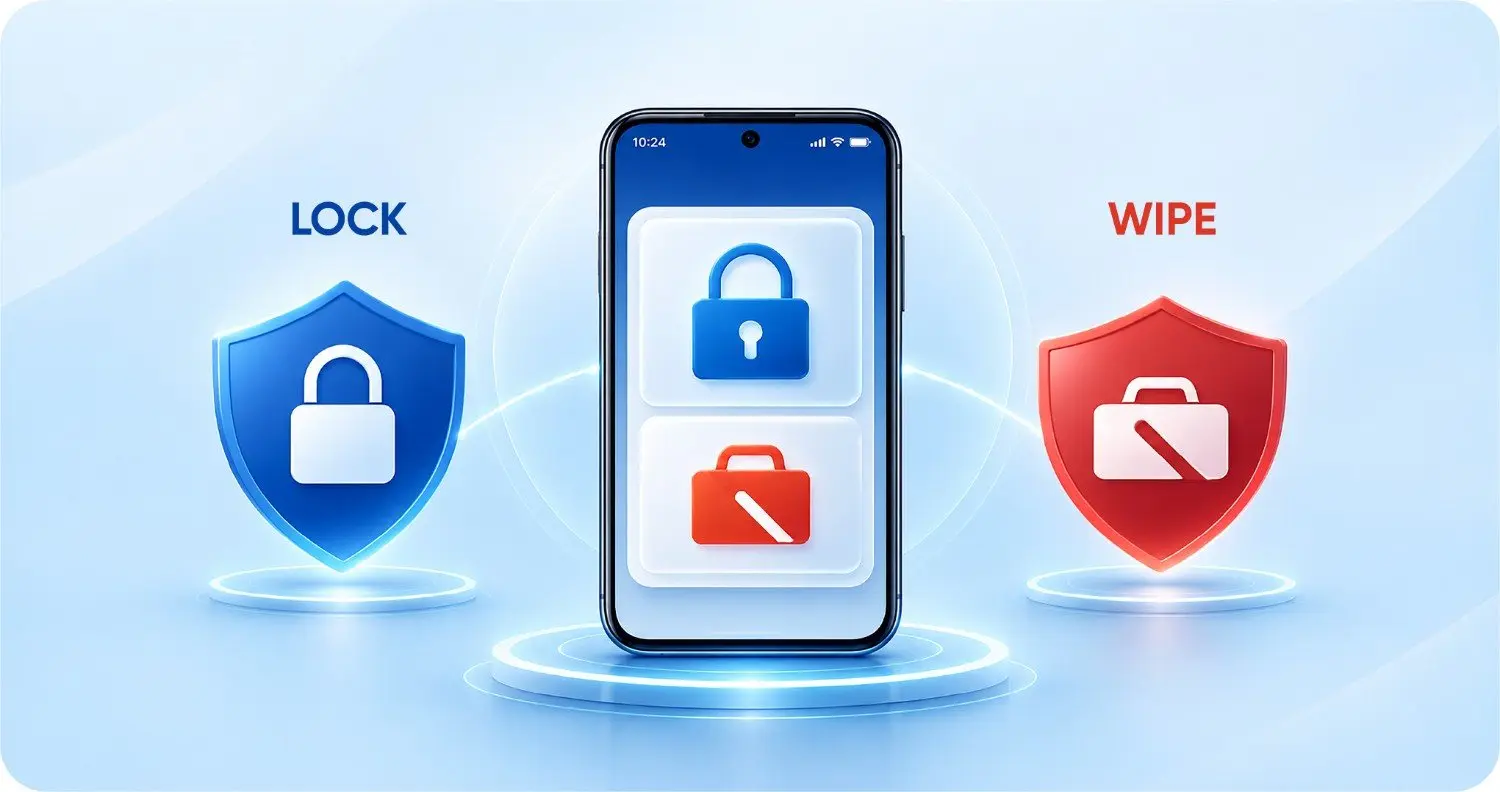
When the device is clearly gone, you don't want to guess. SureMDM can lock the device instantly, display a finder message, or — as a last resort — wipe corporate data. For BYOD, you can wipe only the corporate container and leave personal data alone, which keeps you on the right side of employee privacy law in every region.
Layer 3: Protect the Data Even If the Device Is Gone Forever
Sometimes you find the device. Sometimes you don't. Either way, the data should be safe.
Containerize corporate data
SureMDM's work profile keeps corporate apps, files, and credentials inside a managed container. Even if the device ends up in someone else's hands, they see a locked work profile with no useful corporate data behind it.
Gate access behind identity
SureAccess by 42Gears applies zero-trust network access — corporate applications only respond to sessions from a compliant device with a valid user identity. The day a device is reported lost, you revoke its session. The data on your servers stays untouched, regardless of what happens to the hardware.
Revoke tokens and wipe from the console
SureMDM, paired with SureIdP, lets you kill SSO tokens, certificates, and app access for a single device in seconds. A wiped device with revoked tokens is a useless device.
Prove it for the auditor
Every action — lock, wipe, geofence breach, Lost Mode enable — is logged. When the regulator asks whether the lost tablet exposed patient data, the answer is in the audit trail. Compliance is no longer a question of hope; it's a question of evidence.
What This Looks Like in the Real World
1
Retail and pop-up operations
A retailer running 4,000 SureLock-locked mPOS terminals across 300 stores. Devices can't drift out of the building because they're in kiosk mode. The ones that do leave — in a manager's bag, on a delivery — trigger a geofence alert the moment they cross the parking lot. Lost Mode kicks in by the time the car hits the highway. The device is recovered, or the corporate data is wiped, before lunch.
2
Logistics and warehousing
A logistics company running 1,200 handheld scanners across a national yard network. SureMDM InLocate tracks them across warehouses, yards, and staging areas. A scanner that gets left on a trailer is located in five minutes, not five hours. Annual device shrinkage drops by more than half in the first year.
3
Healthcare
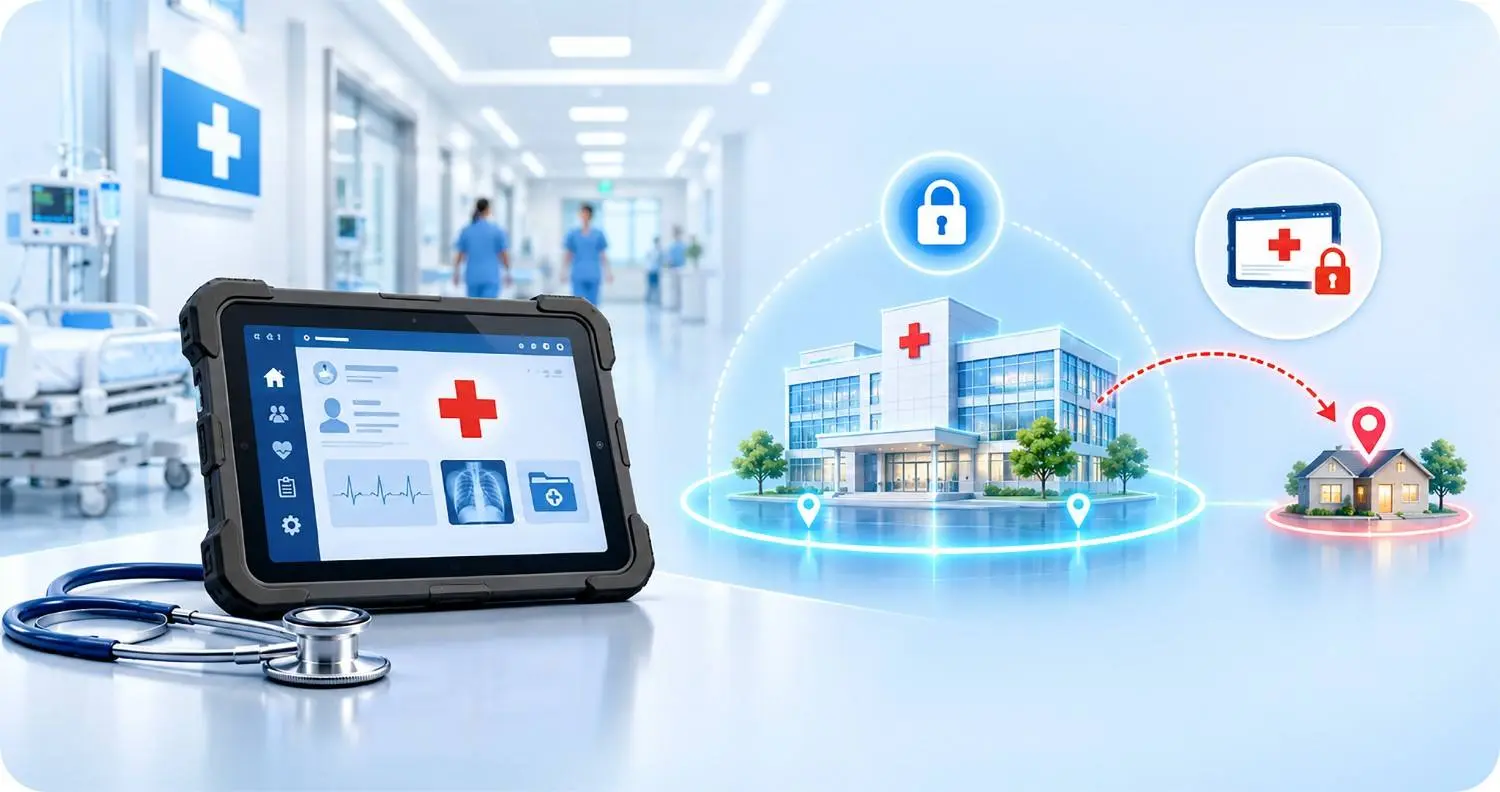
A hospital with shared clinician tablets on every floor. SureMDM geofencing auto-locks the tablet the moment it leaves the clinical floor. If a clinician takes it home by accident, it locks itself in their bag. Patient data never leaves the building.
4
Field services
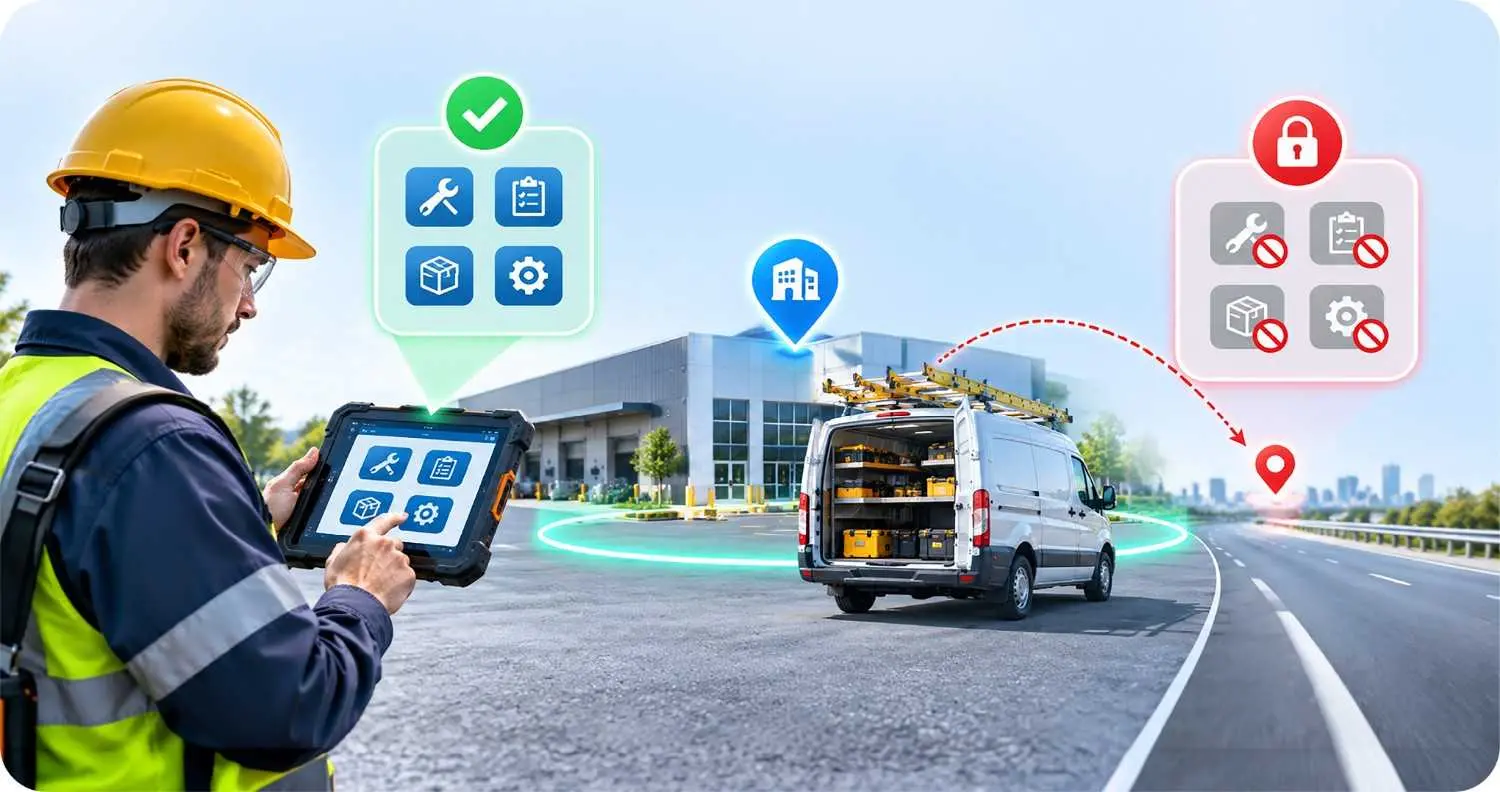
A field services team with rugged devices in technician trucks. Geofences built around customer sites restrict access to work apps only on the job. Devices stay useful at the job site and useless anywhere else.
The Math
Let's be direct. The HP study puts lost-device spend at $8.6 billion across organizations. The indirect cost of a single lost device — downtime, breach risk, compliance exposure, productivity loss — is many times the replacement cost.
A comprehensive device management stack — SureMDM for visibility and control, SureLock for shared-device lockdown, InLocate for indoor tracking, SureAccess for zero-trust application access — pays for itself the first time you don't have to write a breach disclosure letter.
The math is not close.
FAQs
Find answers to common questions about our service.