
Managing Windows and Linux endpoints at scale means dealing with more than device enrollment. IT teams need faster ways to onboard devices, understand configurations, secure endpoints, manage vulnerabilities, and support users remotely.
In this October edition of the SureMDM feature roundup, we will cover new capabilities and enhancements across Windows, Windows Server, and Linux—helping IT teams simplify endpoint management while strengthening security and operational visibility.
Here’s a look at what’s new.
What’s New in Windows and Linux Management with SureMDM
Windows Server Management
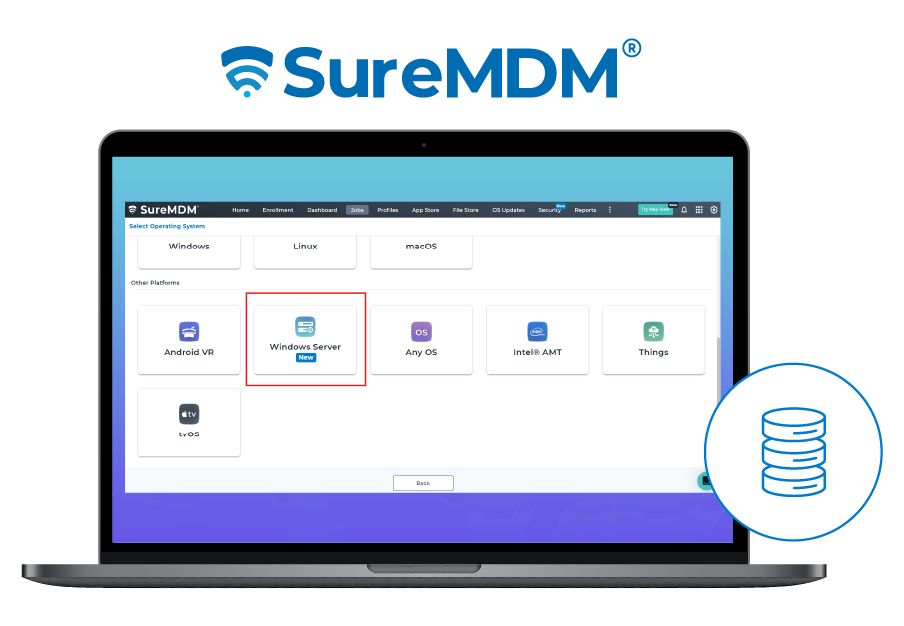
Windows Server environments can now be brought into the same centralized management approach used for Windows endpoints. Administrators can enroll Windows Servers through Agent-based, App Wrapping, or CLI-based enrollment and manage them through the SureMDM console.
With support for capabilities such as BitLocker management, application management, Run Scripts, and other supported Windows management features, IT teams can apply many of the same management workflows across servers and laptops from a single console. This brings Windows Server Management closer to endpoint management, reducing the need for separate tools and management processes.
BIOS Management for Windows
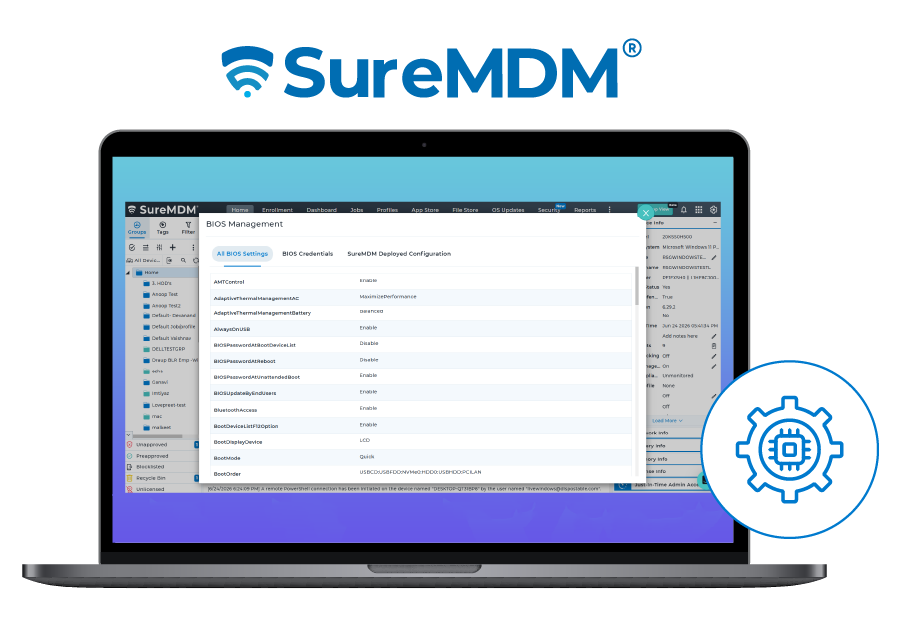
BIOS settings sit below the operating system but play an important role in endpoint security and configuration. SureMDM BIOS Management allows administrators to configure and manage supported BIOS settings remotely.
Administrators can manage areas such as BIOS passwords, boot order, Wi-Fi, Bluetooth, fingerprint, camera, and microphone controls, depending on OEM and device capabilities. Supported OEMs currently include Lenovo, HP, and Dell.
BIOS Analytics also provides visibility into BIOS configuration values across the device fleet, helping administrators identify configuration differences and potential compliance gaps.
Bitdefender Integration and Management
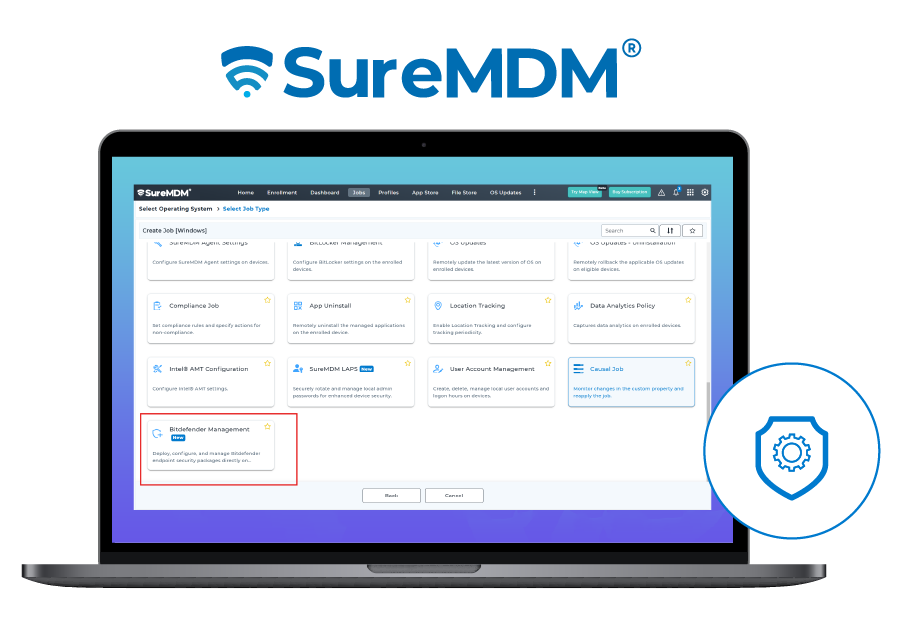
SureMDM now makes it easier to bring Bitdefender Endpoint Security Tools (BEST) deployment into endpoint management workflows. Admins can deploy Bitdefender packages directly from the SureMDM console and configure security modules such as antimalware, Advanced Threat Control, firewall, network protection, device control, and more.
This helps IT teams manage endpoint security deployment alongside their broader device management operations rather than handling security software deployment separately.
NextGen Kiosk Mode for Windows
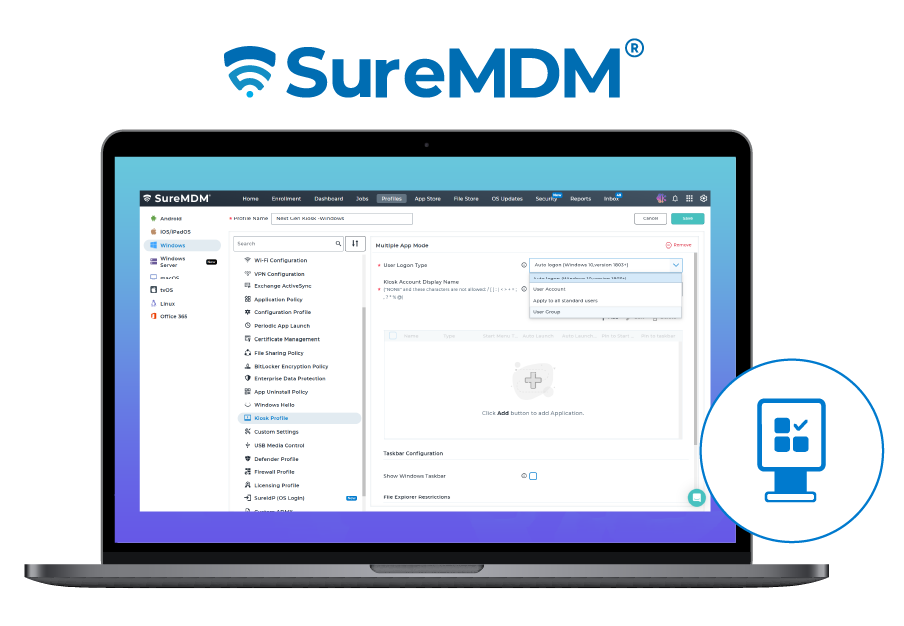
The enhanced Kiosk Management capabilities let administrators configure Windows devices in Single App or Multi-App Kiosk mode. IT teams can choose from different logon methods, control app execution, restrict access to File Explorer, and customize the Start menu, taskbar, toolbar, and Start layout to create a tailored device experience.
Built on Microsoft Assigned Access, these capabilities provide greater control over dedicated-use Windows devices while limiting access to unnecessary system functions. This is particularly useful for devices used in retail, healthcare, manufacturing, education, and frontline workflows where users need access to specific applications without unrestricted access to the underlying device.
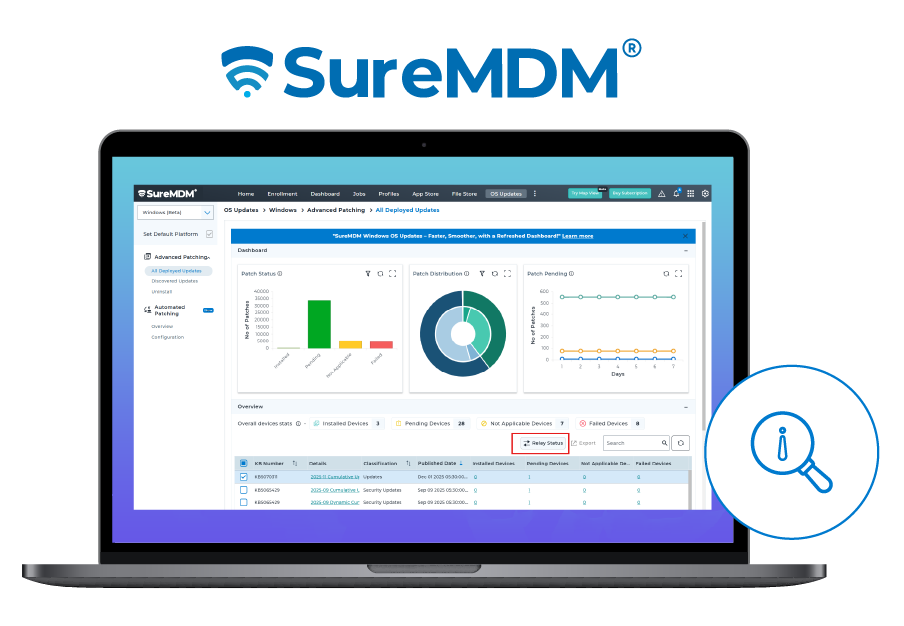
Relay Server Support for the CVE Dashboard and OS Updates
The Relay Server infrastructure now extends to CVE Dashboard and Windows Patches. Admins can deploy vulnerability remediation and patch distribution through a Relay Server, reducing overall bandwidth consumption.
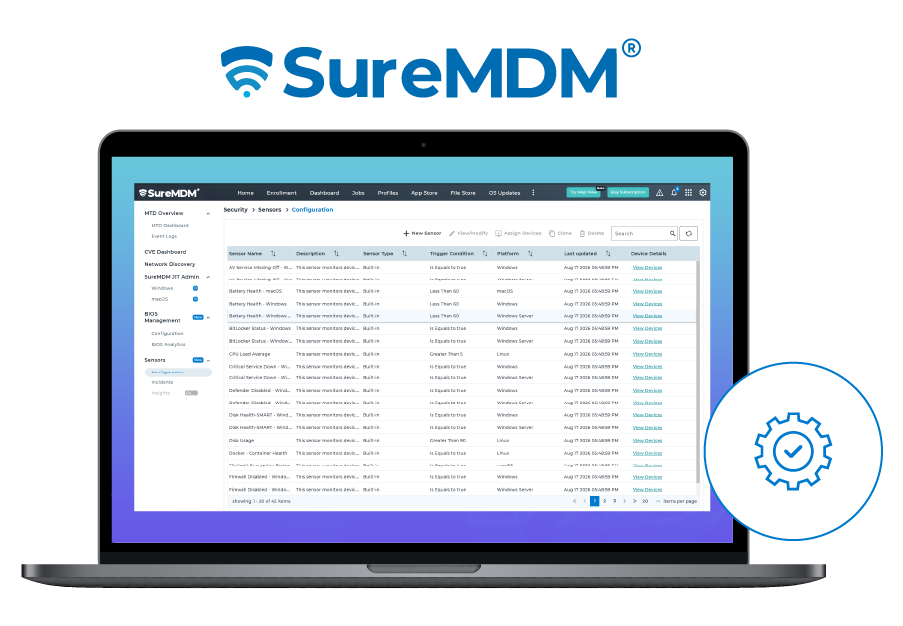
Sensors for Windows, Windows Server, macOS, and Linux
Sensors let administrators collect endpoint-specific data across Windows, Windows Server, macOS, and Linux. Beyond monitoring and troubleshooting, sensor-based triggers can notify administrators or automate actions, such as creating tickets in PSA tools when defined conditions are met.
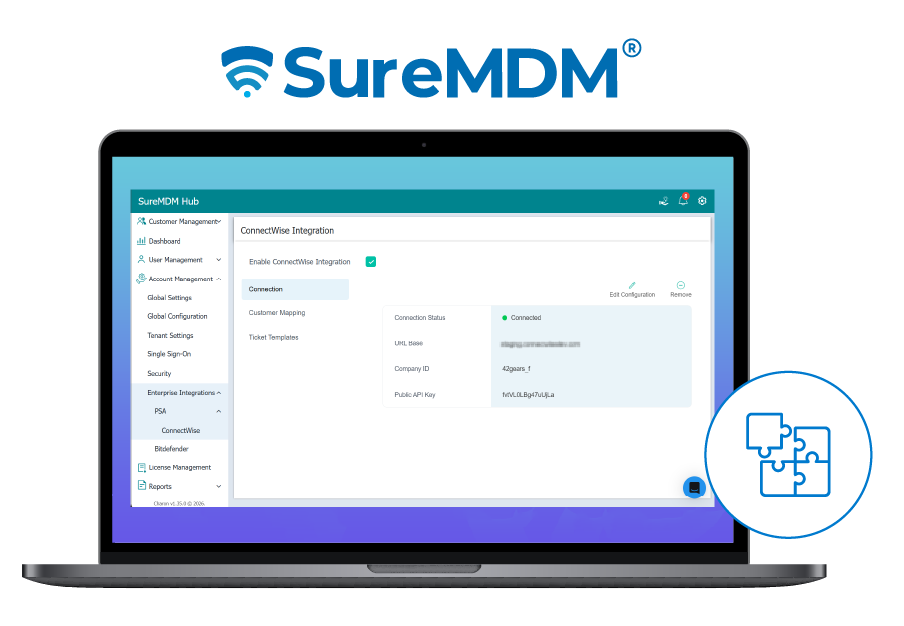
ConnectWise Integration
The ConnectWise integration helps organizations connect SureMDM device management workflows with their existing IT service management processes. By bringing device information and management workflows closer to the service desk/PSA Tools, IT teams can streamline troubleshooting, ticket creation for non-compliant assets, and more without constantly switching between management environments.
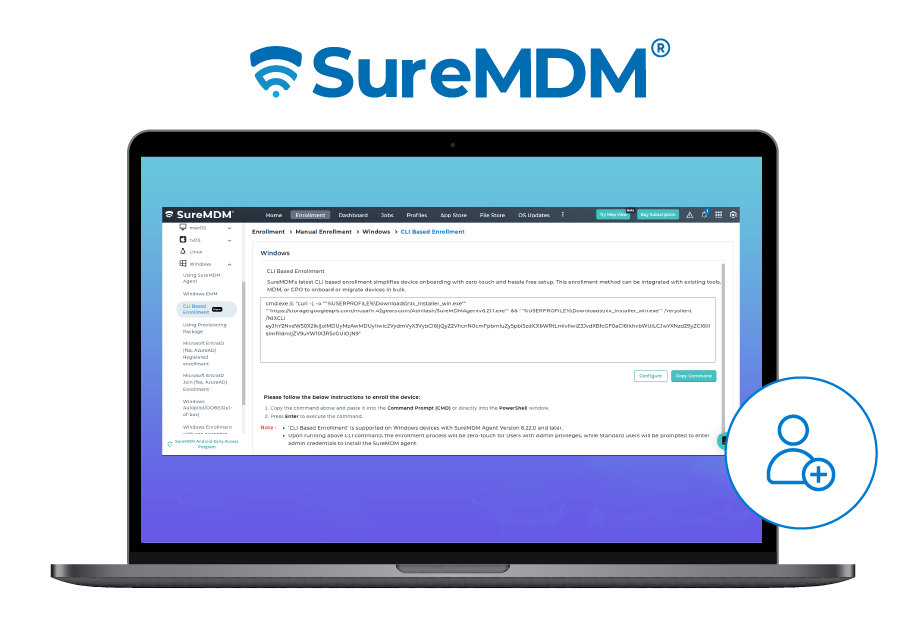
CLI-Based Enrollment for Windows Endpoints
Enrolling large numbers of Windows devices can be time-consuming when every device requires manual setup. CLI-Based Enrollment lets administrators generate enrollment commands and deploy them through scripts, GPOs, or other enterprise deployment tools.
The result is a more standardized, automated enrollment process that is particularly useful for bulk deployments and device migrations. Here is the list of Windows device enrollment methods.
Profile Insights for Windows and Linux
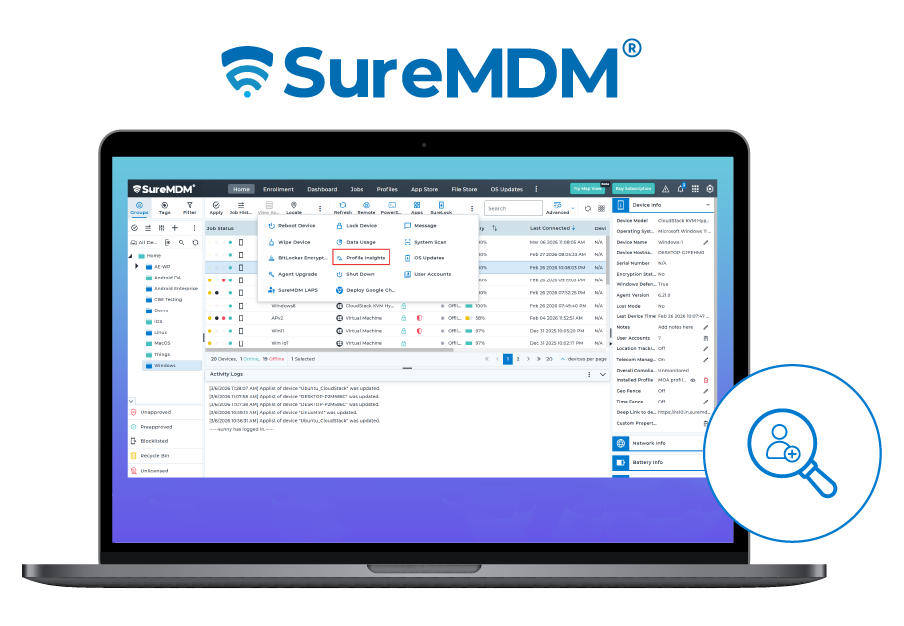
Administrators can now get a consolidated view of configuration profiles deployed to individual devices through Profile Insights. Instead of opening profiles one by one, IT teams can review deployed profiles and their deployment status from a consolidated device-level view, making it easier to verify configurations and troubleshoot deployment issues.
Revamped Custom Settings
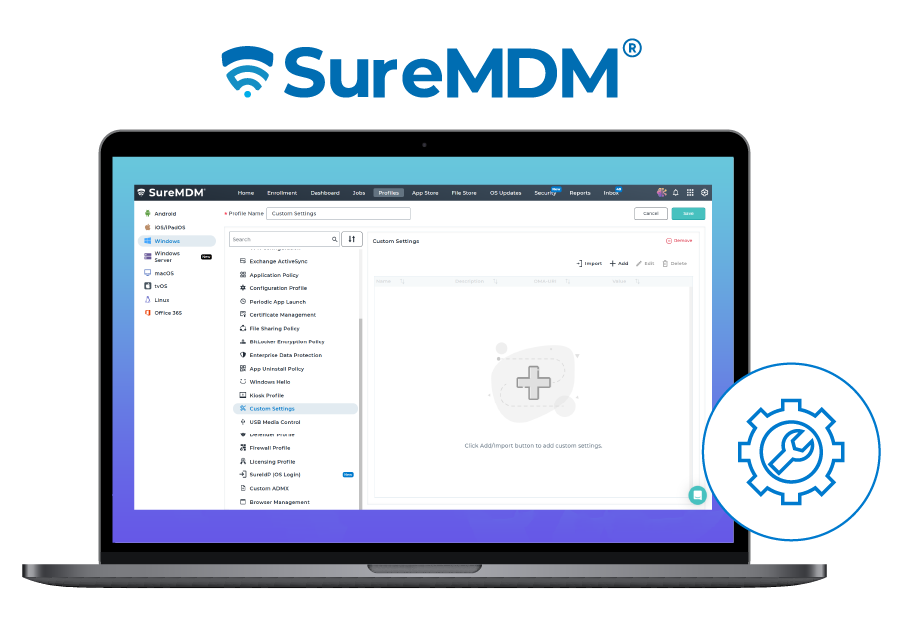
The enhanced Custom Settings experience gives IT teams greater flexibility to configure endpoint settings that may not be covered by standard SureMDM payloads. This helps organizations accommodate specialized configuration requirements without having to manage every setting manually.
SureAccess for Linux
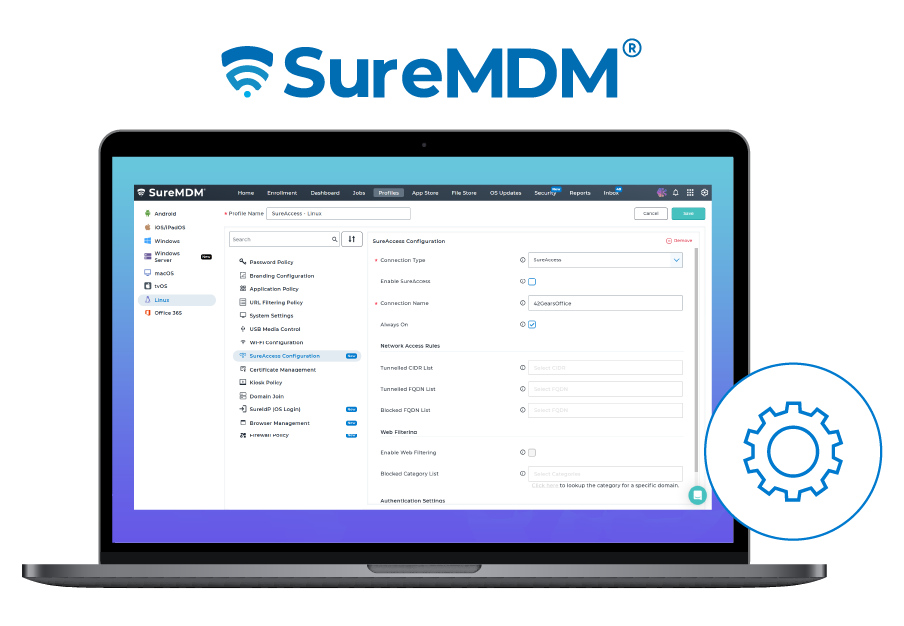
Linux endpoints are increasingly part of enterprise environments, but securing access to corporate resources across heterogeneous fleets can be challenging. SureAccess for Linux extends secure access to enterprise resources for Linux endpoints, allowing organizations to apply centralized access policies across heterogeneous endpoint fleets.
Browser and Firewall Management for Linux
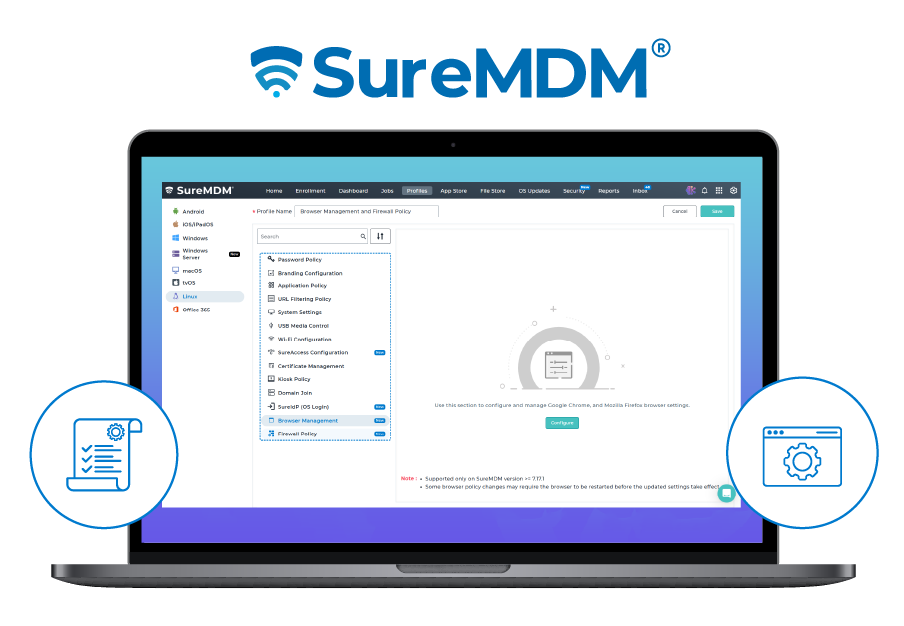
SureMDM continues to expand Linux management beyond basic device monitoring. Browser Management allows administrators to configure supported Chrome and Firefox settings on Linux devices, helping standardize browser configurations across the fleet.
Combined with Firewall Policy and other security controls, these capabilities give IT teams more control over how Linux endpoints access applications, websites, and network resources.
SureMDM: One Platform for a More Diverse Endpoint Fleet
Windows and Linux environments are becoming increasingly diverse, with organizations managing traditional PCs, servers, specialized workstations, kiosks, and other endpoints alongside mobile devices.
The latest SureMDM updates expand management across these environments with automated enrollment, configuration visibility, kiosk controls, vulnerability remediation, BIOS management, endpoint security integrations, secure access, and deeper Linux management.
Instead of treating Windows, Windows Server, Linux, Android, iOS, and macOS as separate management challenges, IT teams can bring more of their endpoint operations into a unified platform.