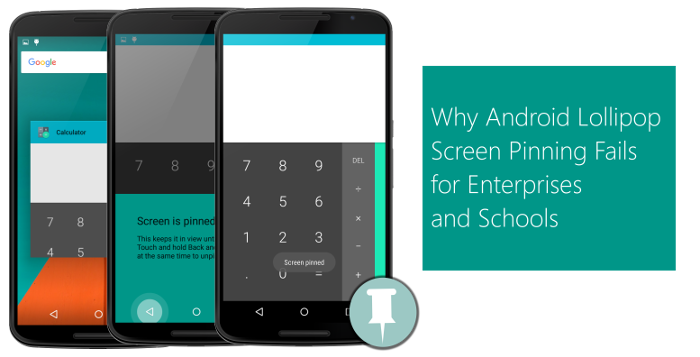
Guided Access feature in iOS that locks a device to a single application. Google soon realized its importance and came up with its own Screen Pinning feature in Android Lollipop
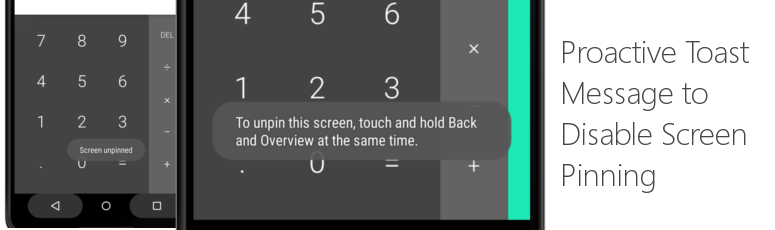
Proactive Toast Message to Disable Screen Pinning: When user taps on Home or Recent
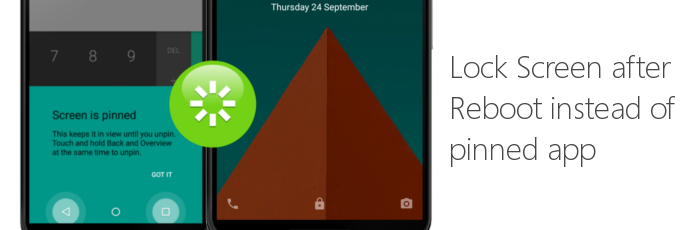
Lock Screen after Reboot
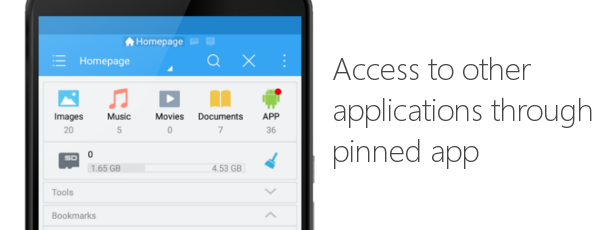
Access to other applications through pinned app
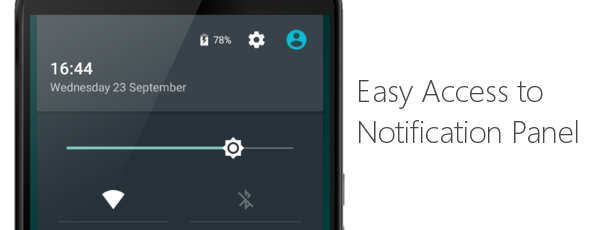
Easy Access to Notification Panel
Screen Pinning APIs
[For Android Developers]
startLockTask()/startLockTaskPackages(), enables developers to PIN their application to foreground. While this gives flexibility to developers to automatically PIN their application on launch without asking users to configure it manually, most of the above mentioned limitations still apply to them.
- Unless the calling application is Device Owner, it will still show proactive toast messages and give easy way to exit screen pinning by pressing back and recent apps button. Given that configuring your app as device owner requires you to factory reset your device, this becomes a major issue for enterprises where rapid mass provisioning is of utmost importance.
- Screen pinning automatically exits if device reboots. This happens even if your application is a Device Owner. One can argue that developers can register to get auto launched on device boot and call this API again, but our experience with Android system says that on lots of devices, by the time app boot receivers get called, a device user gets enough time to interact with system and do whatever he wants (like uninstall your app, turn off WiF or 3G).