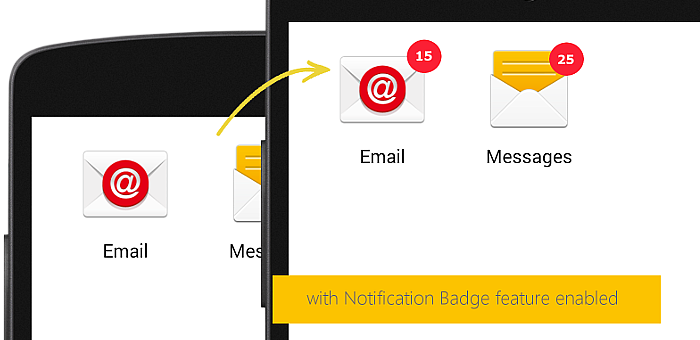
How to get notification badges in SureLock for Samsung Android devices

By 42Gears Team
Applies to:
Product SureLock
Platform Android Samsung

notification_badge_enabled

This is where Notifications Badges
SureLock Settings by tapping on SureLock Homescreen
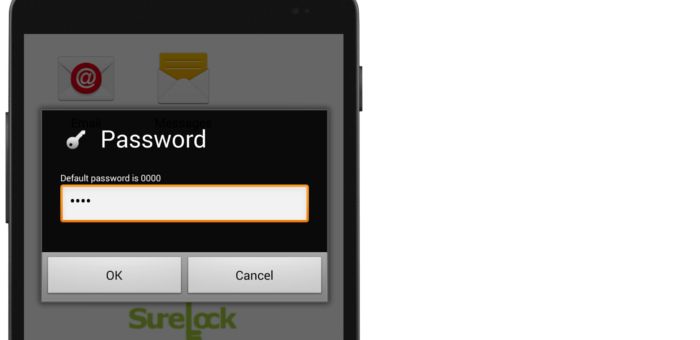
login_prompt
SureLock Admin Settings screen, tap on SureLock Settings
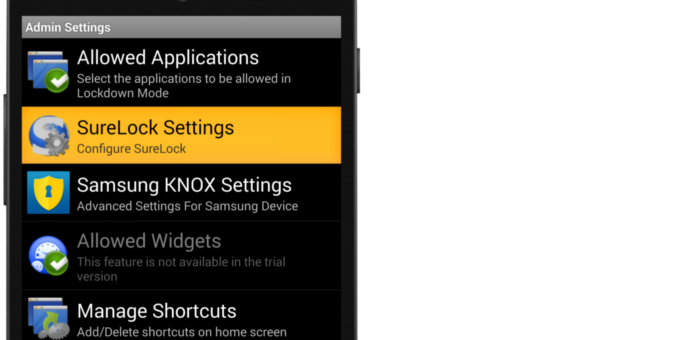
surelock_settings
SureLock Settings screen, tap and enable Notification Badge
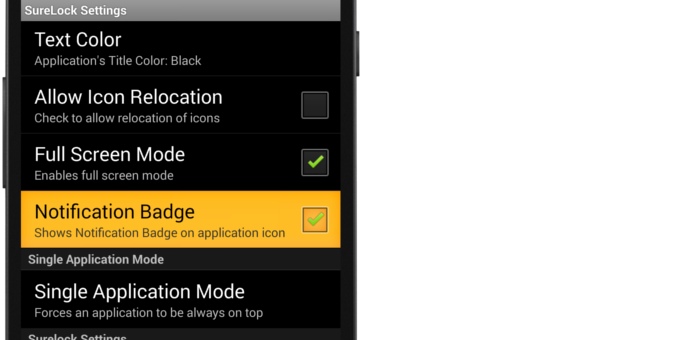
notification_badge
Done
SureLock, download a trial here
contact us, click here

“Written with expertise and passion to help you understand the topic better.”

4
42Gears Team – Content Author
Published on: January 21, 2015

Subscribe to our newsletter

Stay updated with the latest news, articles, and resources on enterprise mobility.

Weekly articles
Actionable insights delivered once a week. No noise.
No spam
Your privacy matters. Unsubscribe anytime.