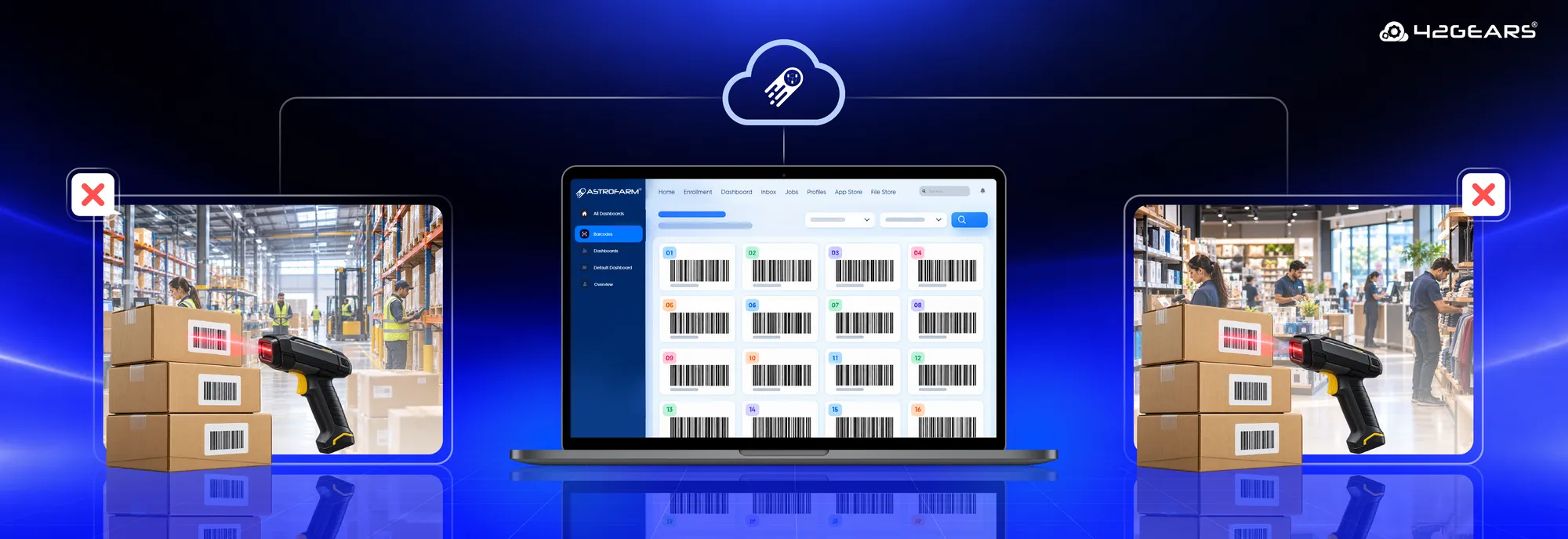
Ask any QA engineer working with Zebra-powered warehouse, retail, or logistics apps what breaks their automation strategy first, and barcode scanning almost always comes up. Zebra scanner test automation is the missing piece in most mobile QA strategies today — every other part of a mobile app, from UI flows to network calls to push notifications, can be automated and run in the cloud. Scanner input usually can’t.
That gap has quietly become one of the biggest blind spots in rugged and enterprise mobility testing — and it’s costing teams more than they realize.
The Challenge: Why Zebra Scanner Testing Breaks Modern QA
Rugged Android devices like Zebra scanners aren’t just phones with a camera bolted on. Their entire value depends on hardware scanner input — for warehouse inventory scanning, POS checkout validation, package tracking, QR-based authentication.
Standard mobile testing tools were never built to simulate that input. So teams are left with three bad options.
- Test on physical hardware, on-site. Someone has to be in the room, manually scanning a printed or on-screen barcode. That kills remote QA outright, and it doesn’t fit into a cloud CI/CD pipeline that expects tests to run unattended, on demand.
- Fake it with local scripting. Some teams key in data manually or use ADB/DataWedge intent injection on a locally connected device. It works — but it needs direct physical access and scripting skills most QA engineers don’t have. It also can’t be shared or scaled across a team.
- Skip it. The most common outcome. Scan-driven steps get stubbed out or left as manual checklist items. The part of the app that matters most — how it behaves when data hits it via a scanner — ends up the least-tested. Defects in scan logic slip through until they show up in a warehouse or at a checkout counter.
The root issue: remote device farms were built for general mobile testing, not Zebra scanner test automation. Most platforms let you interact with a screen remotely — but none let you simulate a physical barcode scan as a repeatable, CI/CD-ready event. For teams running Zebra fleets, that one gap can decide whether a cloud device farm is usable at all.
Tired of stubbing out scan logic in your test suite? See how AstroFarm handles Zebra scanner test automation →
The Solution: What Real Zebra Scanner Test Automation Looks Like
The fix isn’t asking QA teams to work around hardware limits. It’s giving barcode-driven testing the same remote, automatable treatment as everything else in the app.
Here’s what that looks like on a platform built for it, like AstroFarm:
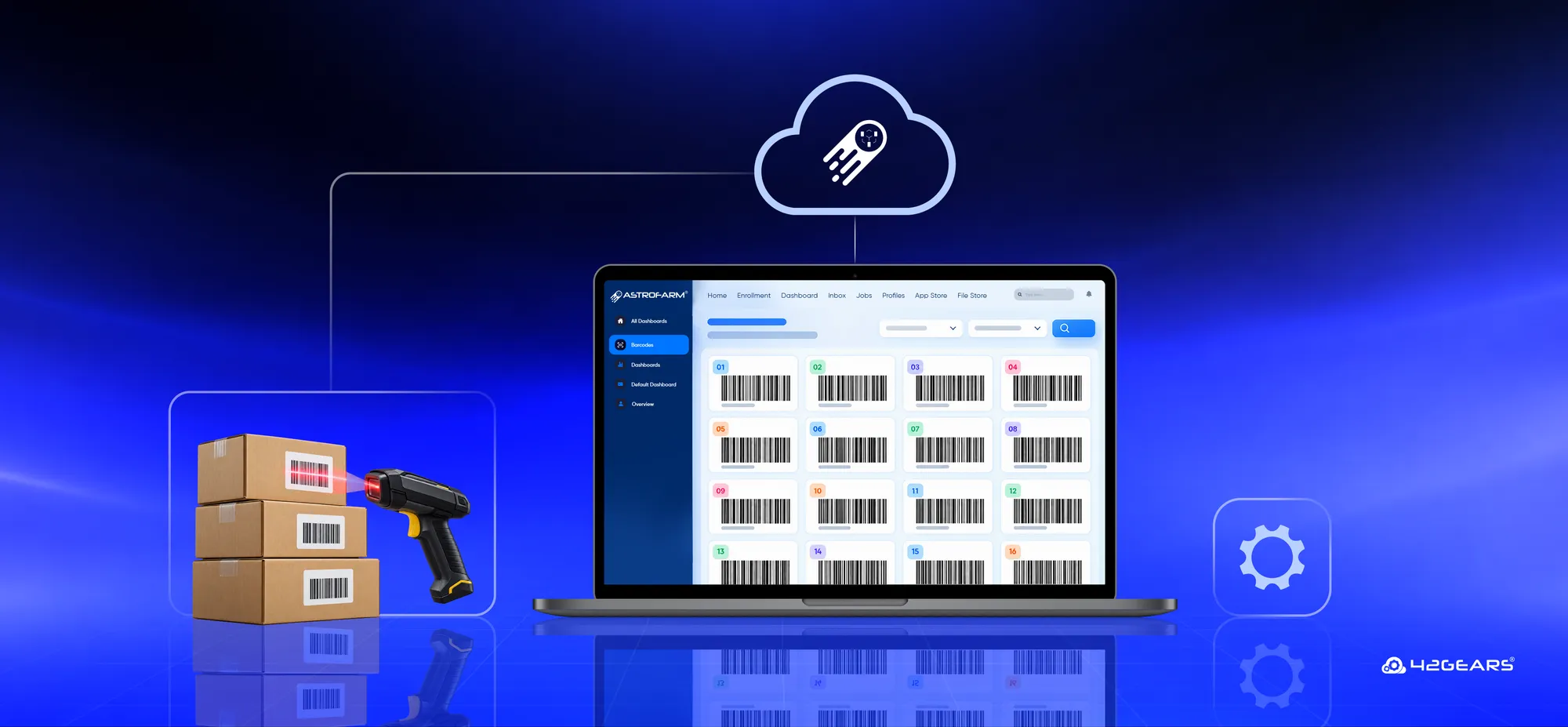
- Upload once, inject anywhere. Upload a barcode image (PNG/JPEG). Images are automatically decoded to extract the raw data string — no manual guesswork.
- DataWedge-native delivery. The decoded data is packaged into DataWedge intent output — the format Zebra’s scanning stack actually reads — and pushed to the target app mid-session. The app receives it exactly as it would from a physical scan.
- One click, real-time feedback. Pick the foreground app, select a barcode from the library or your computer, hit Inject. A progress indicator shows the injection happening live.
- API-based injection, built for automation. Send a scan through an API call from your Appium or Playwright scripts. Scan steps that were once skipped or done by hand now run on their own in your CI/CD pipeline.
- Full control, no lock-in. A toggle switches between injected input and the device’s live physical scanner, so teams aren’t forced into simulation when a real scan is what they want.
- Built for automation, not just manual clicks. Injection is designed to be triggered programmatically from Appium, Playwright, and similar frameworks — turning “we can technically do this” into “this runs in our nightly regression suite.”
- Retention that matches how QA teams work. Injected payloads follow the same configurable retention window as other session data (1, 7, 30, or 180 days), so barcode assets can be reused across test cycles instead of re-uploaded every time.
Why Zebra Scanner Test Automation Changes What’s Testable
- Remote QA becomes possible for scan-driven apps. No one needs to be near the Zebra device to validate scanner logic.
- Barcode workflows finally fit CI/CD. Scan events can be scripted, scheduled, and run unattended.
- Regression coverage closes a long-standing gap. Scan logic — the most business-critical part of a rugged app — stops being the untested corner.
- No scripting specialists required. What used to require ADB/DataWedge know-how becomes a dashboard action anyone on the team can trigger.
- Common formats work out of the box — QR, Code128, EAN, UPC, and other standard 1D symbologies.
For an industry that runs almost entirely on Zebra hardware — logistics, retail, warehousing, field operations — this closes a gap that used to force a choice between real device access and real test automation. Teams shouldn’t have to pick one.
Test the Way Your Devices Actually Work
If barcode-driven flows are still sitting outside your automated test suite, it’s not because your team hasn’t tried. It’s because the tooling hasn’t caught up to how rugged devices actually operate.
Every day scan logic stays untested is another day a defect could reach the warehouse floor or the checkout line.
Try AstroFarm Free and run Zebra scanner test automation — from warehouse inventory checks to POS validation — without ever touching a physical device.