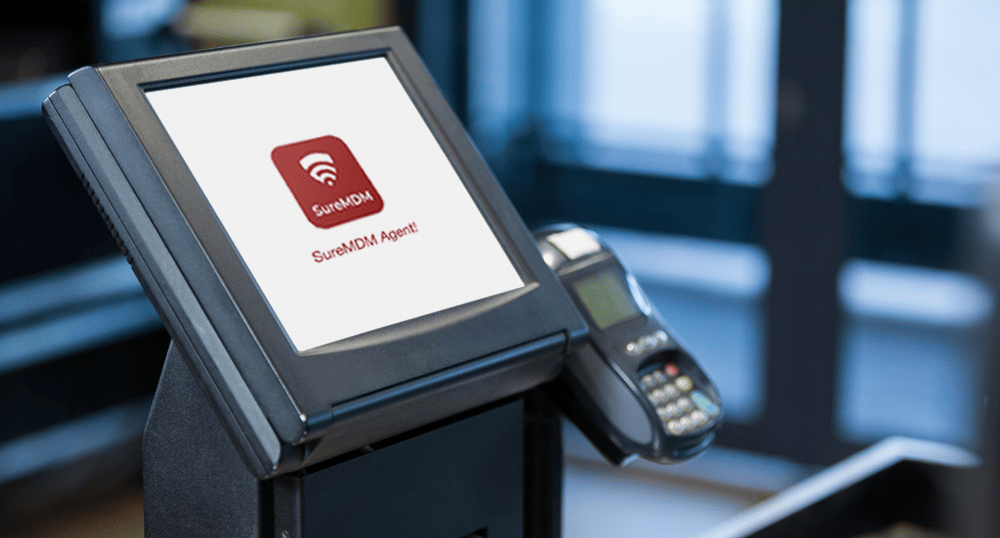
The kiosk industry has grown well beyond ATMs and vending machines. Self-service kiosks are everywhere now, from hospital lobbies to retail stores, and each one needs to stay secure and online. That's why remote kiosk management has become a core IT priority: managing, monitoring and troubleshooting kiosks without visiting each device.
But here's another catch: kiosks rarely show up one at a time. They roll out in batches, across multiple locations, often running different operating systems. Without the right kiosk management software, keeping track of kiosk deployments turns into a full-time job of its own. The solution isn't more people on the ground. It's the ability to manage multiple kiosk devices from one dashboard, giving IT teams centralized control over their entire fleet.
What Is Remote Kiosk Management?
Remote kiosk management is the centralized process of deploying, securing, and monitoring dedicated-purpose devices from one interface. Using kiosk management software, IT admins can lock devices into approved apps and websites, push updates, and monitor device health without touching the hardware. In short, remote kiosk management turns a scattered fleet into a centrally managed and visible environment.
Industries Using Remote Kiosk Management
Digital kiosks now show up across nearly every sector, including:
- Healthcare: Patient check-in and quick record lookups for staff
- Hospitality: Self-service visitor check-in and menu browsing at hotels and restaurants
- Retail: Checkout kiosks and in-store promotions
- Education: Remote learning kiosks for wayfinding and fee payments
- Corporate Offices: Visitor management kiosks for front-desk sign-ins
- Public Spaces: Digital signage kiosks for wayfinding and promotional displays
These use cases show how widely kiosks are deployed across industries. But as kiosk fleets grow, managing them remotely becomes increasingly important.
Why Remote Kiosk Management Matters
Kiosk management doesn't end once a device is deployed. IT teams need to continuously configure, secure, monitor, update, and troubleshoot kiosks throughout their lifecycle. When devices are spread across stores, hospitals, hotels, campuses, or other locations, performing these tasks individually can quickly become inefficient.
Remote kiosk management closes that gap by giving IT teams the ability to manage multiple kiosk devices from one dashboard, catch problems early, and keep every kiosk performing the way it was designed to.
The Risks of Managing Kiosks Without a Remote Strategy
Running kiosks across multiple locations without a centralized remote kiosk management strategy can create several challenges as the fleet grows.
- Downtime Can Go Unnoticed
A frozen app, lost network connection, or unresponsive device can leave a kiosk unusable until someone reports the issue. Real-time monitoring helps IT teams detect problems sooner.
- On-Site Troubleshooting Takes Time
When a kiosk needs a restart or configuration change, dispatching someone to the location increases costs and delays. Remote access can resolve many issues without a site visit.
- Unattended Kiosks Can Be Misused
Public-facing kiosks can be exposed to unauthorized apps, websites, or device settings if they are not properly locked down. Kiosk management software helps restrict devices to approved applications and websites.
- Keeping Apps and Devices Updated Becomes Difficult
Updating apps, policies, or content across locations becomes a manual task as kiosk deployments expand. Centralized management keeps every device configured consistently.
- Device Locations Can Be Hard to Track
Kiosks spread across stores, campuses, or branches are difficult to monitor physically, especially when devices are moved unexpectedly. Live location tracking and geofencing improve fleet visibility.
- Managing Different Devices Adds Complexity
A growing fleet may include Android, Windows, and iOS devices, each with different requirements. A multi-OS kiosk management platform can simplify administration across the entire fleet.
These challenges become harder to manage as kiosk deployments grow. A centralized approach that lets IT teams manage multiple kiosk devices from one dashboard helps reduce manual effort while improving security and uptime.
How SureMDM Powers Remote Kiosk Management
SureMDM provides IT teams with a centralized platform to deploy, secure, monitor, and troubleshoot kiosks throughout their lifecycle.
A successful deployment lays the foundation for reliable day-to-day management. By deploying kiosk management software correctly from the start, organizations can simplify future maintenance, improve security, and reduce operational overhead.
How to Deploy Kiosks with SureMDM
Successful kiosk deployments begin with a consistent setup. SureMDM simplifies deploying kiosk management software with a guided process that helps every device start with the right configuration.
- Enroll Devices
Add devices using zero-touch enrollment, QR codes, or other supported enrollment methods so they automatically appear in the SureMDM console.
- Create a Kiosk Configuration
Define what the kiosk should allow—such as single-app or multi-app mode, approved apps, websites, and user-access settings.
- Apply Kiosk Policies
Deploy the kiosk configuration and security policies to selected devices or device groups, ensuring they receive the required settings and applications.
- Verify and Go Live
Confirm the kiosk is online, reporting its status, and running the assigned configuration before going live.
Following this approach to deploying kiosk management software helps ensure secure and consistent kiosk deployments from day one. But deployment is only the beginning. Ongoing remote kiosk management helps IT teams keep devices secure, monitored, updated, and operational throughout their lifecycle.
Remote Kiosk Management Features Built Into SureMDM
Once kiosks are deployed, ongoing management becomes essential to keeping the fleet secure, available, and performing as expected. SureMDM helps organizations manage, secure, and support their kiosk fleet throughout its lifecycle.
- Kiosk Mode
Kiosk mode restricts user access to only approved apps and websites, preventing misuse and ensuring devices remain dedicated to their intended purpose.
- Centralized Management Console
Manage kiosk devices across supported operating systems from one dashboard while monitoring battery, network, and device status.
- Remote Support
View screens, take remote control, initiate two way calling, and restart devices without visiting the site.
- Location Tracking
Track kiosk locations using live location tracking and receive geofencing alerts if a device leaves its designated area.
- Alert Management
Get notified of failed logins, low battery, or other device issues in real time.
- Security & Compliance
Enforce security policies and consistent device configurations to help protect kiosk deployments and support compliance goals.
Together, these capabilities provide complete digital kiosk management, from initial kiosk deployments to ongoing monitoring, maintenance, and security.
Conclusion
Digital kiosks aren't going away, and neither is the need to manage them efficiently. From initial deployment to everyday maintenance, remote kiosk management gives IT teams the visibility and control they need without constant travel. By deploying kiosk management software like SureMDM, organizations can centralize security, monitoring, and remote support to keep kiosk fleets secure, consistent, and operational.
FAQs:
Can SureMDM manage kiosks across multiple locations?
Yes. SureMDM lets IT teams manage multiple kiosk devices from one dashboard, making it easy to monitor, update, and support distributed kiosk fleets.
How often should kiosk devices be updated?
Apps, security policies, and operating systems should be updated regularly to keep kiosk deployments secure, compliant, and performing reliably.
Can I remotely troubleshoot a kiosk without visiting the site?
Yes. With remote kiosk management, IT teams can view device screens, remotely control kiosks, and resolve many issues without an on-site visit.
How do I keep public kiosks secure from unauthorized access?
Using kiosk management software, you can lock devices to approved apps and websites, apply security policies, and remotely lock or wipe lost devices when needed.
What should I look for when choosing kiosk management software?
Look for centralized device management, kiosk lockdown, remote monitoring and troubleshooting, application and content management, location tracking, security controls, and support for the operating systems used across your fleet.