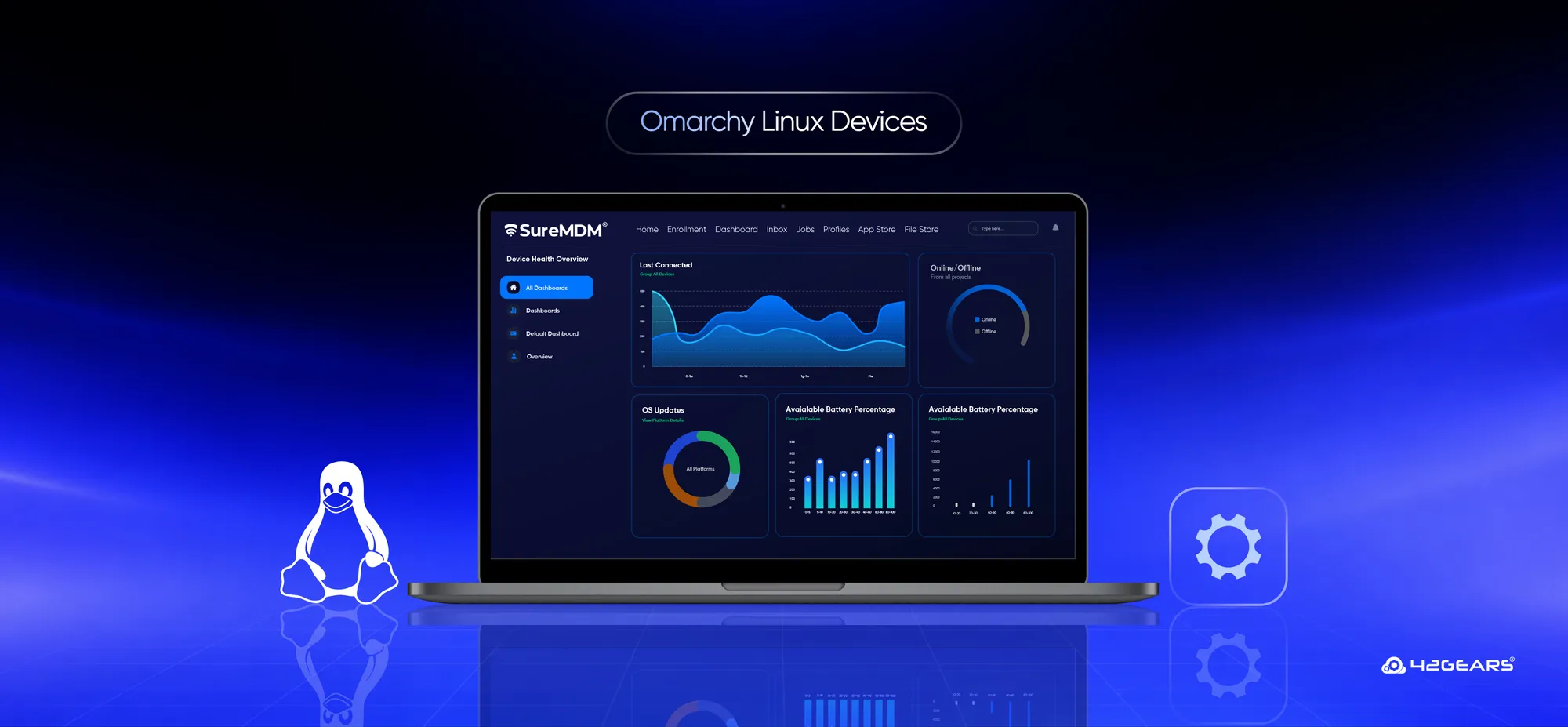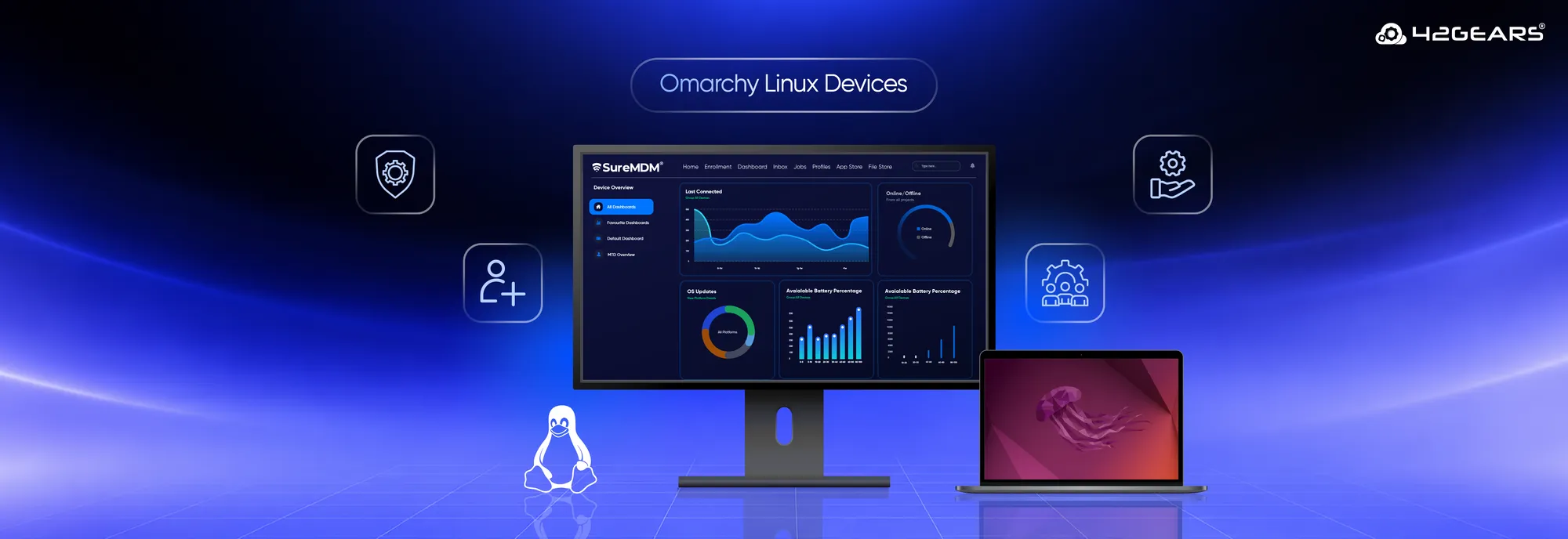
Linux environments are becoming increasingly diverse. IT teams need to manage endpoints running different Linux distributions based on user preferences, hardware requirements, development workflows, or specific business use cases. As more modern Linux distributions enter the enterprise environment, managing each one through a different process can quickly add complexity, well that's not the scenario anymore.
Alongside existing support for Ubuntu, Linux Mint, CentOS, Raspberry Pi, Debian, Red Hat, and many more SureMDM now supports Omarchy Linux. This expansion allows IT teams to unify Omarchy devices under the same centralized management workflow.
Instead of creating a separate enrollment and management process for Omarchy, IT admins can use the existing SureMDM Linux agent workflow to enroll, configure, manage, and support these devices.
Why Do Organizations Need to Manage Omarchy Devices?
For organizations and users adopting Omarchy for their Linux endpoints, the challenge isn't simply getting the operating system running—it is managing those endpoints consistently once they become part of the organization's device fleet.
An IT team may already manage Linux devices running multiple distributions. Adding Omarchy to that environment can create additional operational overhead if administrators need separate management tools, enrollment methods, policies, or support processes.
Without centralized device management, IT teams may need to:
- Set up devices individually and repeat configuration tasks
- Maintain different management processes for different Linux distributions
- Track device and application status across multiple tools
- Handle software deployment and updates manually
- Provide support through separate tools or workflows
- Maintain consistent security and compliance configurations across the fleet
SureMDM addresses this by extending its existing Linux device management workflow to supported Omarchy devices.
Simplify Omarchy Device Enrollment
SureMDM uses its standard Linux agent workflow to enroll supported Omarchy devices, so administrators don't need a separate enrollment process.
Admins can choose either:
- Manual enrollment: Download the nix.tar.gz package and run sudo ./installnix.sh.
- Console-based enrollment: Generate an CLI (Command Line Interface) enrollment command from the SureMDM console and run it on the Omarchy device.
The agent detects Omarchy, installs the required packages, and completes the enrollment process, making it easy to add Omarchy devices to an existing Linux fleet.
Solve Day-to-Day Linux Management Challenges
Omarchy support isn't just about enrolling another Linux distribution. It helps extend existing device-management workflows to Omarchy endpoints.
After enrollment, admins can continue using supported SureMDM Linux capabilities to manage applications, policies, kiosk configurations, patch management, compliance requirements, user accounts, and device operations.
This is particularly useful when an organization has a growing Linux fleet and wants to avoid managing each distribution as a separate environment.
For IT teams, this can mean:
- Less manual work: Use centralized jobs and policies instead of repeatedly configuring individual devices.
- Simpler patch management: Keep Omarchy devices updated using SureMDM's supported Linux patch management capabilities, helping IT teams reduce manual patching effort and maintain devices with the latest required updates.
- More consistent management: Apply supported device management and security configurations across different Linux endpoints from the same console.
- Centralized visibility: Keep Omarchy endpoints within the same device management environment as other supported Linux devices.
- Focused user experience: Use Linux kiosk mode to turn devices into dedicated-purpose endpoints and minimize distractions in task-specific environments.
- Easier remote support: Use supported SureMDM remote support capabilities to assist users when their display environment meets the required prerequisites.
A Better Experience for IT Teams and End Users
IT teams can deploy required applications, apply configurations, and address device issues remotely while users continue working on their preferred Linux distribution. This becomes even more valuable in organizations where employees use different Linux distributions. Users don't necessarily need to work on the same distribution for IT teams to maintain a common management approach.
Manage Omarchy Devices With the Rest of Your Linux Fleet
Supporting multiple Linux distributions doesn't have to mean maintaining multiple management strategies.
With Omarchy support, SureMDM extends its Linux management capabilities to support AMD-based Omarchy devices while retaining the standard Linux agent and enrollment workflow. Organizations can add Omarchy endpoints to environments that already include other supported Linux distributions and manage them through the same centralized console.
From enrollment and application management to policies, device operations, kiosk workflows, and remote support, IT teams can continue using the SureMDM workflows they already know.
Frequently Asked Questions (FAQs)
What is Omarchy Linux?
Omarchy is a Linux distribution designed to provide a modern, streamlined desktop experience. Organizations can manage compatible Omarchy endpoints through SureMDM using its existing Linux device management capabilities.
Can I use Linux kiosk mode on Omarchy devices?
Yes. Organizations can use supported SureMDM Linux kiosk capabilities to configure Omarchy devices as dedicated-purpose endpoints for scenarios such as kiosks, digital signage, or task-specific workstations.
What types of Omarchy devices does SureMDM support?
SureMDM supports Omarchy Linux devices running on AMD-based hardware, including compatible desktop PCs, laptops, and other AMD-based computing devices. These devices can be enrolled and managed alongside other supported Linux endpoints through the SureMDM console.
Can I manage Omarchy devices alongside other Linux distributions?
Yes. Once enrolled, Omarchy devices can be managed from the same SureMDM console as other supported Linux distributions, helping IT teams maintain a centralized management workflow across their Linux fleet.
What can I manage on Omarchy Linux devices with SureMDM?
Administrators can manage applications, policies, device configurations, kiosk deployments, compliance settings, user accounts, and other supported device operations on Omarchy Linux devices through the SureMDM console.