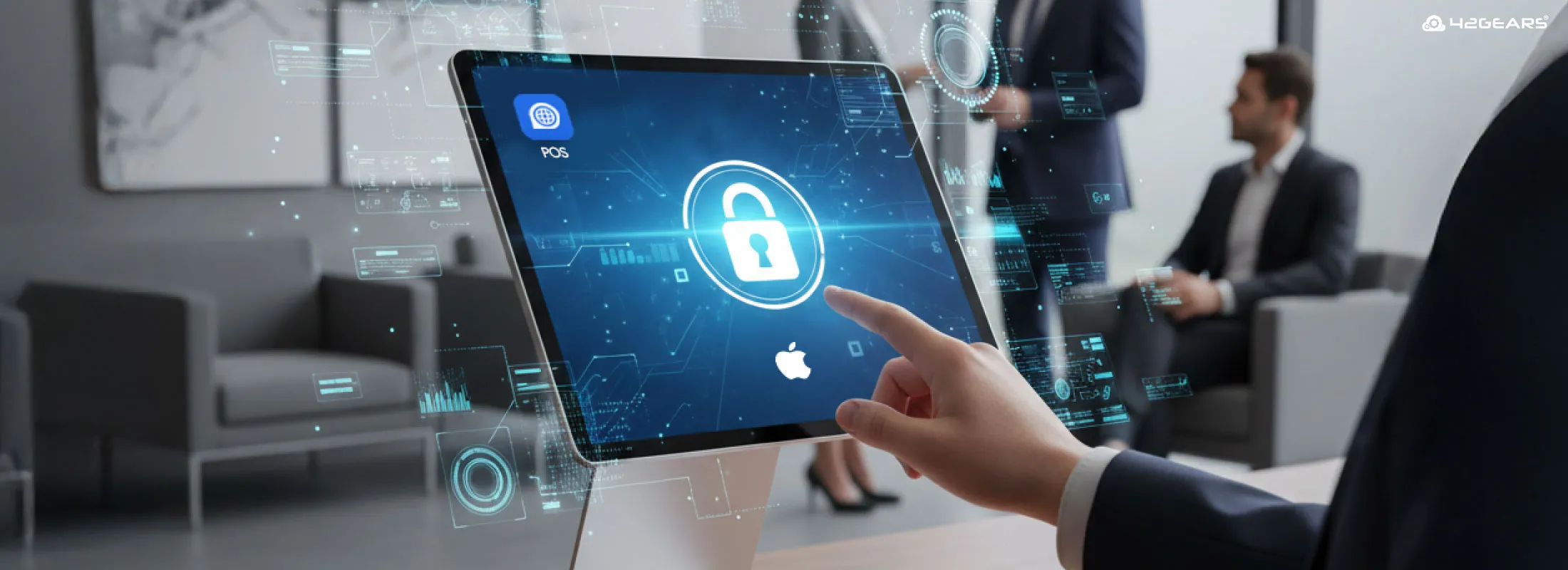
iPad Kiosk Mode refers to transforming Apple iPads into dedicated-purpose devices. With Kiosk Mode enabled, you can lock iPads to a single application—commonly known as Single App Mode—and prevent users from accessing anything else on the device.
Once configured, the iPad runs in a secure, immersive, single-purpose environment. This helps organizations keep users focused on the intended app while preventing accidental misuse, intentional tampering, or access to distracting or unauthorized applications.
Single App Mode is widely used for customer-facing kiosks, student devices, point-of-sale systems, self-check-in stations, and field operations.
How to Set Up iPad Kiosk Mode
There are three primary ways to lock down iPads into Single App Mode:
- Guided Access (Built-in iOS/iPadOS Feature)
- Single App Mode using Apple Configurator
- Single App Mode using an MDM Solution (Recommended)
Note: All methods described here also apply to iPhone and iPod touch devices. You can use the same approaches to convert these devices into single-purpose kiosks.
Benefits of Single App Mode Across Industries
Restricting iPads to a single app helps organizations improve security, productivity, and user experience across multiple industries.
Hospitality
Hotels and resorts use iPad kiosks for self-check-in, concierge services, and feedback collection. Single App Mode ensures guests can access only the required application, preventing changes to settings or access to personal data.
Education
Schools and universities rely heavily on iPads for learning and assessments. Kiosk Mode allows teachers to:
- Lock students into specific educational apps
- Prevent access to browsers or messaging during exams
- Restrict usage for a defined time or task duration
This ensures a distraction-free and controlled testing or learning environment.
Restaurants & Retail
Restaurants use iPads for order taking, billing, and inventory checks. By enabling Single App Mode, owners can ensure staff use devices strictly for business purposes—even when managers are not physically present.
Logistics & Transportation
Logistics companies deploy iPads for proof of delivery, route tracking, and warehouse workflows. Kiosk Mode prevents drivers and staff from accessing video streaming, games, or social media apps, improving efficiency and reducing data misuse.
Method 1: iOS/iPadOS Guided Access
Guided Access is a built-in accessibility feature available on all iOS and iPadOS devices, including iPad, iPhone, and iPod touch.
It allows you to lock the device to a single app and optionally disable certain screen areas or hardware buttons.
Apple provides step-by-step instructions to configure Guided Access on its official support page.
Advantages of Guided Access
- Easy to set up
- No external tools or computers required
- Suitable for quick, short-term use
Disadvantages of Guided Access
- Restarting the iPad automatically exits Guided Access
- Not ideal for unattended or public-facing kiosks
- Limited control and scalability
- Not suitable when managing a fleet of devices, as it needs to be configured per device.
Method 2: Single App Mode Using Apple Configurator 2
This method requires the iPad to be supervised, which can be done using Apple Configurator 2 on a Mac.
Once supervised, administrators can use the Start Single App Mode option to lock the device to one application.
Advantages of Apple Configurator Single App Mode
- More secure than Guided Access
- The device remains locked even after a restart
- Suitable for small to mid-sized deployments
Disadvantages of Apple Configurator Single App Mode
- Requires a Mac with Apple Configurator installed
- Set up and deactivation are complex
- Often requires the same Mac used during initial configuration
- Difficult to scale for large deployments
Method 3: Single App Mode Using an MDM Solution (Recommended)
For organizations managing multiple iPads or long-term kiosk deployments, a Mobile Device Management (MDM) solution like SureMDM by 42Gears is the most efficient and scalable option.
SureMDM enables enterprises to securely manage iOS and iPadOS devices throughout their lifecycle—from provisioning and deployment to monitoring and decommissioning.
How Single App Mode Works with SureMDM
- Create a kiosk or restriction profile specifying the allowed app
- Apply the profile remotely to supervised devices
- Exit Single App Mode anytime by applying a different profile
Important: Devices must be enrolled before applying a Single App Mode profile. Supervision can be done using Apple Business Manager (ABM) or Apple Configurator.
Beyond Single App Mode, SureMDM also allows you to:
- Block App Store, FaceTime, iMessage, AirDrop, and more
- Enforce security policies
- Monitor device health and compliance
- Manage devices remotely from a centralized console
- Remotely enable Lost Mode to lock, locate, and secure missing or stolen iPads
Advantages of Single App Mode Using SureMDM
- Bulk enrollment via Apple Business Manager or Apple Configurator
- Remote activation and deactivation over the air
- Centralized management of all iPads from one console
- Ideal for enterprise-scale kiosk deployments
Disadvantages of Single App Mode Using SureMDM
- Best suited for corporate-owned or supervised devices
- Not ideal for personal (BYOD) usage
Managing multiple iPads manually can quickly become complex. With SureMDM, you can enroll devices in bulk, apply kiosk profiles wirelessly, and control iPad kiosks from anywhere.
👉 Explore SureMDM for iOS & iPadOS Management
Conclusion
iPad Kiosk Mode is a powerful way to convert iPads into secure, purpose-built devices. Whether you choose Guided Access, Apple Configurator, or an MDM solution, the right approach depends on scale, security needs, and operational complexity.For organizations managing multiple iPads, public-facing kiosks, or mission-critical workflows, an MDM solution like SureMDM is by far the most effective choice. It enables remote management, stronger security controls, and seamless scalability—ensuring your iPad kiosks remain productive, secure, and easy to manage.