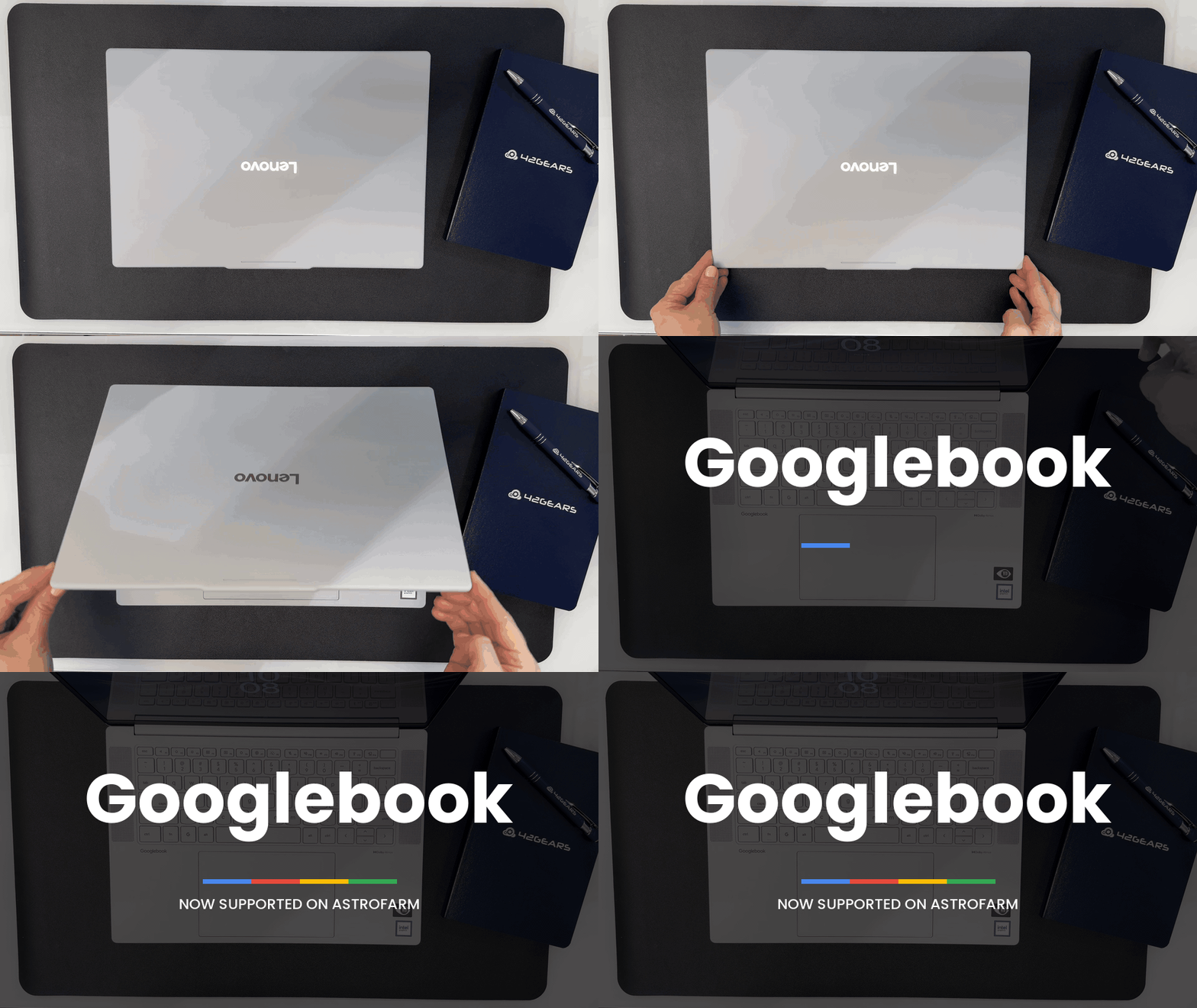
Googlebook brings Android apps to a laptop-style experience. Available from manufacturers such as ASUS, Acer, Dell, HP, and Lenovo, these devices run Google's new Android-based operating system and come with Gemini Intelligence and OS-level AI capabilities.
Users can run Android apps from the Google Play Store natively, without traditional emulation. For developers, this means there's more to consider than whether an app works on a smartphone. Larger screens, keyboards, trackpads, and AI-powered interactions can all change how people use an application. Testing on Googlebook laptops helps QA teams understand these differences and make sure their apps work as expected.
With AstroFarm, organizations can add Googlebook laptops to their private device farm and give QA teams remote access to test Android applications on real hardware.
Why Does Googlebook Testing Matter?
Because Googlebook laptops run Android applications on larger, desktop-style screens, QA teams need to test how their Android apps handle window resizing, keyboard navigation, trackpad inputs, and multi-window layouts without needing physical laptops on hand.
QA teams need to account for these differences when testing:
- Large-screen compatibility: Check how app layouts and content adapt to larger displays.
- Keyboard and trackpad interactions: Make sure navigation, text input, and other interactions work as expected.
- App compatibility: Confirm Android apps run smoothly on Googlebook OS.
- AI-powered interactions: Understand how applications behave alongside Gemini Intelligence and OS-level AI capabilities.
- Cross-device experiences: Consider how users move between their Android phones and Googlebooks, including through Cast My Apps (which lets users stream and interact with apps running on their Android phones through Googlebook).
- User experience: Check responsiveness, usability, and consistency in a laptop environment.
Testing on actual Googlebook hardware helps teams catch issues that may not show up during regular smartphone testing.
Challenges in Testing Applications on Googlebook Laptops
Getting access to Googlebook hardware may not be easy for every QA team. With initial limited availability, organizations may find it difficult to procure devices and make them accessible to testers working across different locations.
When teams don't have a convenient way to access the hardware, testing can become dependent on who has the device and where it's available. This makes consistent testing more difficult.
A private device farm can help make these devices accessible to the wider QA team.
Test Googlebook Laptops Remotely With AstroFarm
AstroFarm is a private device farm by 42Gears that helps organizations turn their own devices into a centralized testing environment. With Googlebook support, teams can add laptops to their private device farm and give QA engineers remote access to test Android applications on real hardware.
Here's what teams can do with AstroFarm:
- Test on real hardware: Check application behaviour in the native Googlebook environment.
- Access devices remotely and support distributed teams: Make Googlebook hardware accessible to QA engineers across locations without being physically present.
- Keep devices centralized: Bring Googlebooks together with existing Android devices in one testing environment.
- Manage device access: Provide controlled access to shared devices for different testers.
This setup can be useful for testing applications across different categories:
- Education: Test learning management systems, online assessments, and classroom collaboration apps on larger displays.
- Productivity: Validate document editing, task management, and collaboration applications in a laptop-style environment.
- Enterprise: Test business applications used for workforce management, internal operations, and field workflows.
Extend Your Android Testing Environment to Googlebooks
As Android applications become available across more types of devices, testing needs to keep up. Googlebooks bring a different screen size, new interaction methods, and AI-powered capabilities into the picture.
For QA teams, having access to the actual hardware makes it easier to understand how applications behave in this environment.
AstroFarm helps organizations bring compatible Googlebook devices into their private testing setup and make them accessible to QA engineers remotely.
Bring Googlebook devices into your private device farm with AstroFarm.
Frequently Asked Questions (FAQs)
What is Googlebook OS?
Googlebook OS is Google's Android-based operating system for its new category of laptops. It supports Android apps through the Google Play Store while offering a desktop-oriented experience.
Does AstroFarm support Googlebook devices?
Yes. AstroFarm supports Googlebook devices, allowing organizations to include compatible physical devices in their private testing environments.
Can I test Android applications on Googlebooks using AstroFarm?
Yes. Teams can remotely access supported Googlebook devices through AstroFarm and test Android apps on physical hardware.
Is Googlebook OS the same as ChromeOS?
No. Googlebook OS is Android-based and separate from ChromeOS, which powers Chromebooks. They are different platforms with different application environments.
Can I test Chromebook applications using AstroFarm?
Googlebook and Chromebook support are separate considerations. Chromebook-specific testing support is not included in this Googlebook announcement.