iOS Shared Device Management Made Simple
Securely Manage Shared iOS Devices Across Multiple Users
Struggling to Manage Shared iOS Devices Across Shifts and Teams?
Organizations across healthcare, retail, logistics, education, and field services often deploy iOS devices that are shared across multiple employees. IT admins often struggle to manage user authentication, user-specific application access, and device security without compromising on productivity.
For all the IT admins struggling to manage shared iPhones, the one-stop solution is iOS Shared Device Mode.
What is iOS Shared Device Mode?
iOS Shared Device Mode allows multiple authorized users to securely share a single corporate iPhone or iPad. Users can sign in with their organizational credentials and access only the applications and resources assigned to them. When the user signs out, the session ends and the device is prepared for the next authorized user.
Why Do Businesses Need iOS Shared Device Mode?
Traditional one-device-per-user deployments can be expensive and difficult to manage for frontline teams and shift-based workforces. Without a proper shared device solution, organizations often encounter:
- Security risks from shared credentials
- Unauthorized access to previous users' data
- Increased IT support requests for login issues
- Device shortages across shifts
- Inconsistent user experiences
- Higher hardware procurement costs
Shared device management addresses these challenges by providing secure, user-based access to shared iPhones and iPads.
Key Features of iOS Shared Device Management
1
Secure User Authentication
Allow users to sign in with organizational credentials and authenticate using Microsoft Entra or SureIdP before accessing corporate resources.
2
Single Sign-On Across MSAL-Enabled Apps
Enable users to authenticate once and automatically gain access to supported MSAL-enabled applications.
3
User-Based Access
Configure apps, policies, and settings using user or device properties.
4
Seamless User Switching
Allow users to quickly sign out and hand over the device to the next user.
5
Centralized Policy Management
Apply security policies, restrictions, and configurations from a single console.
6
Enhanced Security & Compliance
Protect corporate data with identity-based access and centralized policy enforcement.
How iOS Shared Device Mode Works with SureMDM?
- Admin enables the iOS Shared Device Mode on the SureMDM Console.
- Once enabled, the user's device presents a secure authentication screen.
- The user signs in using organizational credentials.
- Assigned applications, configurations, and policies are automatically applied based on Profile Mapping.
- The user accesses approved resources and completes their tasks.
- Upon logout, the session ends and user-specific access is removed.
- The device returns to a ready state for the next authorized user.
Common Use Cases of Shared iPhones
1
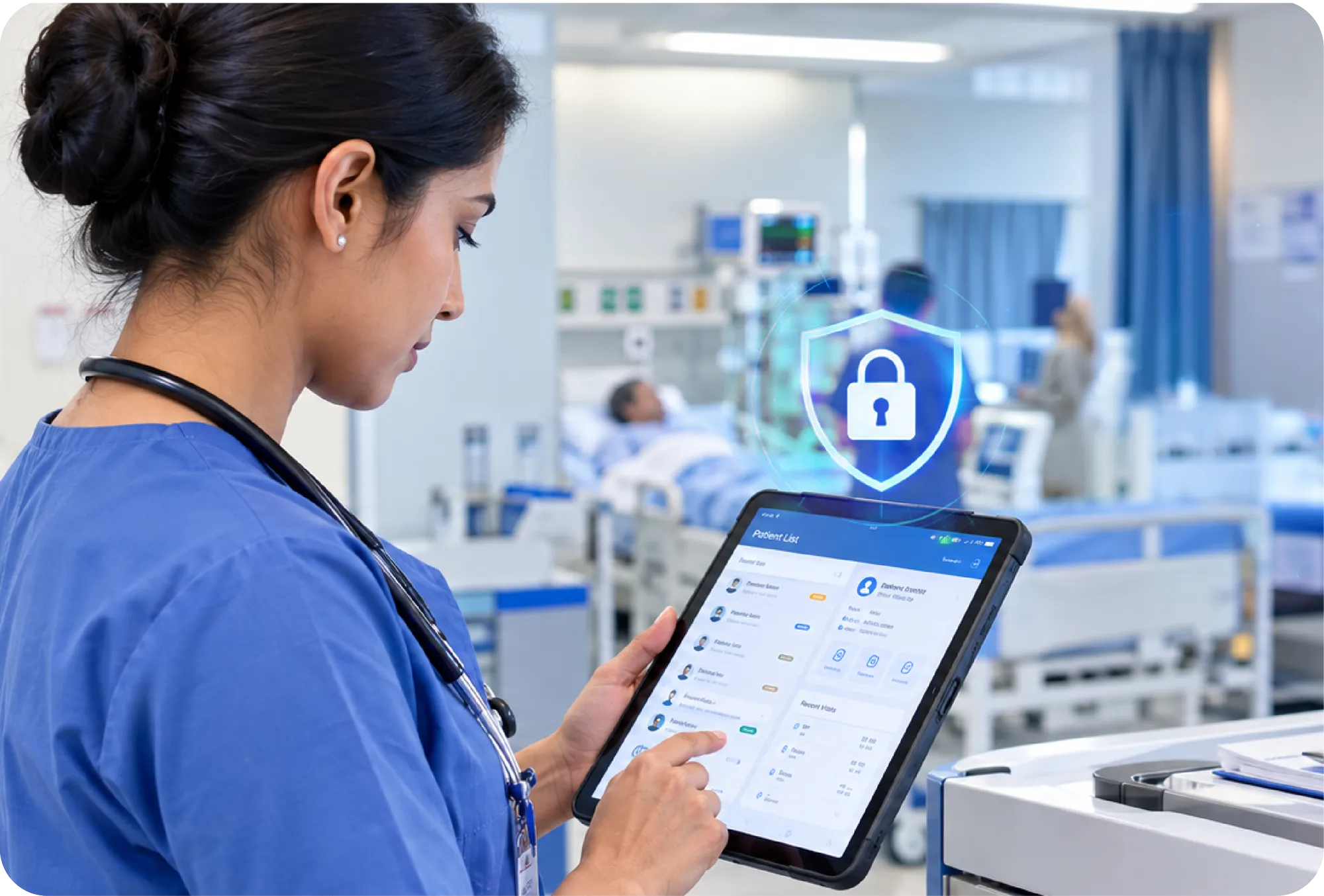
Healthcare
Allow nurses, clinicians, and healthcare workers to securely share iOS devices across shifts while maintaining compliance and user accountability.
2
Retail
Enable store associates to access inventory systems, POS applications, and customer service tools from shared iPhones or iPads.

3
Logistics & Warehousing
Provide frontline workers with shared devices for order fulfillment, inventory management, and delivery operations.

4
Education
Support classroom environments where multiple students or instructors use the same device throughout the day.

5
Field Services
Allow technicians and field employees to securely access work orders, service applications, and customer information on shared devices.

Why Choose 42Gears' SureMDM for iOS Shared Device Management?
- Centrally manage all shared iPhones and iPads from a single console.
- Integrate seamlessly with Microsoft Entra ID for secure authentication and SSO.
- Monitor device health and troubleshoot issues remotely.
- Enforce security policies and compliance requirements across all devices.
- Scale shared device deployments across teams, locations, and shifts.
- Simplify IT operations with automated device and policy management.
FAQs
Find answers to common questions about our service.