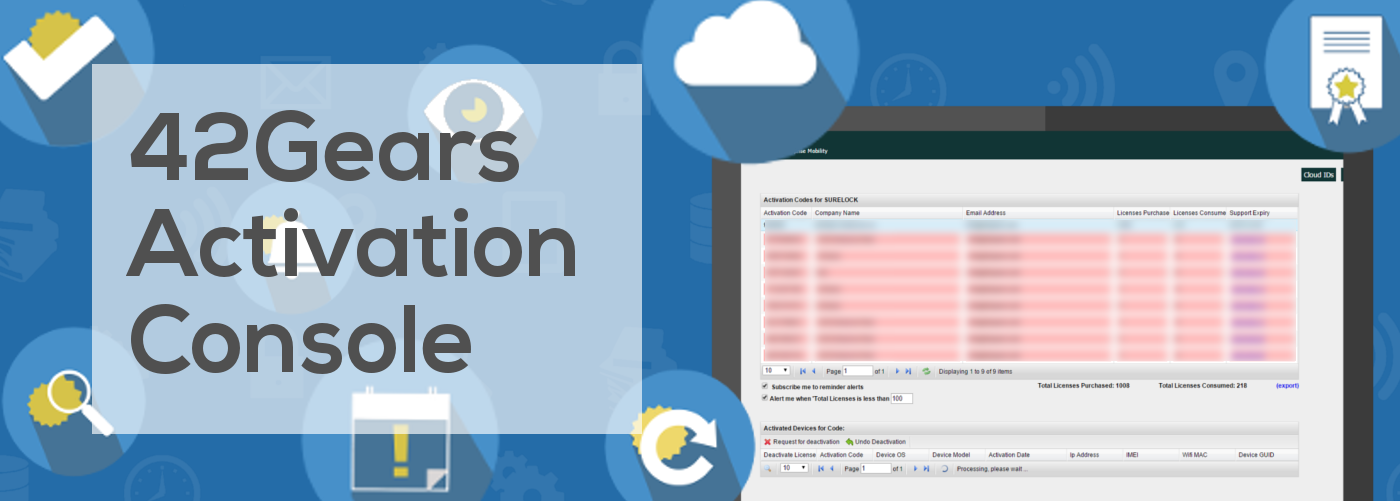
42Gears offers an easy way to view, track and deactivate licences for all products. It comes in the form of web console
 View Activation Codes
 View number of licenses under Activation Codes
 View number of consumed licenses
 Support Expiration dates of licenses
 Set Reminder Alerts
 Export Activation Codes Reports
 Search and view details of activated devices
- Device OS
- Device Model
- Activation Date
- IP Address
- IMEI
- WiFi MAC
- Device GUID
 Deactivate activated devices
Note: 42Gears sales team will deactivate licenses only for broken and lost devices.
 Edit product settings in Cloud ID
 Renew license support
sales@42gears.com or you can also use other modes of contact from our Contact