Secure iOS Kiosk Browserto Lock Down Your iPads & iPhones
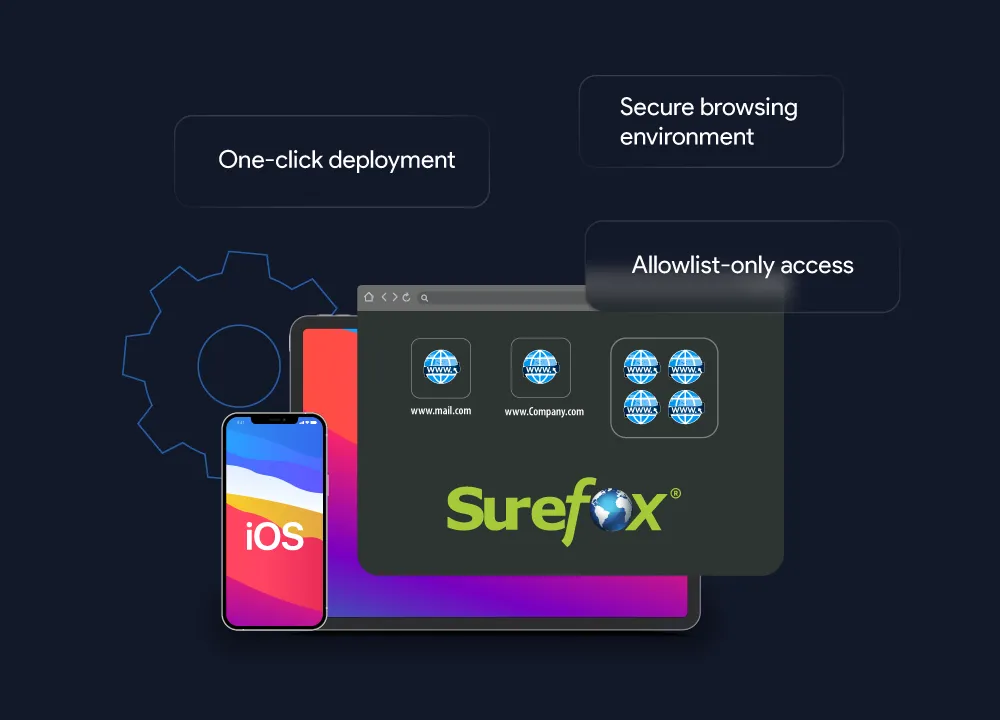
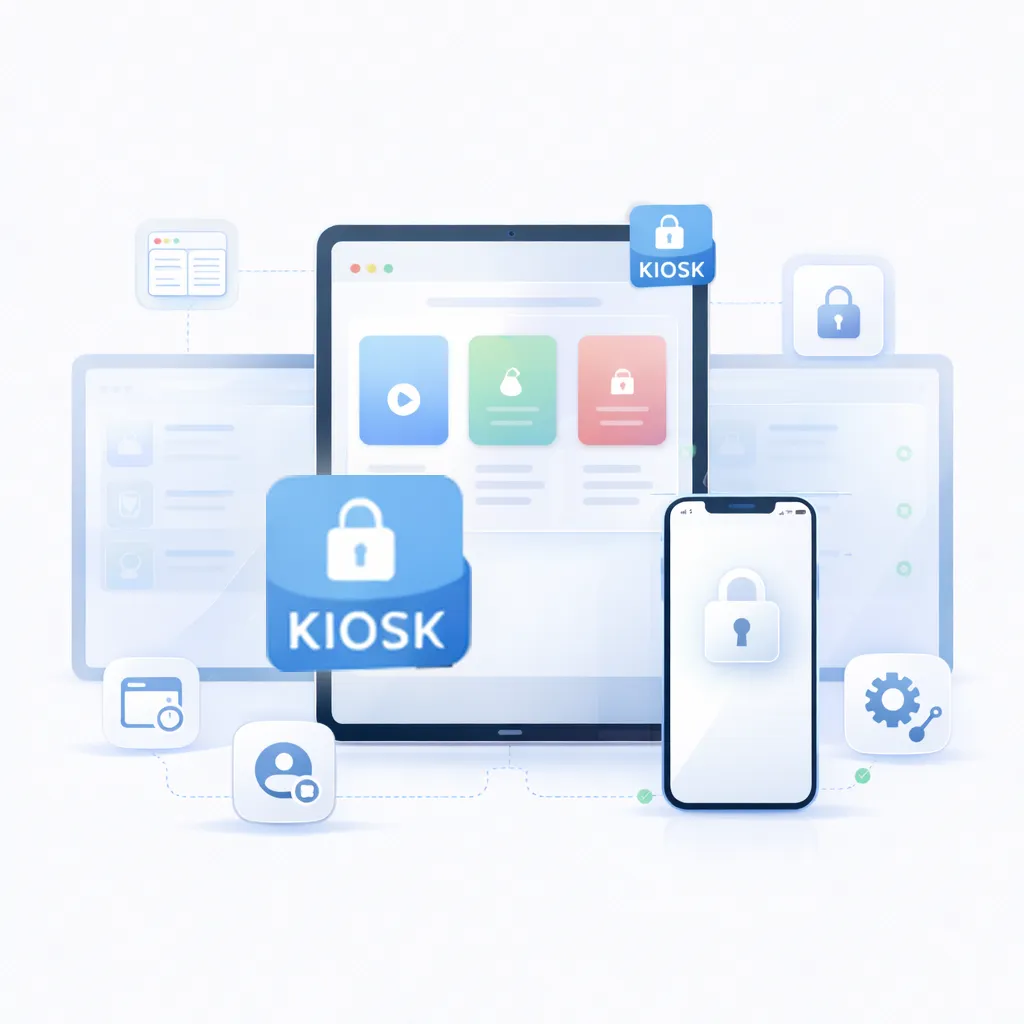
An iOS Kiosk Browser is an enterprise lockdown browser that provides secure, controlled access to only specific approved websites and web apps on iPhones and iPads. By installing a kiosk browser for iPad and iPhone devices, you can turn your Apple devices into dedicated web kiosks for business, education, or public use. To deploy an iOS kiosk browser, admins create an "Allowlist" of approved URLs. This allows you to restrict an iPad to a single website (like a sign-in page, POS system, or survey) or provide access to a few pre-selected sites. Anything not on the list is inaccessible, completely preventing users from browsing risky sites or downloading malware. You can turn Apple devices into secure web kiosks with SureFox by 42Gears, the industry-leading kiosk browser iPad and iPhone devices worldwide employed for safe browsing. SureFox combines an accessible price point with powerful, easy-to-use features, making it the perfect fit for any organization.
An iOS Kiosk Browser is an enterprise lockdown browser that provides secure, controlled access to only specific approved websites and web apps on iPhones and iPads. By installing a kiosk browser for iPad and iPhone devices, you can turn your Apple devices into dedicated web kiosks for business, education, or public use. To deploy an iOS kiosk browser, admins create an "Allowlist" of approved URLs. This allows you to restrict an iPad to a single website (like a sign-in page, POS system, or survey) or provide access to a few pre-selected sites. Anything not on the list is inaccessible, completely preventing users from browsing risky sites or downloading malware. You can turn Apple devices into secure web kiosks with SureFox by 42Gears, the industry-leading kiosk browser iPad and iPhone devices worldwide employed for safe browsing. SureFox combines an accessible price point with powerful, easy-to-use features, making it the perfect fit for any organization.
The Business-Changing Benefits of an iPad Kiosk Browser
Boost User Productivity with a Focused Browsing Experience
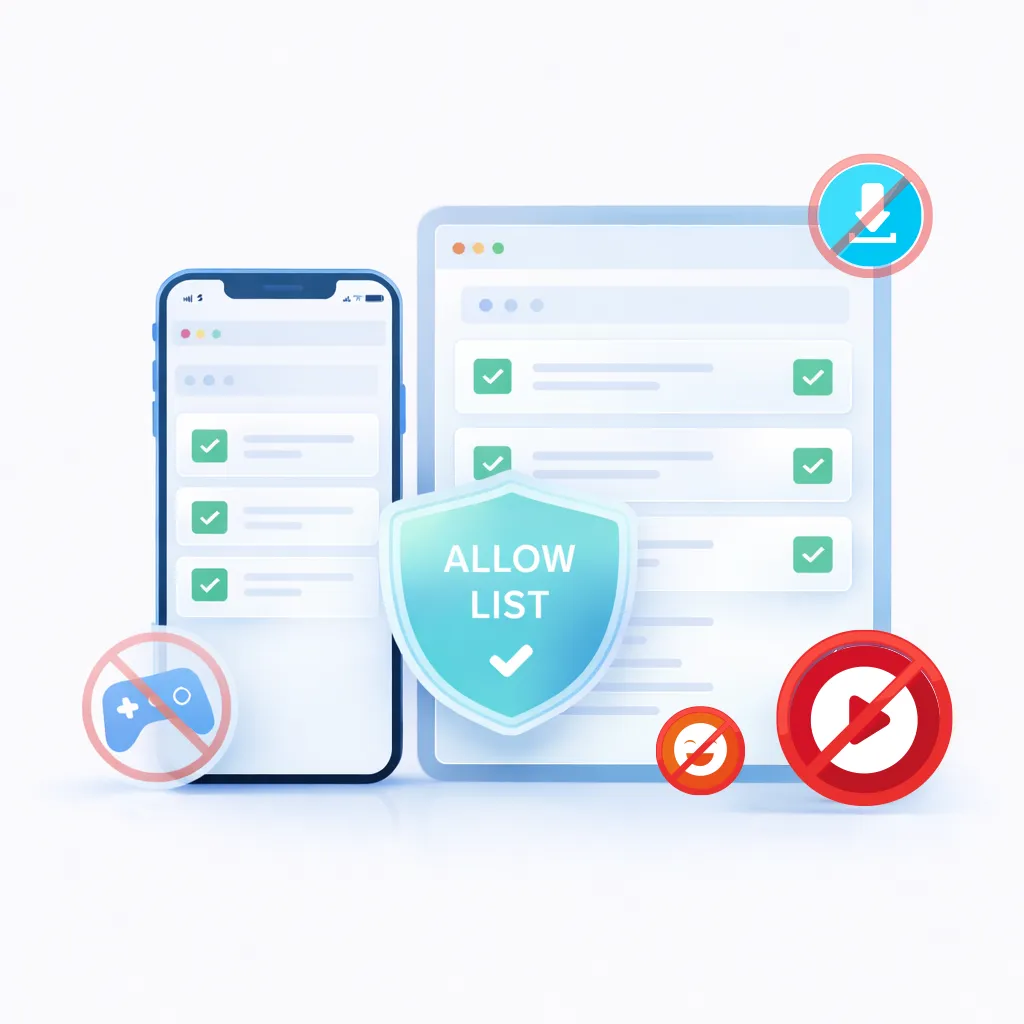
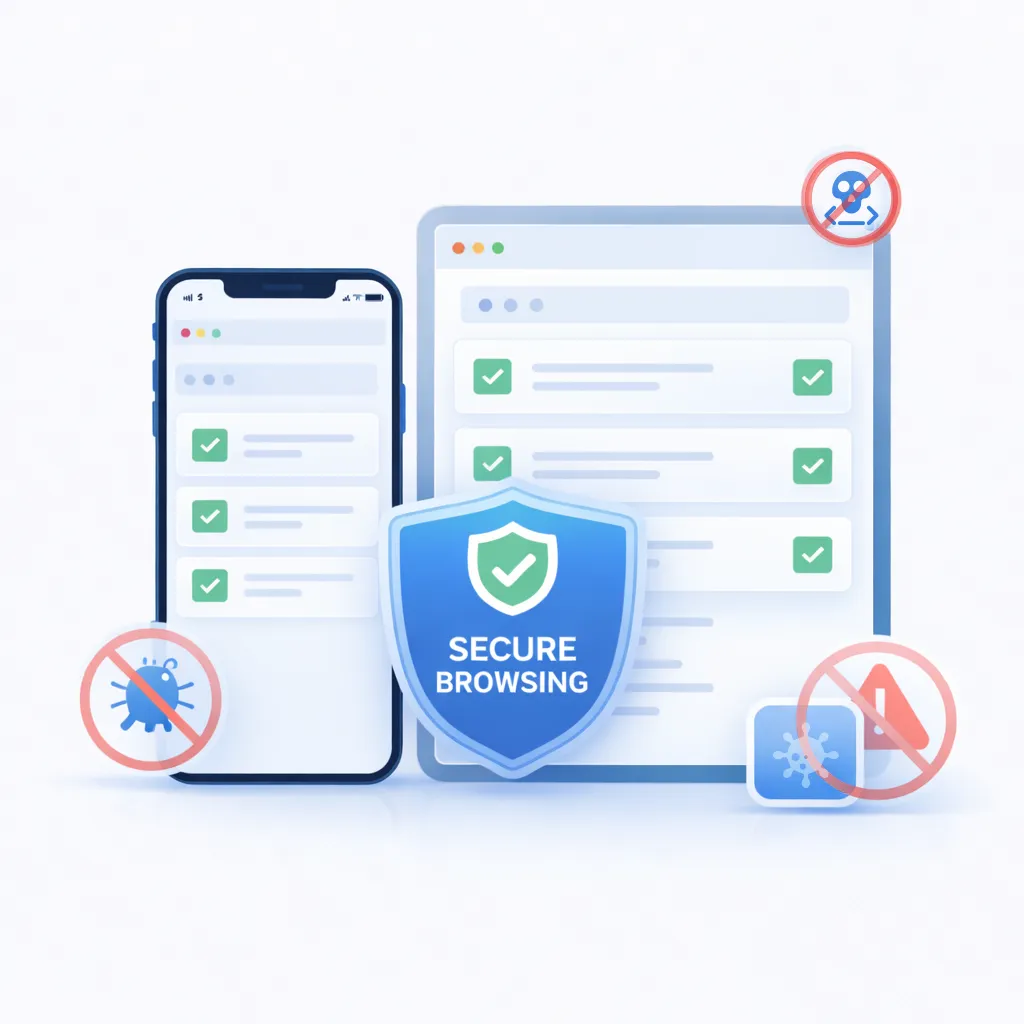
Prevent Costly Security & Malware Threat
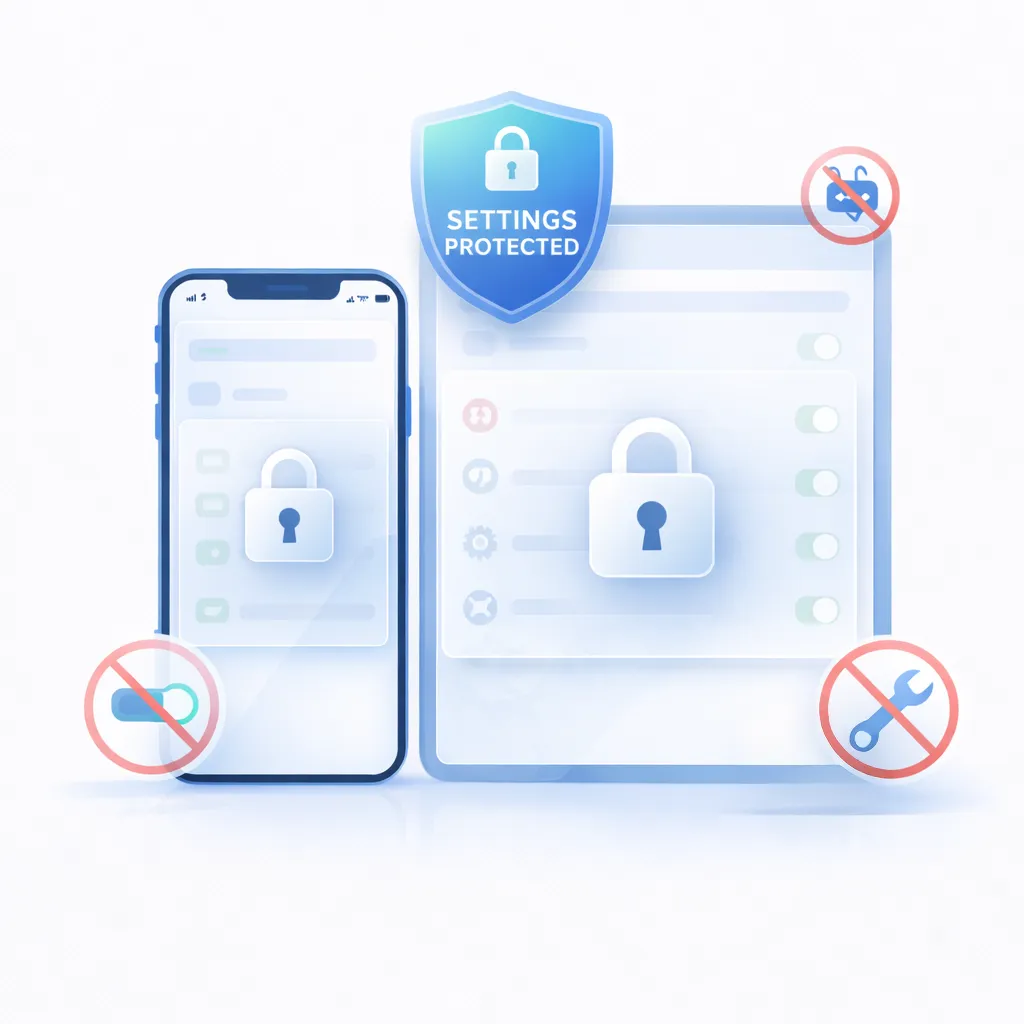
Protect Device Settings & Reduce IT Costs
Convert Off-the-Shelf iPads into Professional Kiosks
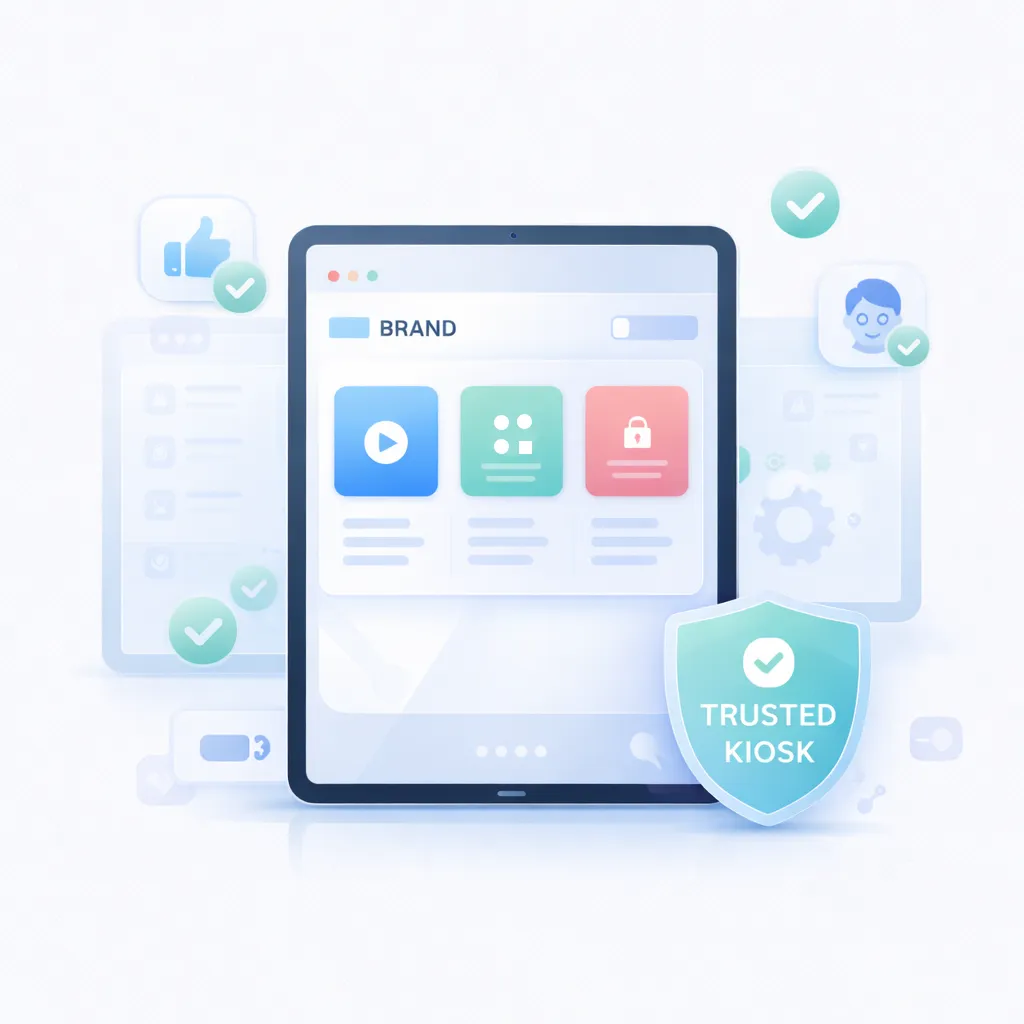
Improve Customer Trust & User Experience (UX)
SureFox: Powerful Features of Our iOS Kiosk Lockdown




Ready to Secure Your iOS Devices?
Don't leave your iPads and iPhones unsecured for another day. See how easy it is to lock them down with SureFox.
Frequently Asked Questions (FAQs)
Find answers to common questions about our service.
Secure Your iOS Fleet Today
Stop worrying about device misuse, security risks, and lost productivity. Turn your iPads and iPhones into powerful, secure web kiosks with SureFox.