SureMDM
42Gears
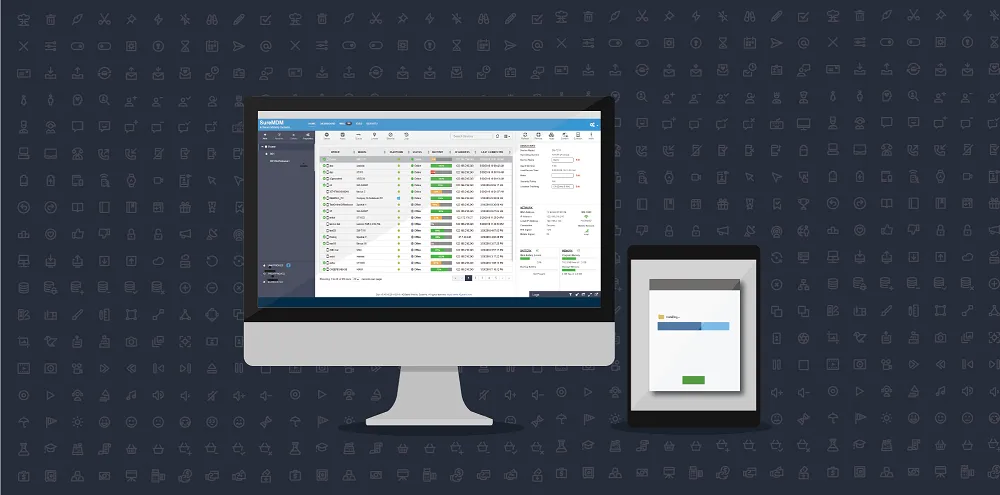
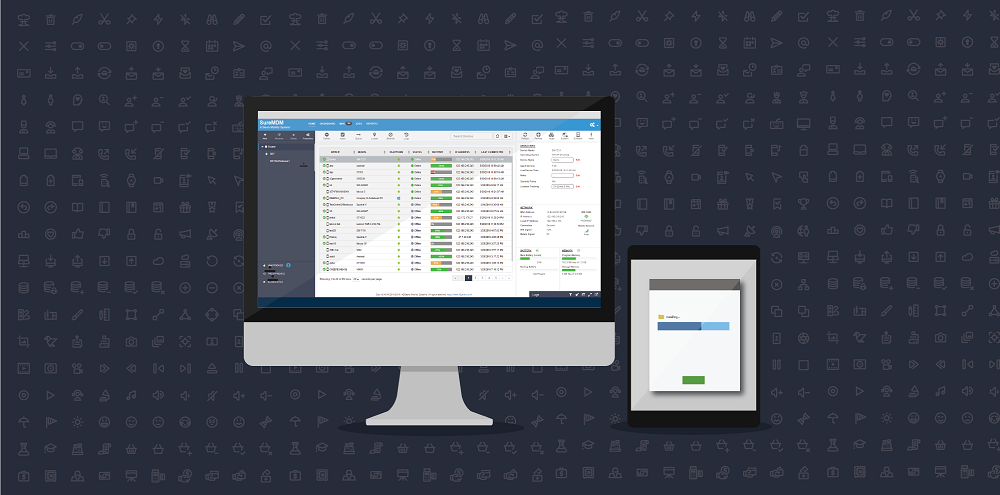
remote wipe/lock and data management, following are few of the important EMM features in SureMDM for iOS devices:
- Passcode Policy – Allows you to define passcode policy profiles and remotely apply them on enrolled iOS devices.
- Single App Mode Profile - Remotely lock down enrolled iOS devices to single application and also to remotely change the lockdown app.
- Restriction Profile - This feature allows you to remotely disable select iOS functions, native apps, and media content.
- Install Application Profile - Remotely and silently install enterprise certified apps or download them from the App Store directly.
- Configure Profile - This feature allows you to remotely update or configure application profiles.
- Remote WiFi and Mail Configuration - This feature allows you to remotely configure WiFi and emails on enrolled devices.
- Configuring VPN – Configure settings for a proxy server.
- Exchange ActiveSync – Use this section to configure settings for connecting to your Exchange server.
- Install Certificates - Specify and remotely install corporate certificates and other certificates necessary to authenticate the device access to your network.
Get started with SureMDM for iOS
First of all Register for SureMDM, note your Account ID
SureMDM Nix Agent for iOS from App Store
SureMDM Nix Agent
SureMDM Nix Welcome Screen, tap on Enroll Device
Enroll Device screen, select from the following two options:
- Register – Manually register using an Account ID (Account ID is sent to your registered email address on successful registration)
- Scan QR – Register using Device Enrollment option to scan and configure the Nix Agent
Done
Online
Unapproved
UnapprovedDevices screen, tap on the device and click on Approve
Device List