| Applies to: | |
| Product | SureVideo |
| Platform | Android |


Android Device and SureVideo = Locked Android tablets which play only allowed videos
Album View.
Album View Feature
Album View,
view all the contents on a single screen select and play images, videos and flash content of choice customize thumbnail sizes for easy viewing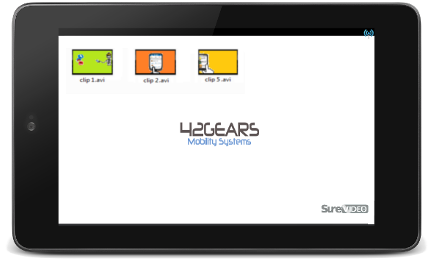
1. Access SureVideo Main Menu
2. Under SureVideo Admin Settings, tap on SureVideo Settings
3. On SureVideo Settings screen, under Display Settings, tap on Album Settings
4. On Album Settings screen, tap and select Enable Album View
SureVideo Main Menu, you will see all the allowed media files as thumbnails. Click on the thumbnail to play the video and once the video is played, SureVideo will automatically come back to Album View