Why do I need to lockdown a mobile device?
Consumer Intelligence Research Partners (CIRP), it was reported that 21 percent
What more can you do with SureLock Kiosk Lockdown?
How do you customize wallpaper in SureLock?
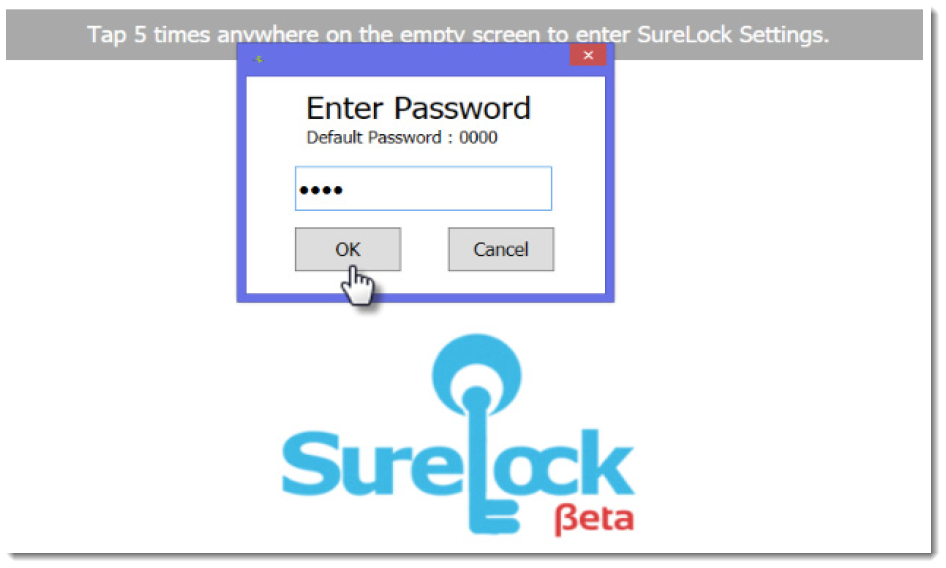
1. Login with your default password - 0000
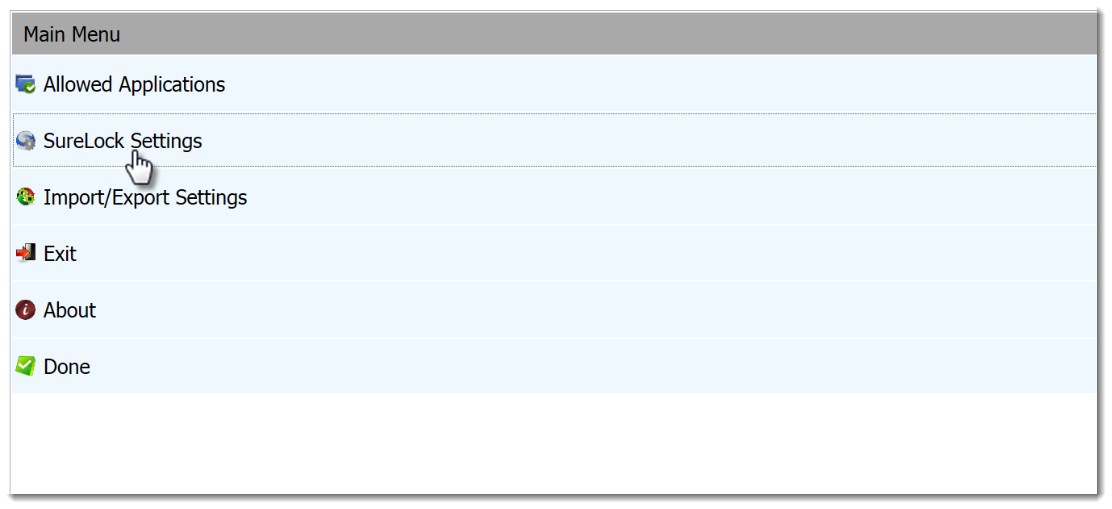
2. Tap on SureLock Settings from Main Menu
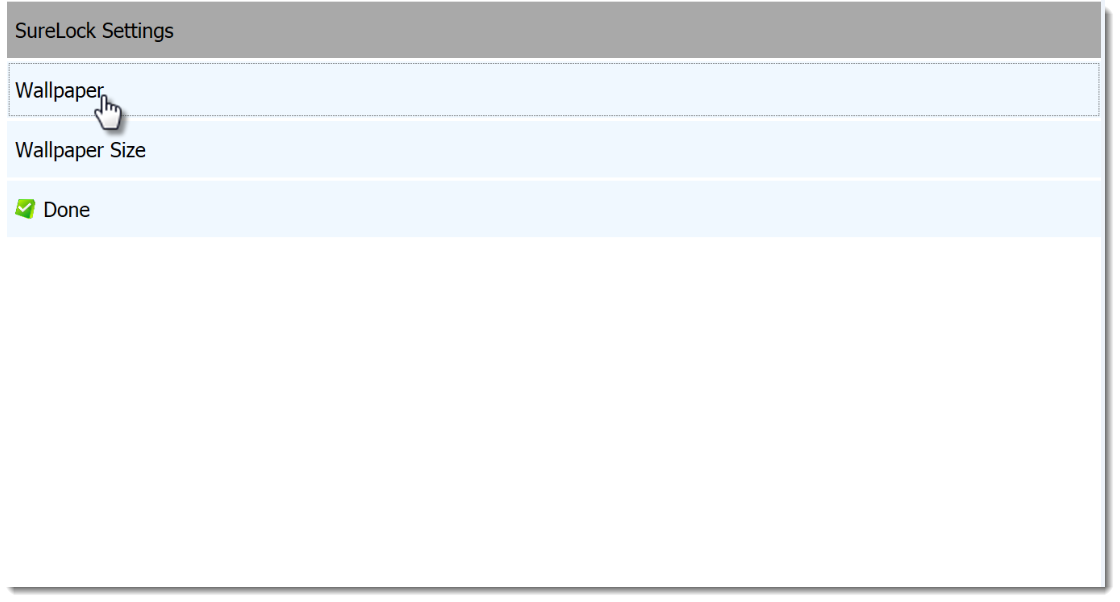
3. Tap on Wallpaper from SureLock Settings screen
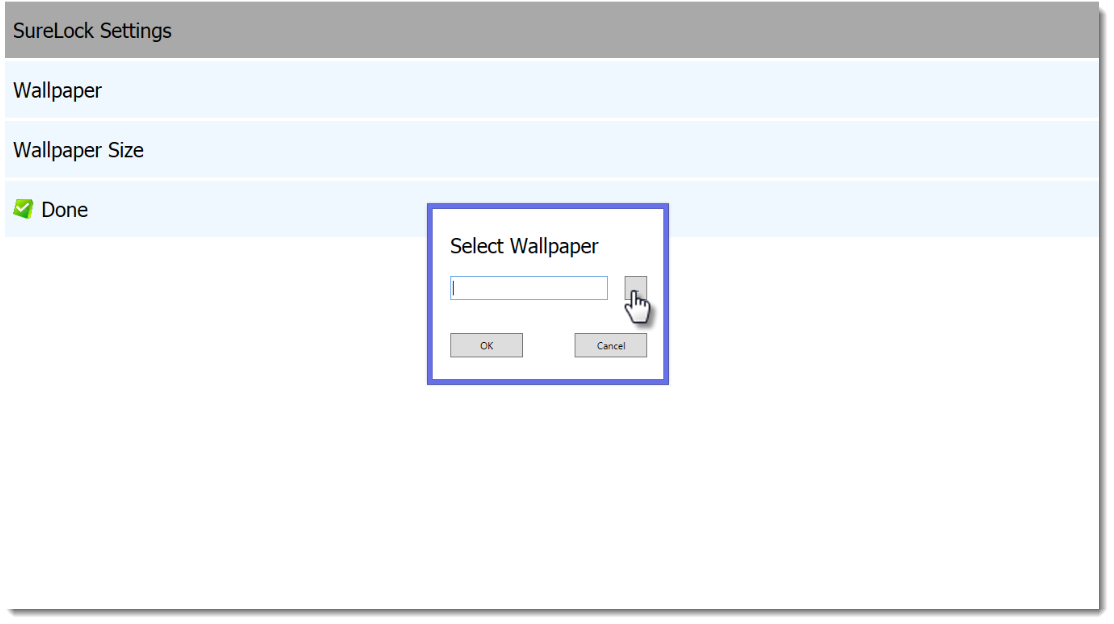
4. Tap on Browse button to browse for the wallpaper
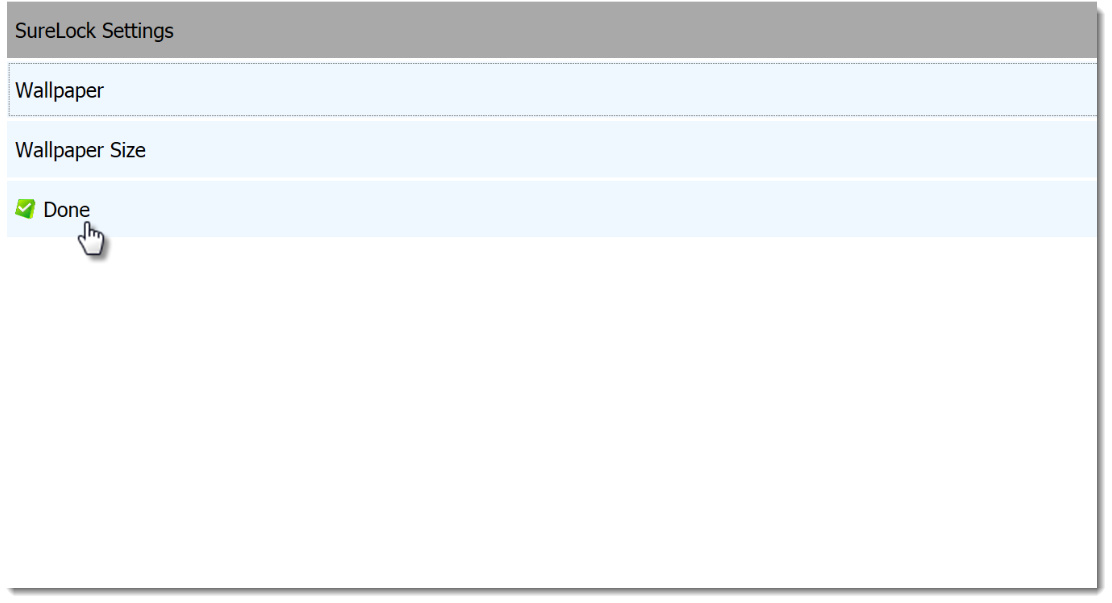
5. Tap on Done
What next with SureLock for Windows 8?
SureLock for Windows 8 is still going through a transformation and loads of new features are being added so keep a watch on this space. For additional details about SureLock for Windows 8, click here