New EMM feature in SureMDM
SureFox, the signature web kiosk application from 42Gears can be remotely installed on an iOS device and configured using just a few steps.
To remotely install SureFox and configure its settings using SureMDM, follow below mentioned steps:
1. Login to SureMDM Web Console
Device List
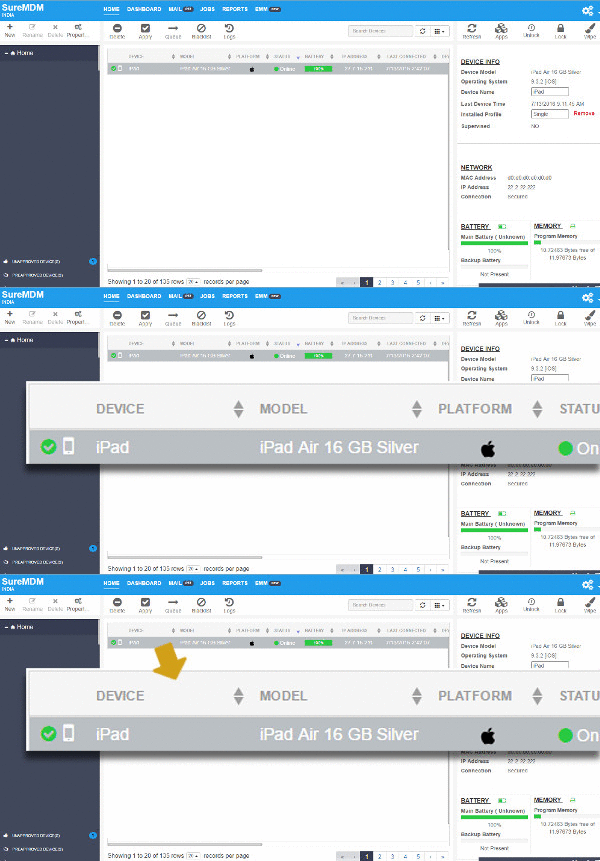
EMM
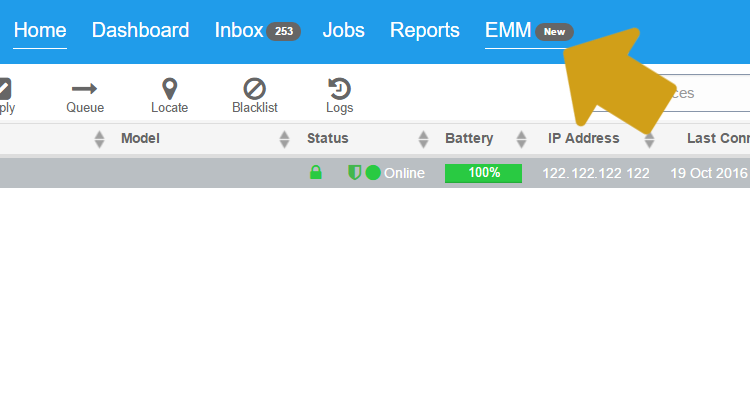
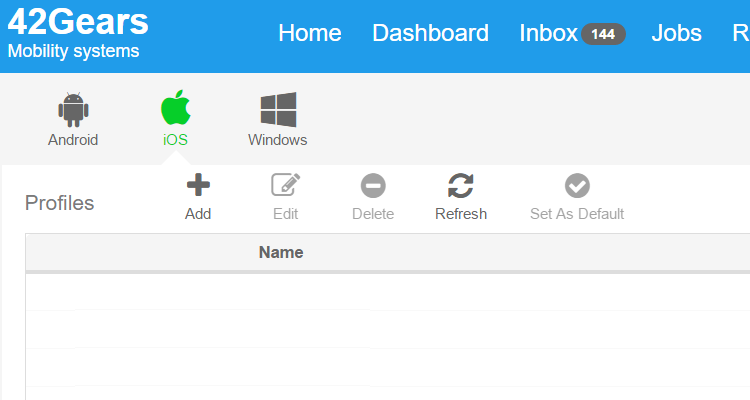
EMM page, select iOS and then Add
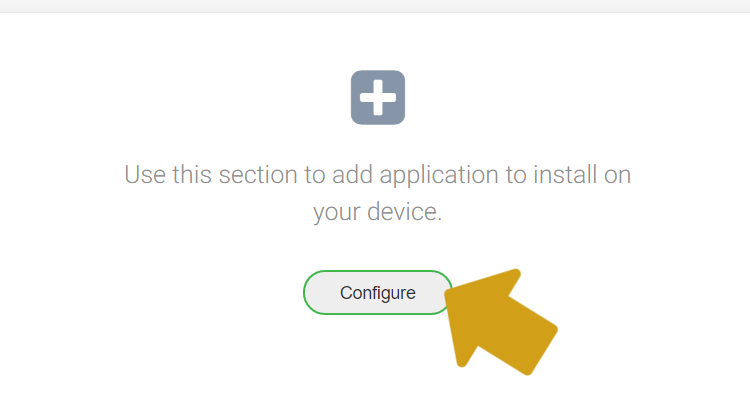
iOS Profile page, click on Install Application Profile and then Configure
Add
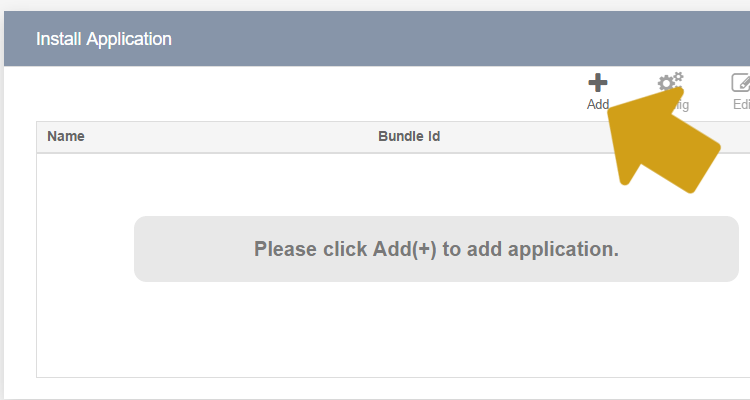
Install Application prompt, select the appropriate option Enterprise or App Store and search for SureFox
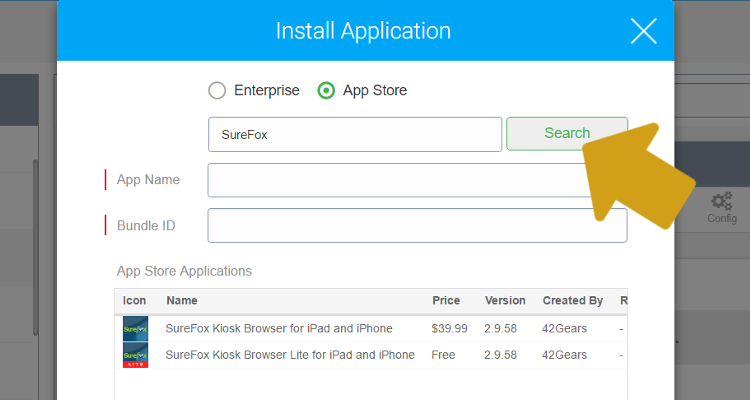
SureFox is added, click on Configure
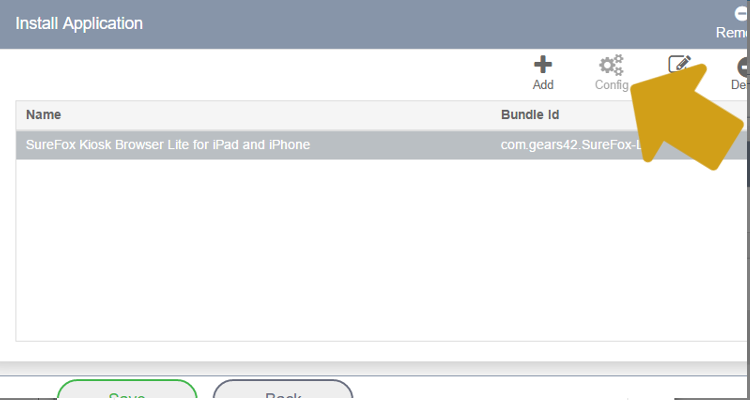
Configure window, give Key as SettingsXML
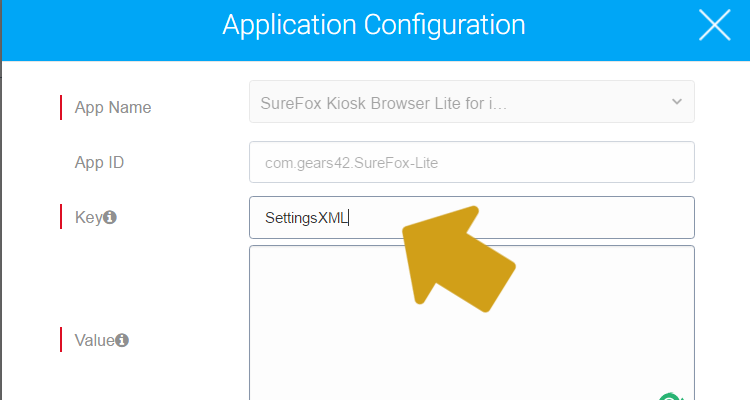
plist here) and paste in Value
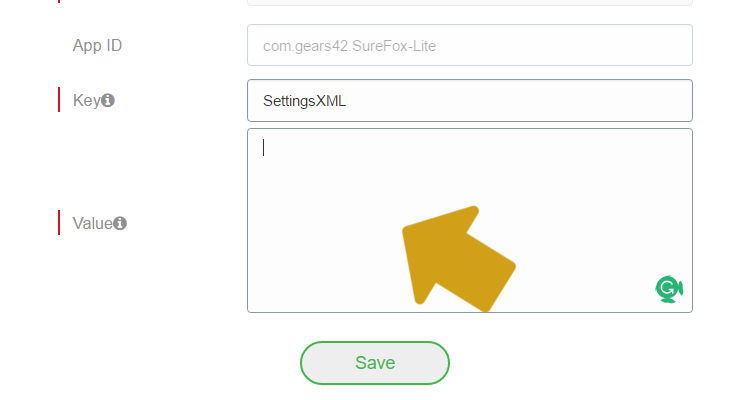
Save
SureMDM Home Screen and push the profile to the selected device using Apply
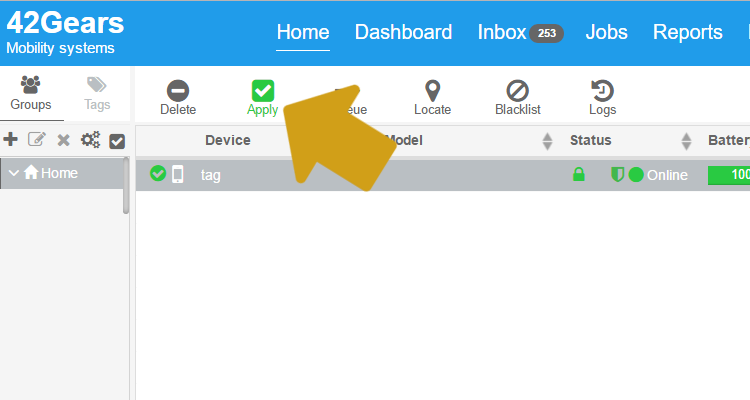
To remotely configure SureFox if it is already installed, follow below mentioned steps:
1. Login to SureMDM Web Console
Device List
EMM
EMM page, select iOS and then Add
iOS Profile page, click on Configuration Profile
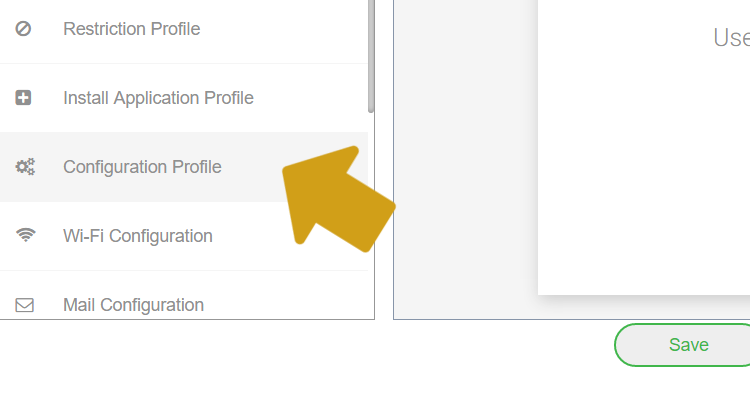
Add
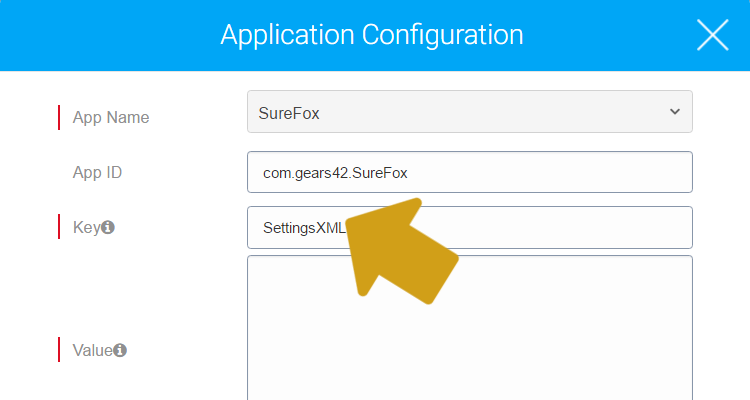
Application Configuration prompt, select SureFox from App Name
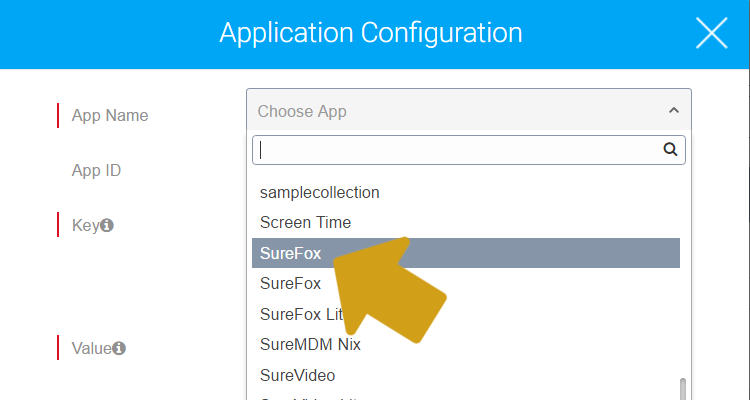
Key as SettingsXML
Value
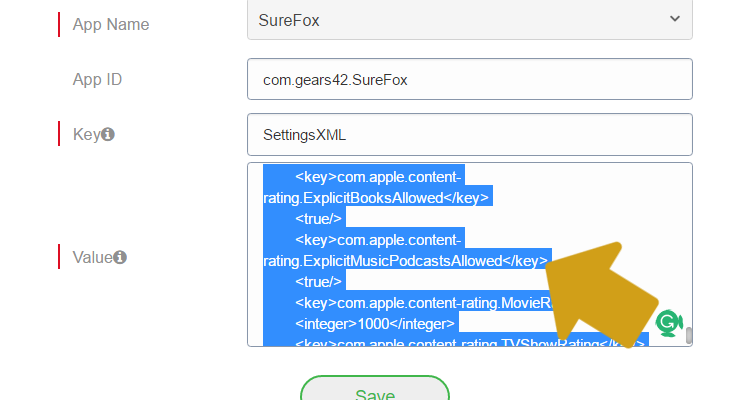
Save and push the profile to the selected device using Apply option on SureMDM Home Screen
Install Application Profile
SureMDM Nix Agent for iOS, click here
SureMDM for Android or Windows, click here