With SureFox you can play videos on an Android device by embedding videos in an HTML file. Follow the below-mentioned steps to start playing locally stored videos using SureFox.
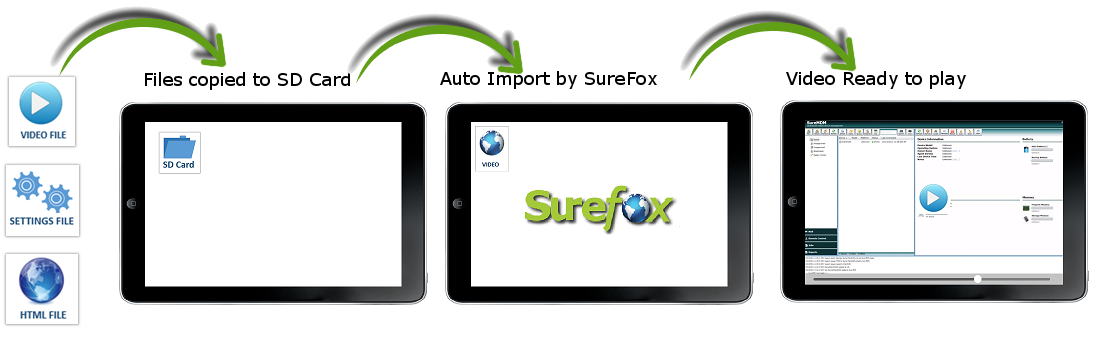
Step 1: Save the Zipped Folder with SureFox Settings file, sample HTML file and sample video file on your desktop
Step 2: Copy all the three files and save it in your device’s SD Card Root Folder
Step 3: After you have saved these three files, SureFox will auto import these files
Step 4: Once import is completed, you will see an icon on the SureFox Home Screen named Video
Step 5: Tap on the icon to start the video
If you are looking for more features than basic video playing in kiosk mode then check out SureVideo.
Click here to know more about SureFox.