| Applies to: | |
| Product | SureLock/SureFox |
| Platform | Android |
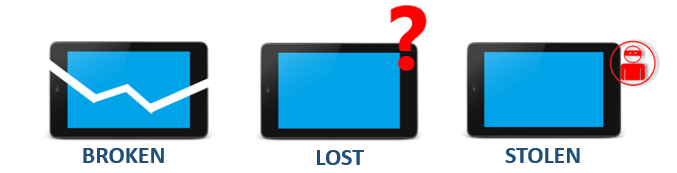
For various reasons, you might want to transfer license from one device to another. Here we explain you the most common scenarios and the steps you can take to recover and re-use your license.
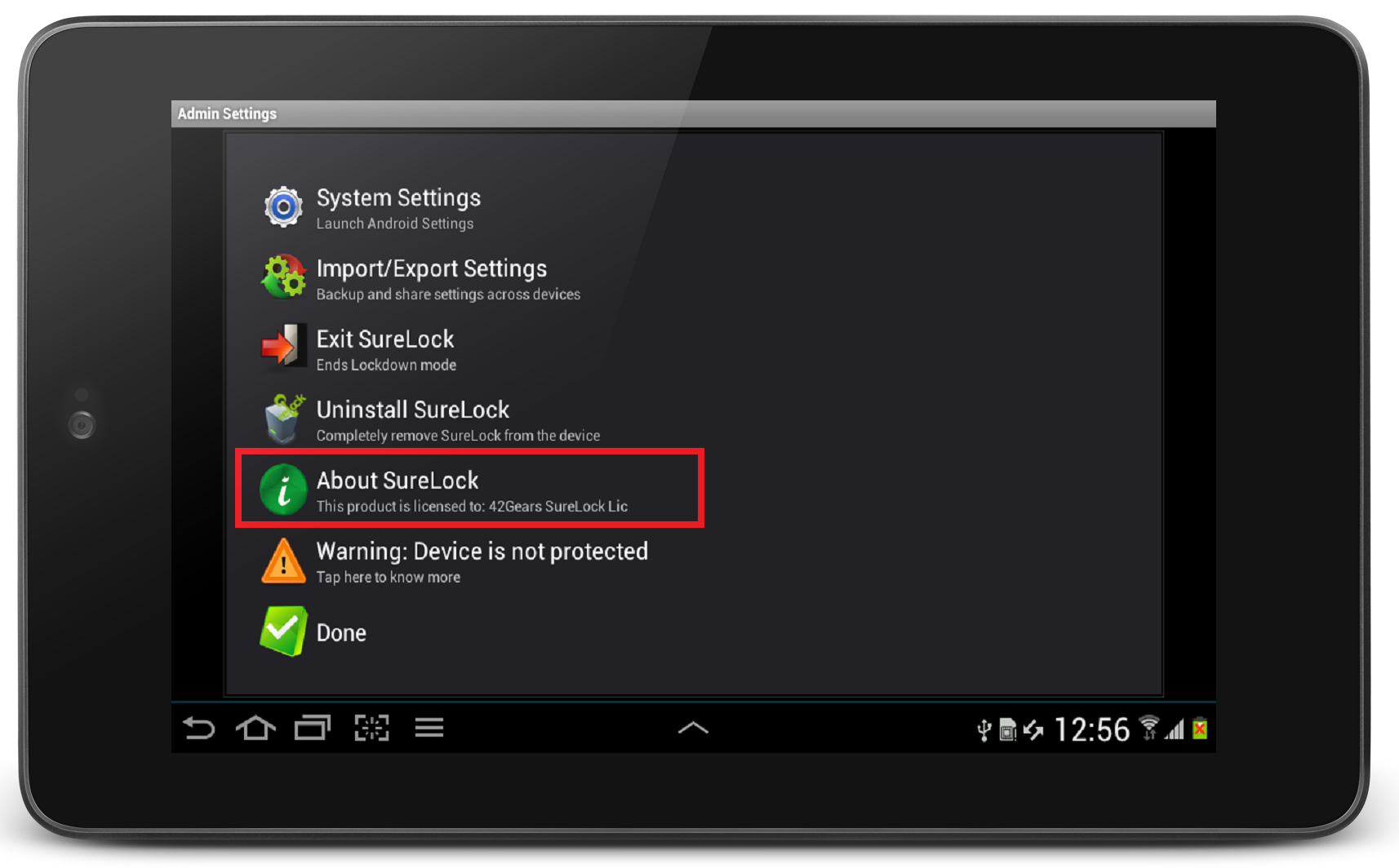
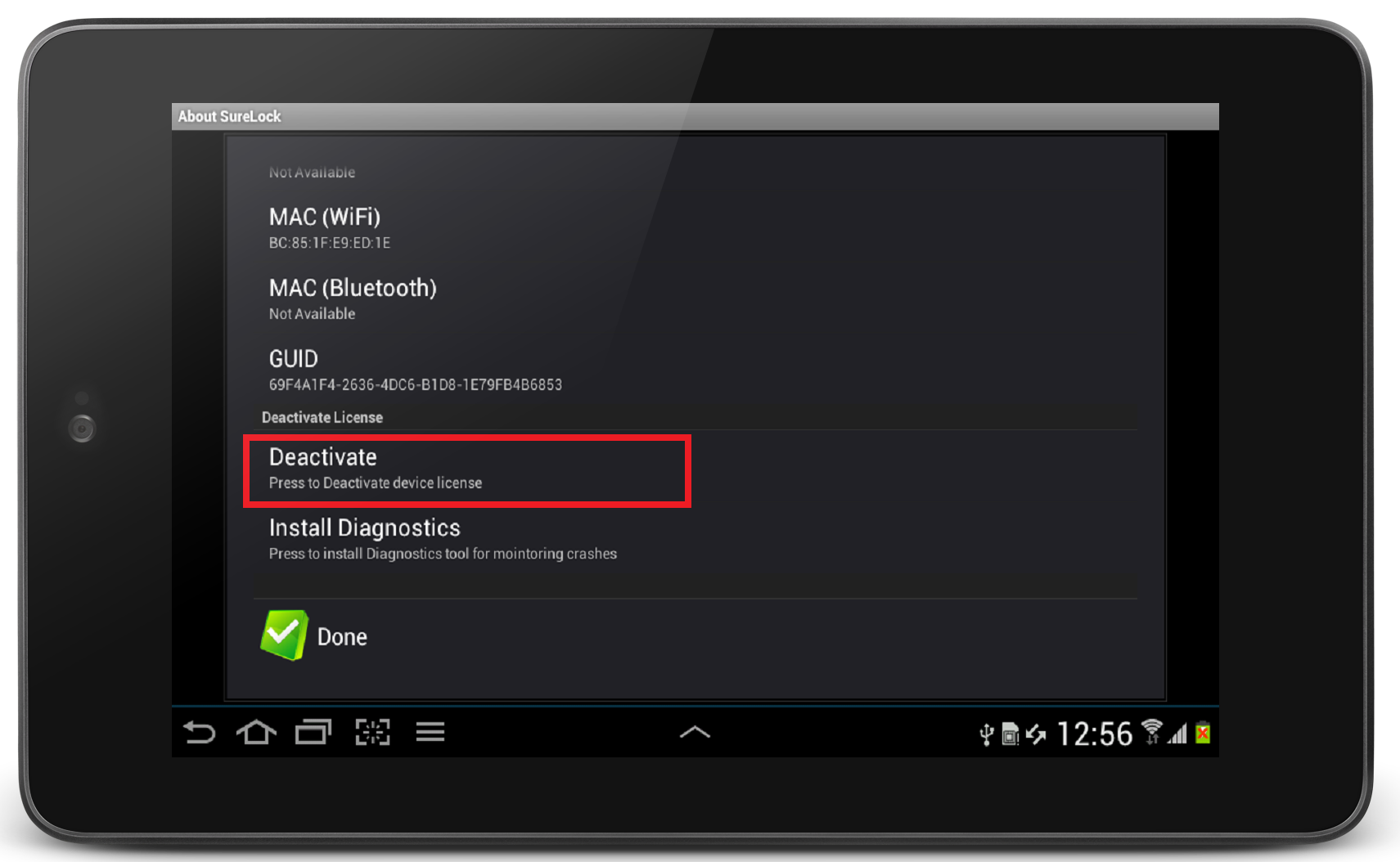
Wi-Fi MAC Address or IMEI Number of all the activated devices. You can note down these values from SureLock and SureFoxAbout screen. In case of a problem, you can just write back to us with the device Wi-Fi MAC Address or IMEI Numbers values and we'll free up the license for you.
 In case your phone was restored to factory default settings, don't worry about loosing your SureLock and SureFox license. You can re-install SureLock/SureFox and reuse your existing activation code which was used on the device previously. The device count of the license will not get affected.


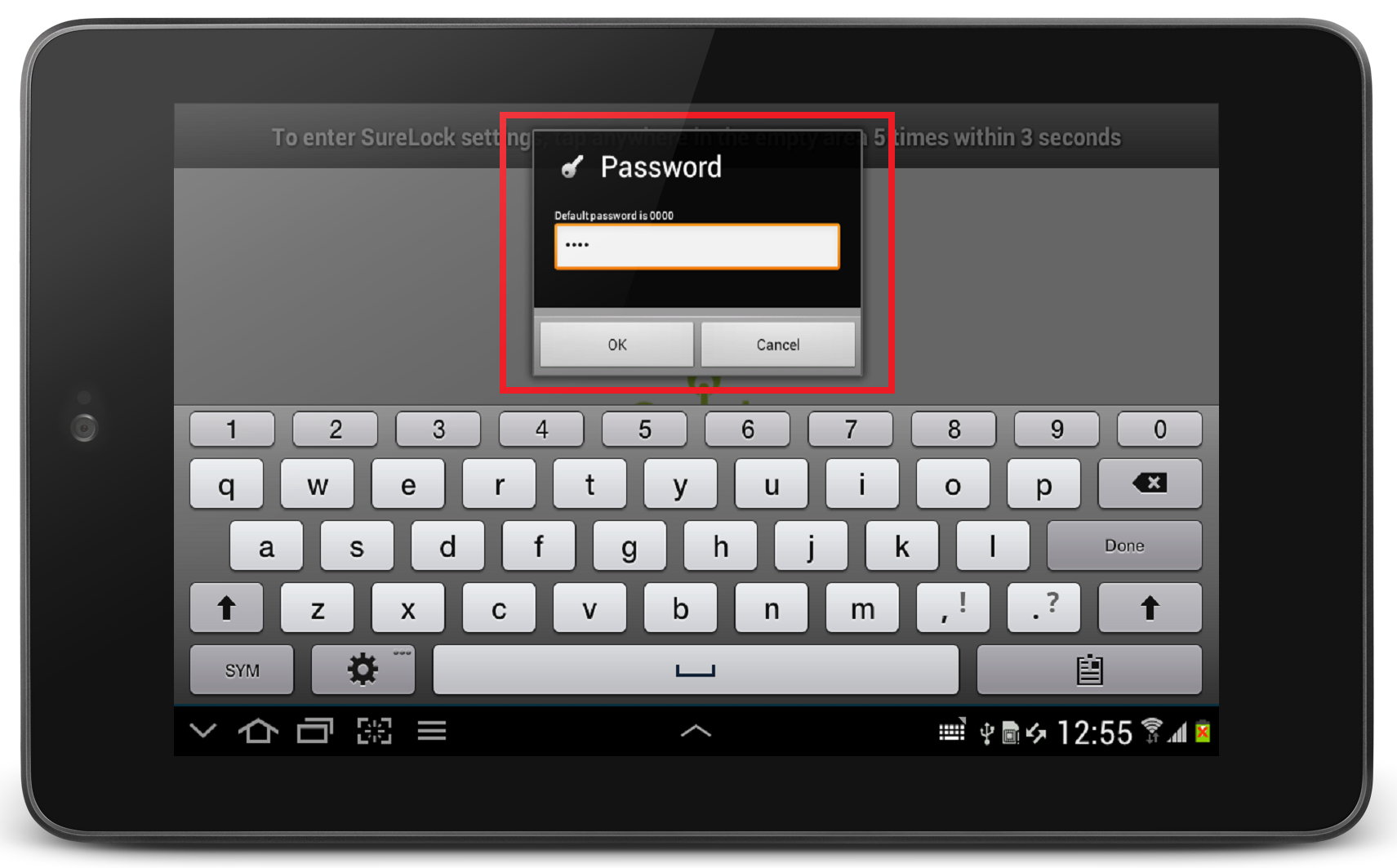
1. Access SureFox/SureLock Settings by tapping five times within three seconds on the Home Screen and using the login password