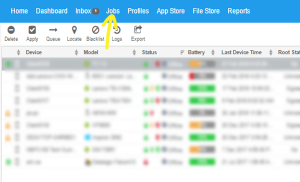
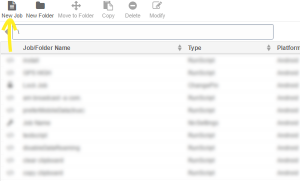
Jobs >New Job.
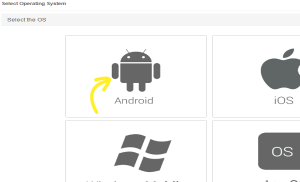
Select Operating System screen, select Android.
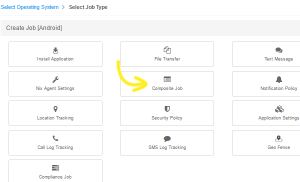
Select Job Type page, select Composite Job
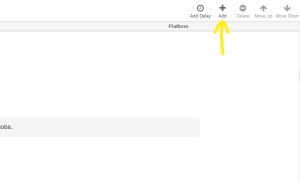
Configure Job screen, enter the Job Name and click Add
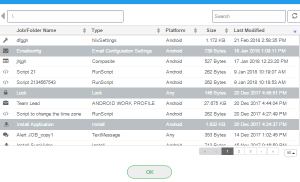
Select Job(s) To Add prompt, select the desired job(s) and click Ok
ConfigureJob
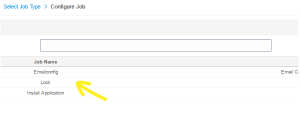
Note: Use the controls, Move Up and Move Down toarrange the sequence of jobs.
Ok
The newly created job will get listed in the Jobs List
Home
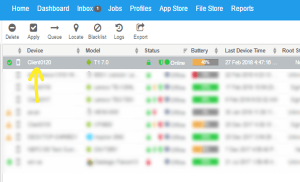
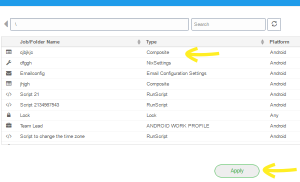
Apply to launch the Apply Job To Device
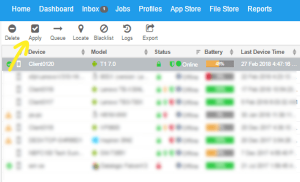
Apply Job To Device prompt, select the job and click Apply.