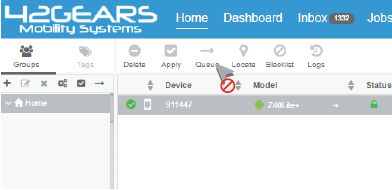
Steps to set User Access Permissions for an existing user:
Settings icon on top right of SureMDM Web Console
User Management
User Management
Edit User
Edit User Settings prompt, click on User Permissions
UserPermissions prompt, make the desirable changes in the permissions for the user and click OK
Steps to set User Access Permissions for a new user:
Settings
User Management
User Management
Add User
Create New User prompt, enter the following details and click on User Permissions:
UserPermissions prompt, customize the permissions for the user and click OK