| Applies to: | |
| Product | SureFox |
| Platform | iOS Version 6/6.1 |
SureFox
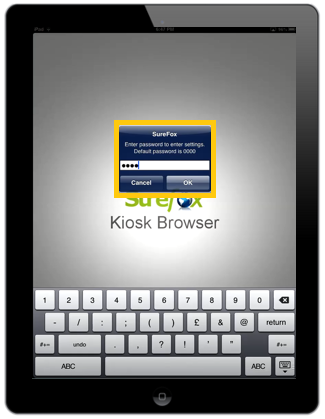
SureFox Settings by tapping on SureFox Home Screen 5 times within 3 seconds and entering SureFox
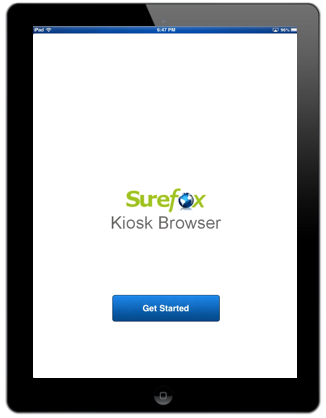
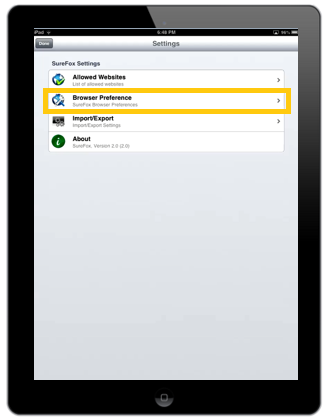
Settings screen, under SureFox Settings, tap on Browser Preference
Browser Preference, under Home Screen Wallpaper option, type in the name of the wallpaper image file saved in SureFox Documents
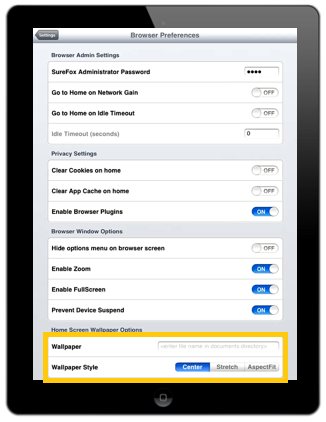
Wallpaper Style from following options:
- Center
- Stretch
- Aspect Fit
SureFox Documents folder using Apps options in iTunes
TIPS
Guidance for customer to use the kiosk
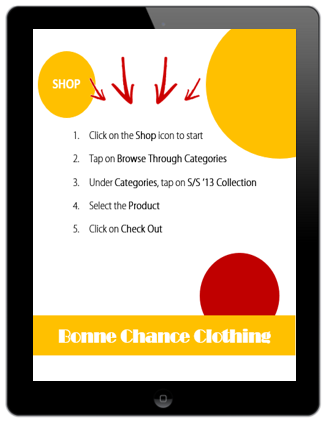
Company Do's and Don’ts for employees

SureFox for iOS , to read more click here
click here and to explore similar products for Android and Windows, click here