| Applies to: | |
| Product | SureMDM |
| Platform | Samsung Android |
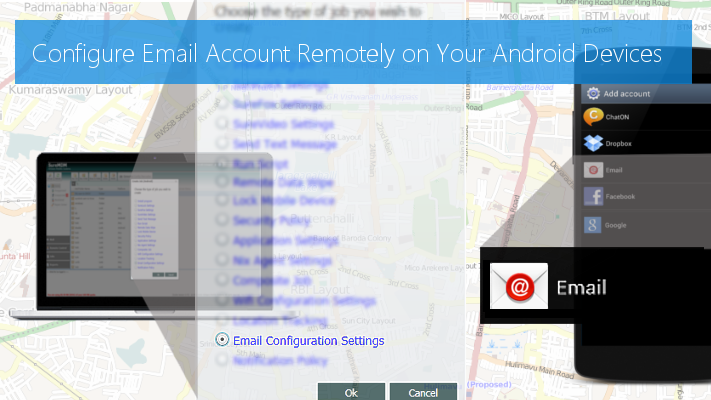
SureMDM - Email Configuration Settings, you can now remotely configure email accounts on Samsung Android devices (4.2.2 and above) located anywhere in the world. SureMDM is Samsung KNOX and SAFE compliant.
Follow below mentioned steps to remotely configure an email account on a Samsung Android device (4.2.2 and above
1. Install latest version of SureMDM Nix Agent on your Samsung
2. Configure the Nix Agent with your SureMDM Account Details
3. Login to SureMDM Web Console
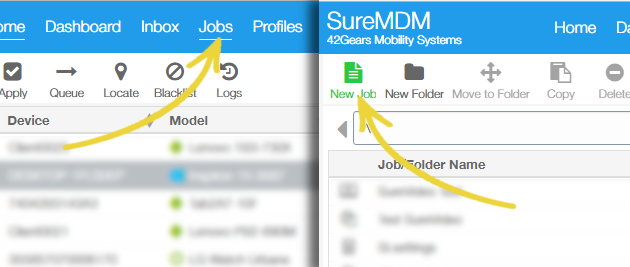
4. Click on Jobs and then click on New Job
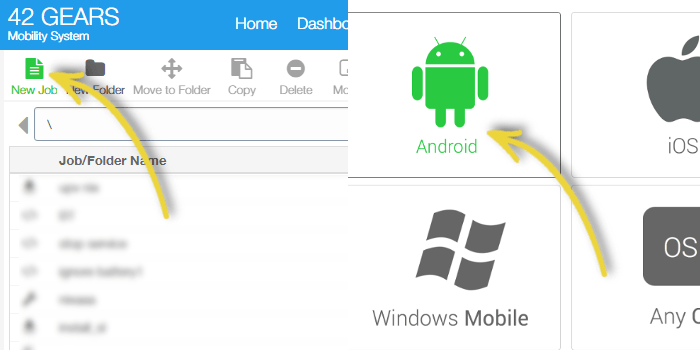
5. On Select Operating System page, select Android and click on OK
6.On Select Job Type page, select Email Configuration Settings
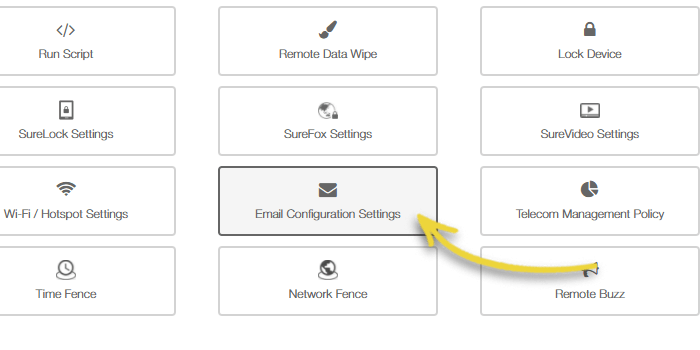
7. On Email Configuration Settings prompt, select Create Email Account
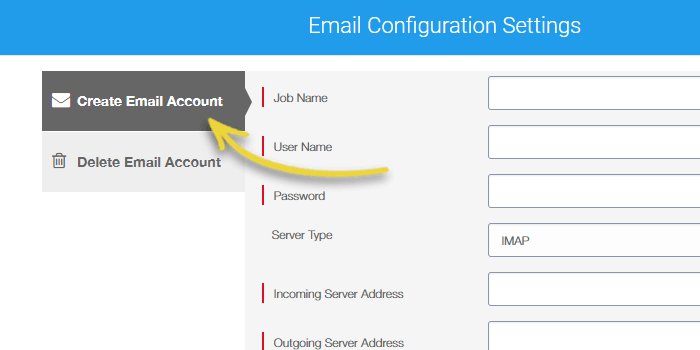
8. Give a Job Name
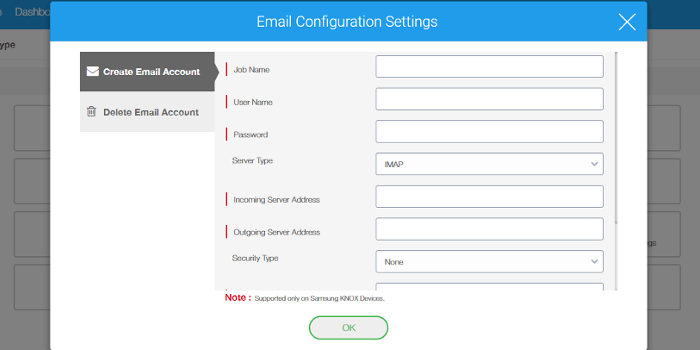
- Username
- Password
- Server Type - IMAP/POP3/MS Exchange
- Incoming Server Address
- Outgoing Server Address
- Security Type
- Incoming Port
- Outgoing Port
- Signature
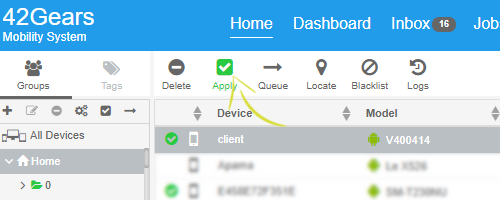
10. Go back to SureMDMHome and select the device from the Device List section to configure the email account
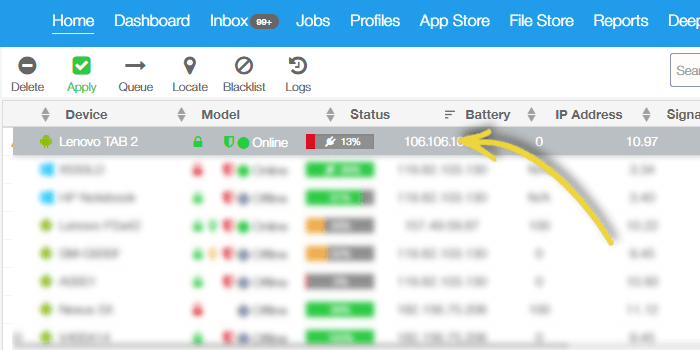
11. Click on Apply
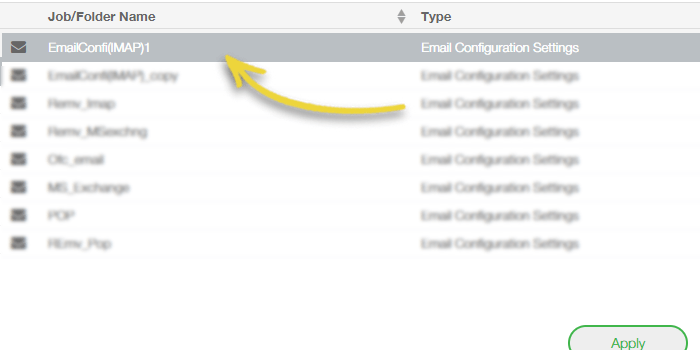
12. Select the Email Configuration Settings job and click on OK
SureMDM, click here
SureMDM Nix Agent, click here
To register for free 30 day trial, click here.
42Gears, click here